
Smart Classroom Touch Frames: What Schools Should Plan Before Installation
Interactive boards look simple in a demo: tap, draw, play a video. In a full school rollout, success depends on wall structure, display size, touch frame quality, software teachers will actually use, device management and a support path when a panel goes dark the morning of exams. Planning those details early prevents expensive classroom downtime later.
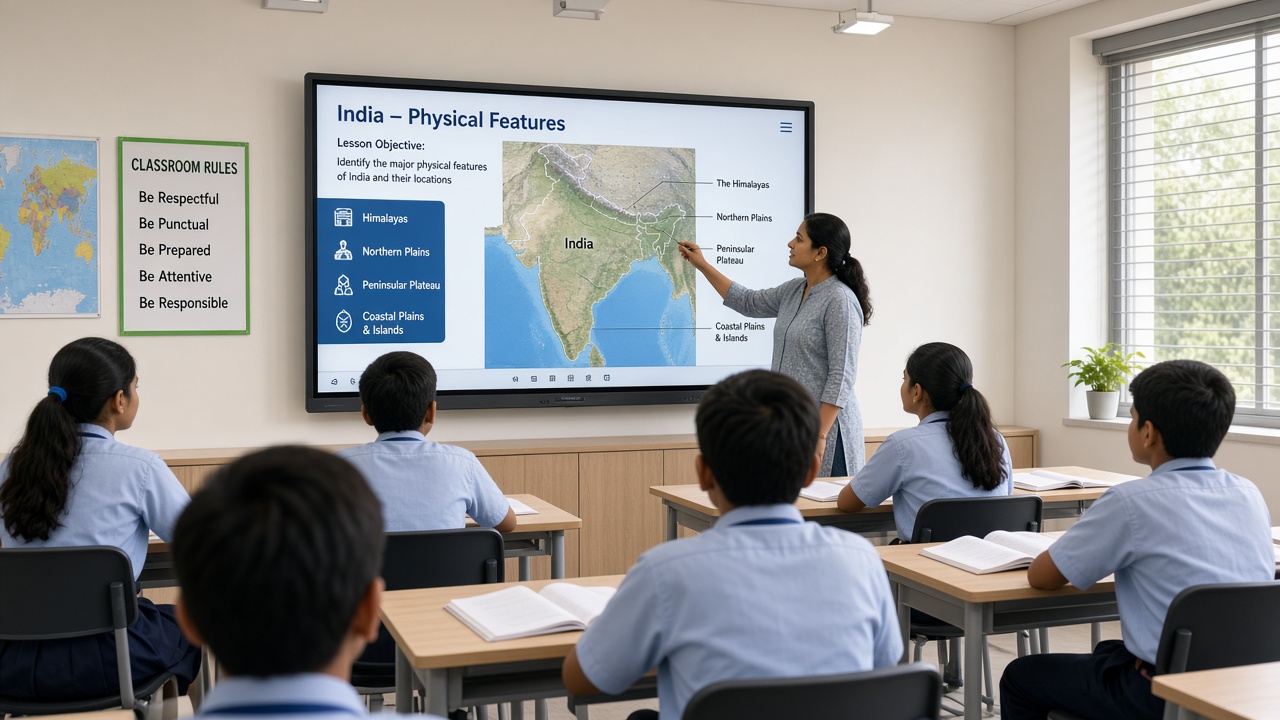
Touch frame, interactive flat panel or add-on overlay?
Schools can buy all-in-one interactive flat panels (IFPs) or add infrared touch frames to compatible commercial displays. IFPs bundle touch, speakers and Android or Windows compute in one warranty line. Touch frames can upgrade existing panels when budgets are phased, but require careful sizing, bezel fit and driver support.
Maram’s interactive touch frames suit schools that want reliable multi-touch on large classroom displays without replacing every panel at once. Whichever route you choose, standardize on one architecture per campus so spare parts, calibration steps and teacher training stay consistent.
Size the display for the room, not the brochure
Viewing distance and seating layout should drive diagonal size. Primary classrooms with short viewing distances need readable text at the back row; larger lecture spaces may need dual displays or higher brightness. Document ceiling height, sunlight on the board wall and whether students sit at an angle.
- Mounting: Confirm wall load, stud locations and whether a mobile stand is safer for shared rooms.
- Cabling: Plan HDMI, USB touch, power and network paths before boards are fixed—retrofit conduit is disruptive.
- Audio: Decide if built-in speakers are enough or if room PA integration is required.
- Compute: Choose embedded Android/Windows on the panel, an external mini PC or tablet casting—and document who reboots it.
Software and content workflows teachers will use
Hardware without lesson workflow becomes a expensive projector. Define which apps are approved, how teachers log in, where files are stored and whether content must work offline during network outages. Align with your school management platform when timetables, notices or attendance should appear on classroom screens.
Pair interactive boards with tablet PCs only when there is a clear job—student stations, lab work or teacher mobility—not as an unfunded second fleet. Our school ERP buyer guide covers platform evaluation; this article focuses on the physical classroom layer.
MDM, lockdown and shared classroom devices
Panels that run Android or Windows need the same discipline as student tablets: kiosk or launcher lockdown, controlled updates and a known recovery path. Explore DCM Console and read Android Enterprise for school fleets when panels and tablets share one support team.
Name every device by room number, record serial numbers and keep one spare touch controller or compute module on campus if classes cannot pause for courier delays.
Rollout, training and support ownership
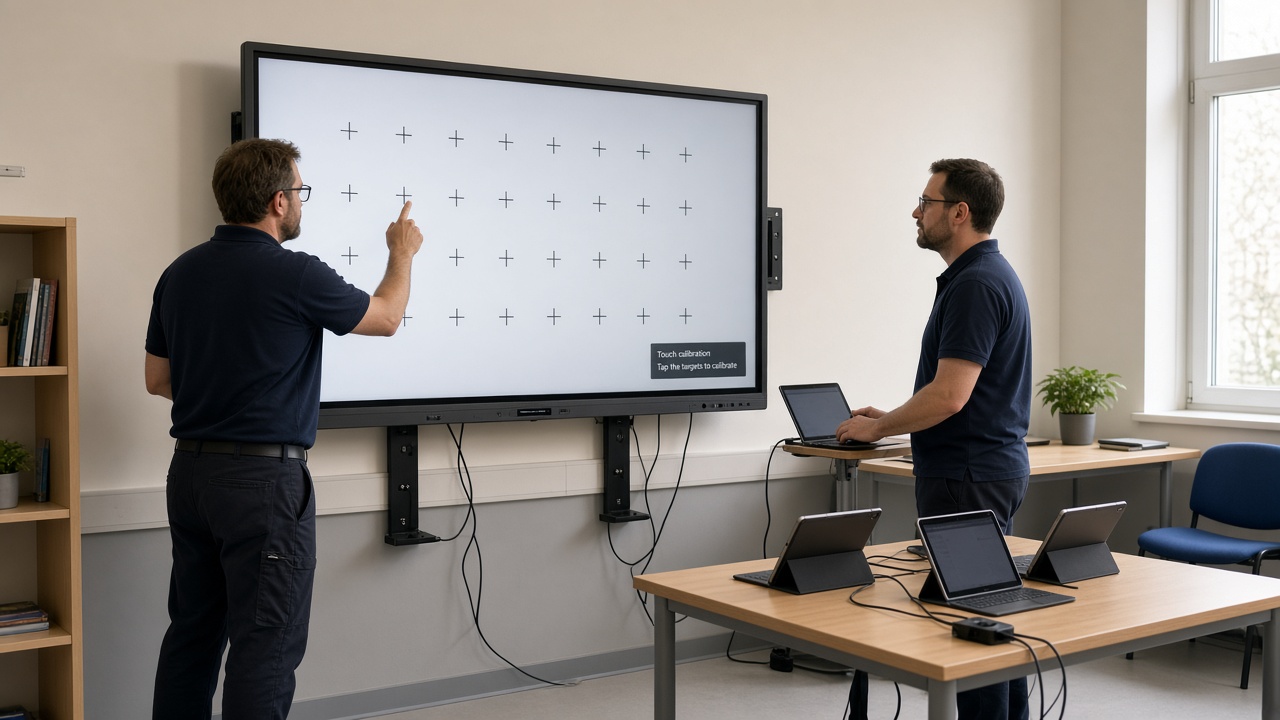
Phase deployments by building and teacher readiness, not purchase order dates alone. Run short training on everyday tasks: orient the board, recover touch after power loss, switch inputs and report faults. Assign a single helpdesk channel so teachers are not guessing whether to call the panel vendor, ISP or internal IT.
Include touch calibration, firmware updates and wall mount inspections in annual maintenance. Document who pays for lamp or panel replacement after warranty—especially for grant-funded projects with fixed timelines.
Pre-installation checklist for schools
- Room survey completed (distance, glare, wall strength, power)
- Standard panel or touch frame model selected with spares policy
- Cabling and network requirements signed off
- Teacher software stack and login model defined
- MDM or lockdown approach documented for smart panels
- Training deck and fault-reporting path published
Smart classrooms deliver value when installation quality and support routines match the excitement of the first demo lesson.
Related reading and solutions
Planning interactive boards across classrooms?
Maram Technologies can help you size touch solutions, plan installation phases and align software, MDM and school operations before rollout.
Talk to Maram