
Digital Signage CMS Buyer Checklist for Multi-Location Retail in India
Screens are easy to order. Keeping the right offer on the right screen in fifty stores across India—on Diwali morning, during a regional price change, and after a power cut—is a software and operations problem. This checklist is for retail buyers evaluating a digital signage CMS before the hardware order, not another overview of what digital signage is.

Why the CMS decision comes before the screen order
A multi-location retail network does not fail because a display was one inch too small. It fails when head office cannot push a weekend offer to the right cities, when a store manager overwrites a brand layout, when a player goes blank after a power cut, or when nobody can see which screens are offline until a customer complains. Those are CMS and operations gaps.
Treat the digital signage CMS as the product you are buying, and the screens and players as the endpoints it drives. Maram’s digital signage software is built around cloud publishing, Android playback, screen groups and schedules—the pieces this checklist asks you to verify with any vendor, including us.
1. Screen jobs and store hierarchy
List every screen job before you talk features: entrance promo, aisle end-cap, fitting-room mirror screen, queue offer, back-office notice. Each job needs a layout type and a refresh rhythm. Then map stores into a hierarchy the CMS can mirror—brand, region, city, ownership type (company-owned versus franchise), and screen group.
- Named groups, not a flat list. “South India – apparel entrance” should be one publish target, not thirty manual selections.
- Exceptions documented. Airport stores, 24-hour formats and franchisees with local pricing must sit in explicit groups so they do not inherit the wrong campaign.
- Player naming. Use outlet code plus position, such as “HYD-JUBILEE-ENT-01”, so support can find a unit when someone calls.
If the CMS cannot express your store tree cleanly, field teams will invent workarounds in spreadsheets. That is a hard reject on a multi-location shortlist.
2. Roles: who can publish, who can only view
Retail signage politics is usually about permissions. Head office owns brand layouts and national campaigns. Regional teams adjust city price cards and language variants. Store staff may need a sold-out toggle or a local event notice—and nothing else.
- Role-based access with separate rights for media upload, layout edit, schedule publish and device reboot.
- Approval steps for campaigns that change price or brand claims.
- Audit history: who published what, to which group, and when.
Ask the vendor to demonstrate a franchise user who can update one store’s local flyer and cannot touch the national playlist. If that demo is awkward, operations will be awkward at scale.
3. Scheduling for India retail calendars
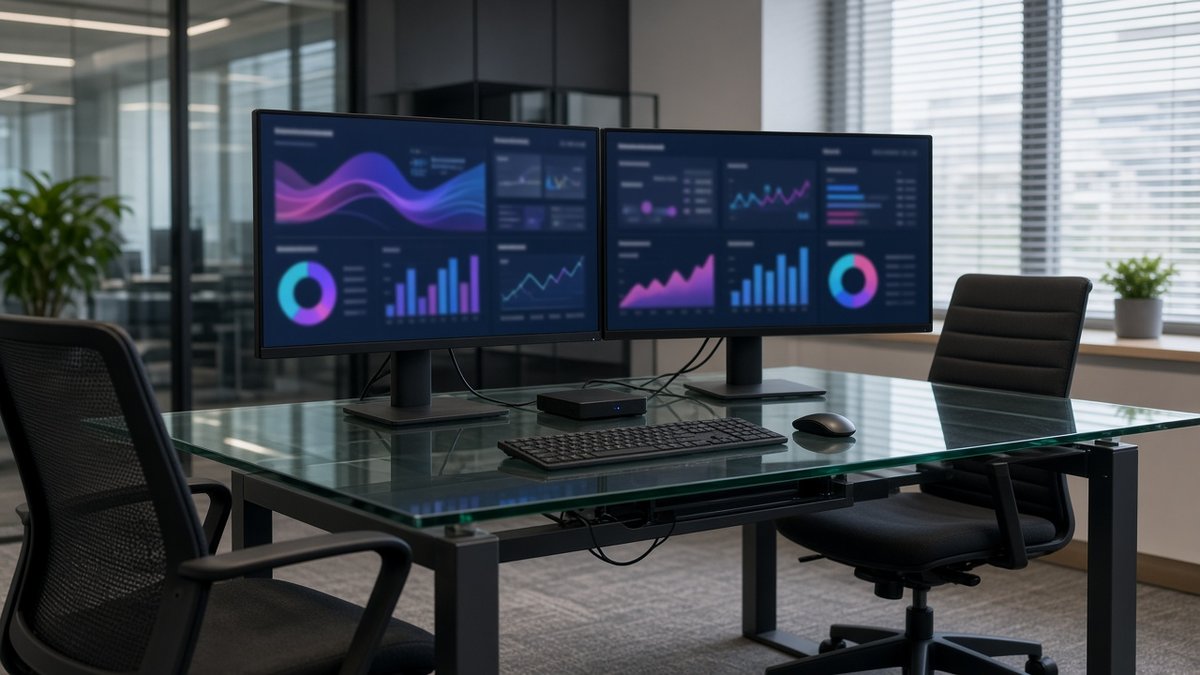
Indian retail lives on calendars that generic “weekly loop” demos often skip. Diwali, Onam, Pongal, Eid, regional sale weekends and city-level festive surcharges all need start and end times that stick. A good CMS lets you stack national overlays on top of evergreen playlists, set day-of-week rules, and retire a campaign automatically at midnight without a human reminder.
- Calendar and playlist scheduling with clear precedence when two campaigns overlap.
- Time-zone awareness if you operate across India and overseas sites from one tenant.
- Templates for price cards, offer strips and bilingual layouts so creative stays consistent.
Test a festive takeover that starts Friday 6:00 and ends Sunday 23:59 across a mixed group of company and franchise stores. Watch whether the evergreen content returns on Monday without a manual cleanup.
4. Offline playback and store network reality
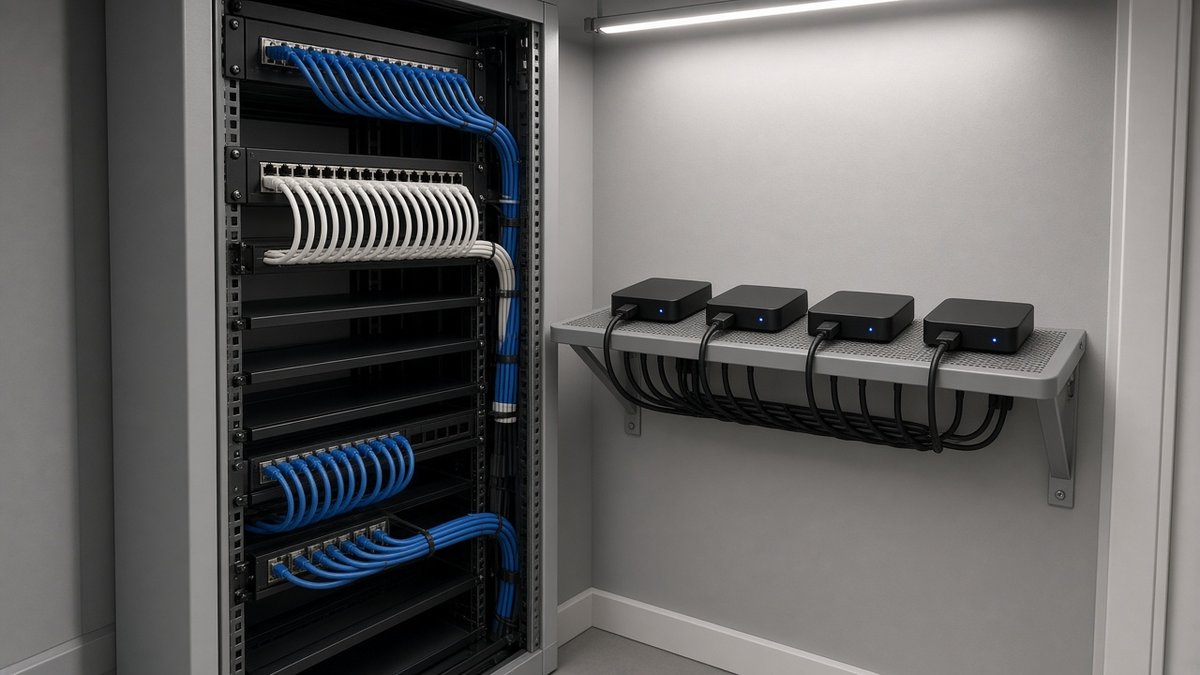
Many Indian stores share broadband with billing, CCTV and guest Wi-Fi. Some lose power every evening. Your CMS and players must treat that as normal: the current playlist lives on the device, playback continues when the WAN drops, and the player reboots into the signage app when power returns.
- Local cache of the active playlist and media.
- Graceful resume after reboot—no Android home screen, no remote required.
- Bandwidth-aware sync so a large video push does not choke the POS line.
- Preference for Ethernet to each player when the store layout allows it.
Ask for a live demo with the network unplugged mid-playlist. If the screen blanks, the CMS is not ready for multi-location retail in India.
5. Health, proof of play and support
Once you pass twenty stores, “is it on?” becomes a daily question. The CMS should show online status, last content sync, storage warnings and screenshot or proof-of-play where your brand or landlord requires it. Pair that with a support script: who the store calls, when a reboot is allowed, and when a spare player ships.
For fleets that also need kiosk lockdown and update windows beyond the CMS, a device layer such as DCM Console can sit beside signage rather than leaving Android endpoints unmanaged. The retail rollout guide covers how pilots, waves and support ownership fit together.
6. Player standard and media rules
Pick one player class for promotional loops and stick to it. Mixed Android and Windows estates fragment spares and training. Confirm resolution, codec and file-size rules so marketing does not upload 4K heroes that never finish syncing to a tier-2 city store. Keep a labelled spare at regional hubs.
Compact Android boxes are the usual retail choice for HDMI screens because they are replaceable and easy to lock to one app. Cost ranges for screens, players and software are broken down in the digital signage cost guide.

7. Licensing, data and exit questions
Before you sign, get clear answers in writing:
- Is pricing per screen, per store, or per tenant—and what happens when you add seasonal pop-ups?
- Where does media and play-log data sit, and can you export it?
- What is the India support window, and who owns on-site visits versus remote fixes?
- If you leave, can you export layouts, schedules and device inventories?
Global buyers should ask the same questions for local language packs, regional hosting and after-hours coverage. The checklist does not change; the answers must fit each market.
8. Pilot criteria before you scale
Do not roll out on a slide deck. Run two to five stores for at least two weeks and tick these off on real trading days:
- A national campaign publishes to the right groups and only those groups.
- A regional price card updates without breaking the brand template.
- Power off overnight; screens return to signage on their own in the morning.
- Broadband unplugged during trading; evergreen content keeps playing.
- One offline player appears in the health view within your agreed alert window.
- Store staff follow a one-page support script without calling marketing.
Only when that pilot is boring should you order for the next wave. Boring is the goal.
Buyer checklist you can take into demos
- Store hierarchy and screen groups match how you actually operate
- Roles for HO, region, franchise and store proven in a live demo
- Festive and regional schedules with automatic end dates
- Offline cache, reboot-to-app and Ethernet guidance documented
- Health view, naming standard and support script agreed
- One player class, media standards and spare policy written down
- Licence, data residency and exit terms in the quote
- Pilot stores and success criteria signed before hardware bulk order
Use this list with every vendor. The best digital signage software for India multi-location retail is the one that survives your worst store network day—not the one with the flashiest demo reel.
Frequently asked questions
Shortlist a CMS with a real retail pilot
Tell us how many stores and screens you run, who publishes content today, and which cities are next. We reply with a practical CMS and player pilot plan within one business day.