
Digital Signage Cost: What Actually Changes the Bill
A signage quote that is only a screen price is unfinished. The bill moves when you add a commercial player, a cloud CMS, a mount, someone to change the menu, and a way to know the screen is still on next month. The ranges below are typical 2026 market bands in rupees and dollars, so a buyer in India or anywhere else can see which line will dominate before asking for a formal quote.
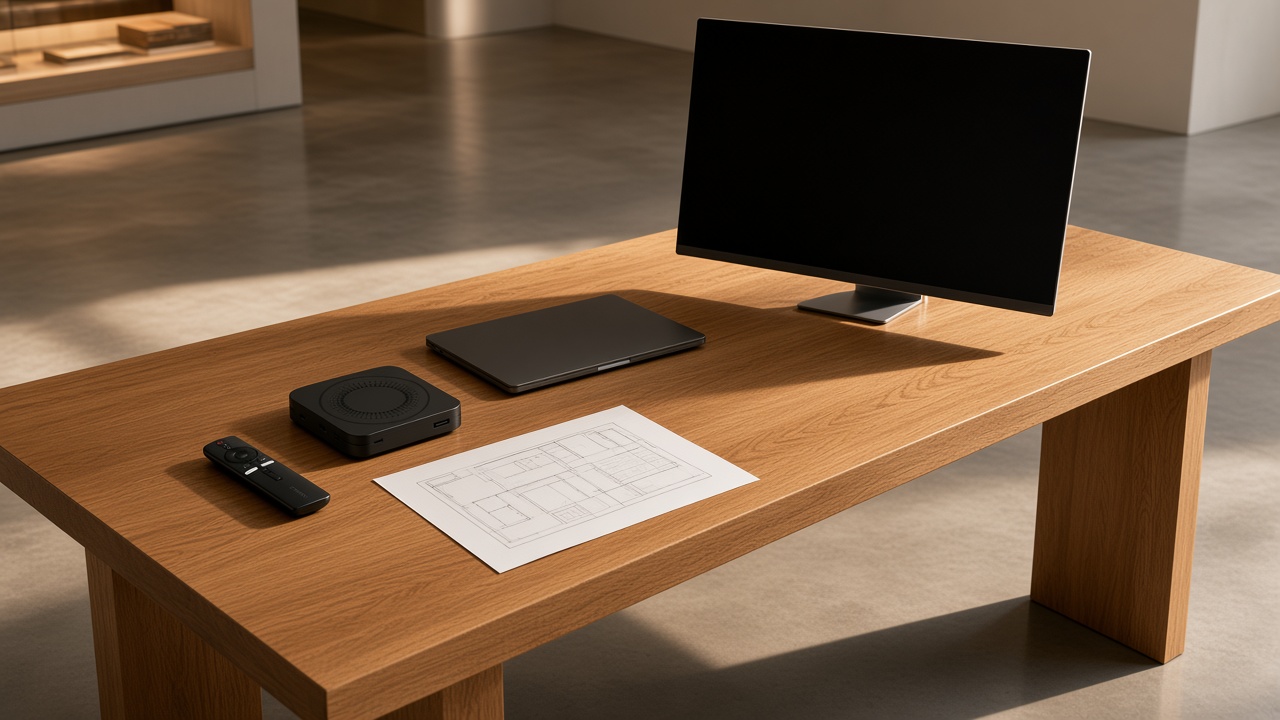
Move the network and see which cost wakes up
Maram quotes after the rooms, the hours and the content owner are known. The sketch below does not calculate a price. It shows which part of the project starts to dominate as the network grows. The rupee and dollar tables further down are the numbers people expect when they search for digital signage cost.
Sketch the network
Typical 2026 price ranges in ₹ and USD
These are planning ranges compiled from publicly listed commercial signage prices in 2026. They are not a Maram rate card, and they are not a currency conversion of each other. A project in India should be read against the rupee column. A project bought and supported in the US or Europe should be read against the dollar column. Real quotes fall on both sides once brightness, size, warranty and the number of sites are known.
| Cost line | India planning range | USD planning range |
|---|---|---|
| Commercial display, about 43–55 inch, indoor | ₹18,000–₹70,000 each | $220–$850 each |
| Commercial Android player | ₹3,500–₹12,000 each | $40–$150 each |
| Cloud CMS | ₹500–₹1,200 per screen per month | $6–$15 per screen per month |
| Mount, cabling and first installation | ₹2,500–₹12,000 per screen | $30–$150 per screen |
| Spare player | One extra unit per site type | One extra unit per site type |
Outdoor and high-brightness panels sit above these bands, often several times the indoor figure, because the panel, the enclosure and the power design change. A consumer television and a streaming stick sit below them, and they also sit outside a network you expect to run for years. If a screen must stay on a single approved job, budget Android device management as well. Public MDM plans are often discussed around ₹100–₹250 per device per month, or about $1–$3, on top of the CMS. DCM Console is the Maram product for that device layer. Cloud digital signage is the product for playlists, publishing and proof that a spot played.
The five lines that belong on the same page
The display is usually the visible line. Brightness, size, bezel and warranty decide where it lands inside ₹18,000–₹70,000 or $220–$850. A menu board behind glass in a bright food counter needs more nits than a dim lobby, and that single choice can double the panel line before anyone talks about software.
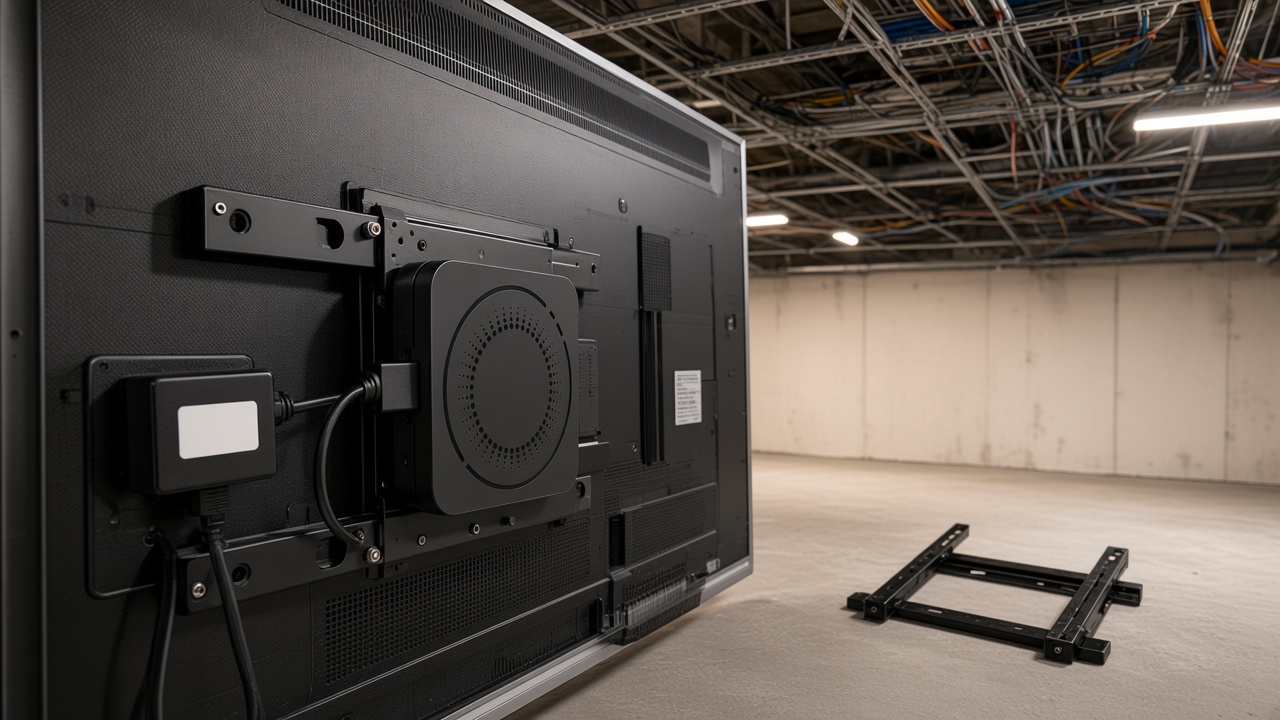
The player is the line that decides whether the screen boots into a playlist or waits for a remote. A consumer stick looks cheaper until the first site call. A commercial Android box, such as the HORON H15 Plus, is bought so playback, remote control and a spare unit are part of the standard. At ₹3,500–₹12,000, or $40–$150, the player is rarely the largest line. It is the line that protects the larger one. Replacing a panel because the stick behind it failed every week costs more than buying the right player once.
The CMS is the third line. At ₹500–₹1,200 per screen per month, or $6–$15, a small lobby can look expensive next to a USB stick. The comparison changes the week a second person needs to publish, or the week a brand asks for proof a spot played. Maram’s digital signage software is built for that operating model: schedules, screen groups and a record of what ran. Software cannot replace the person who owns the content. It can stop them emailing a file to every store.
Mounting, power and the hour a technician spends above a ceiling are the fourth line. Buyers leave it off the first spreadsheet because it is not a product SKU. On a retrofit it is often ₹2,500–₹12,000 per screen, or $30–$150, and it can exceed that when the wall needs reinforcement, a new circuit or work outside shop hours. The fifth line is support after launch: a spare player, a named contact, and someone who can tell a dark screen from a dark playlist. That is an operating cost, not a launch-day surprise.
A worked example, so the ranges become a budget
Take ten sites with two indoor screens each. That is twenty screens. Using the middle of the ranges above, not a Maram quote, the picture looks like this.
- Displays at about ₹40,000 each: ₹8,00,000. In the dollar band, about $500 each is $10,000.
- Players at about ₹8,000, plus two spares: ₹1,76,000. About $90 each is roughly $2,000.
- First installation at about ₹6,000 per screen: ₹1,20,000, or about $1,600 at $80.
- CMS at about ₹800 per screen per month: ₹1,92,000 for the first year. At $10 per screen per month that is about $2,400.
The first-year illustration is about ₹13 lakh in the India column, or about $16,000 in the dollar column. Read those as two separate sketches. Do not convert one into the other and call it a quote. Content design, photography and the staff time to approve a loop are still missing, and they are often larger than the CMS subscription in year one. A single high-brightness window screen can move the display line by more than the entire CMS line.
Now change the shape of the same twenty screens. One flagship with twenty panels has one mount team, one network and one content owner. Ten shops with two panels each have ten site visits, ten local network problems and ten people who will call when a screen stays black. The hardware total can be similar. The installation and support totals will not be. That is why a per-screen average copied from a vendor homepage misleads a multi-site buyer.
What moves a quote off the middle of the range
Screen size and brightness are the obvious movers. A 32-inch menu and a 75-inch window are not the same product, even when both are called digital signage. Duty cycle matters next. A panel rated for a living room and a panel rated for sixteen hours a day do not fail on the same calendar, and the cheaper one is often replaced inside the warranty conversation you hoped to avoid.
Player standard is the quiet mover. Mixing consumer sticks, old Android boxes and one commercial model means three update paths and three spare bins. Standardising on one commercial Android player costs more on day one and less every time a site fails. If some screens are also kiosks, the player has to accept a lockdown policy, not only a playlist. That is a different product decision, covered in Android MDM for kiosks, and it is why the budget should name device management separately from the CMS.
Publishing rights move the CMS line. One brand team publishing to every site is a simple licence. Franchisees who publish locally, plus a brand that must approve or override, need roles, groups and an audit of who changed the loop. Proof of play, day-part schedules and emergency override are the features that justify the upper half of ₹500–₹1,200 or $6–$15. A USB stick has none of them, which is why it looks cheaper until the second city opens.
Installation conditions move the fourth line more than buyers expect. A new fit-out with conduit in the wall is the low end. A live store that can only be worked after closing, a ceiling void with no power, or a landlord who requires a specific bracket is the high end. Ask the installer to price a site visit even when the screen is “only a bracket.” The visit is the product.
Price the pilot, then the pattern
One site with two screens tells you the mount, the brightness and who actually updates the loop. Copying that pattern across more sites is where the CMS and a named player standard earn their place. Spend the pilot budget on a finished site: panel, commercial player, mount, power, the first playlist and a week of someone watching what fails. Do not spend it on twenty panels with no decision about who publishes.
After the pilot, write the pattern in one page. Which player is standard. Which brightness is standard for the window and which for the interior. Who may publish. What a spare looks like and where it lives. What “screen down” means and who is called. That page is what stops the eleventh site from becoming a new project. A rollout note with the operating questions is in how to plan a retail signage rollout.
Budget the second year on purpose. CMS continues. A share of players will need replacement. Content will be redesigned when the offer changes. Published planning guides for software often set aside a yearly maintenance band. For signage, a practical version is the CMS subscription plus a small hardware reserve, often one spare player for every ten to twenty screens, and a content retainer if the brand does not have an in-house designer. Leaving year two off the first approval is how a network goes dark quietly.
How to read a vendor quote
Put every quote on the same five lines: display, player, CMS, installation, and the person or retainer who changes content. Ask what is excluded. GST or local tax, brackets, HDMI leads, network configuration, training, proof of play and the spare unit are the usual omissions. A low per-screen software price that excludes device lockdown is not comparable with a price that includes it.
Ask who owns the content account and the device account after you pay. The screens are yours. The cloud tenant and the player admin should be yours as well, so a later change of vendor does not start with a locked box. Ask how a screen reports that it is offline, and how long a cached playlist survives without the network. Those two answers decide whether the CMS fee is buying operations or only a place to upload a video.
See the software, then ask for a number that includes the player
Look through digital signage if the job is publishing, and DCM Console if the job is also locking the Android player. Then tell us the sites, the screens in each, and who will change the content. We separate hardware, software and the first pilot. This page’s ranges stay planning bands. The quote is the one we send after that conversation.