
Digital Signage and New Devices: What Technology Buyers Should Watch
Digital signage is no longer just a loop of videos on a lobby TV. New screens, compact Android players, interactive touch surfaces and cloud publishing tools are changing how businesses run content across stores, campuses, hospitals and restaurants. The useful question is not which gadget looks newest. It is which device class will stay reliable after the first month of real operations.
What “new devices” actually means in a signage network
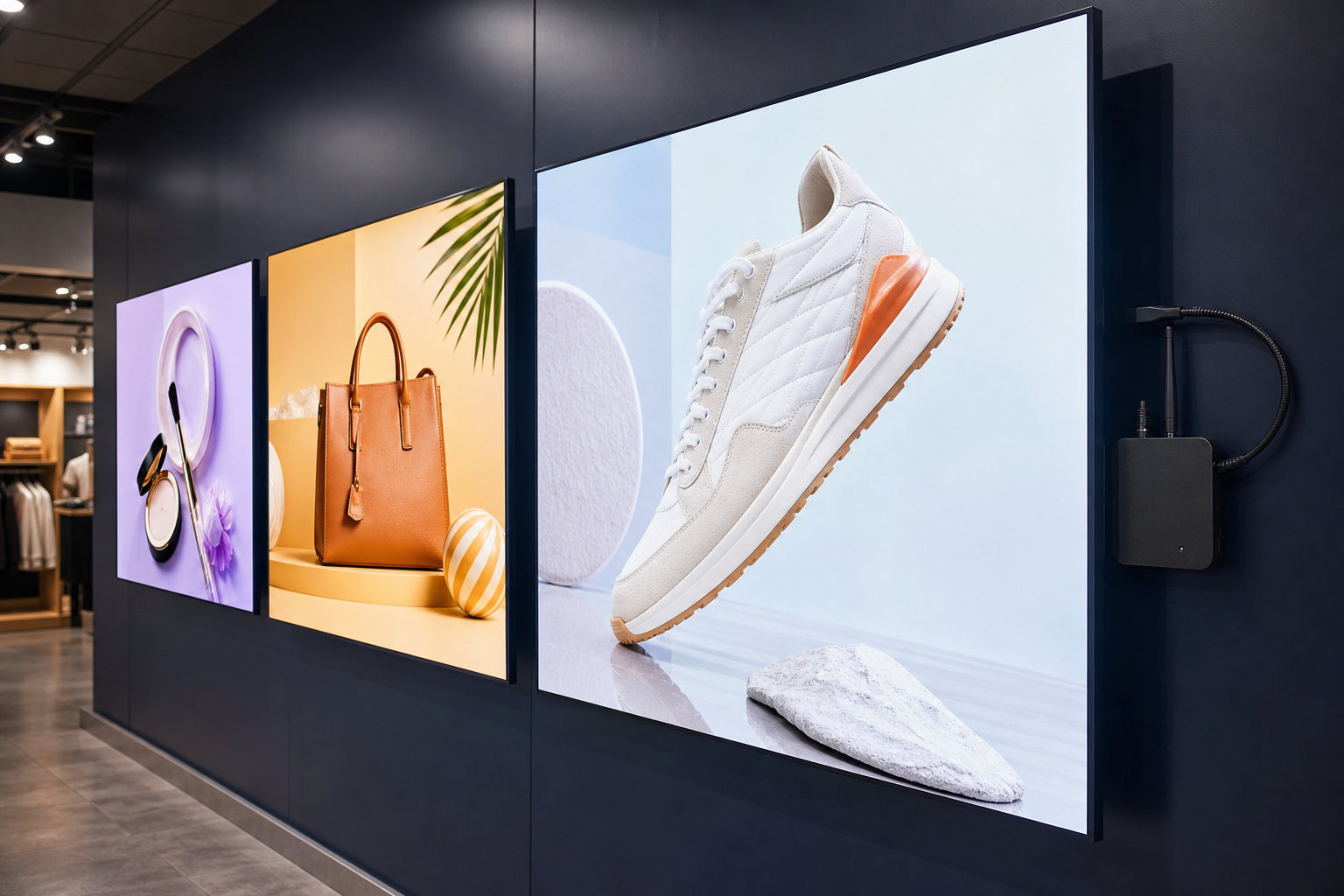
Most deployments still need three layers: a display, a playback device and a software platform that schedules content. What has changed is how those layers are packaged. Commercial 4K panels are more affordable. Android boxes and sticks have become the default player for many CMS platforms. Touch frames turn a display into a kiosk. Some SoC (system-on-chip) displays include a built-in player, while others still need an external media box for better firmware control and easier replacement.
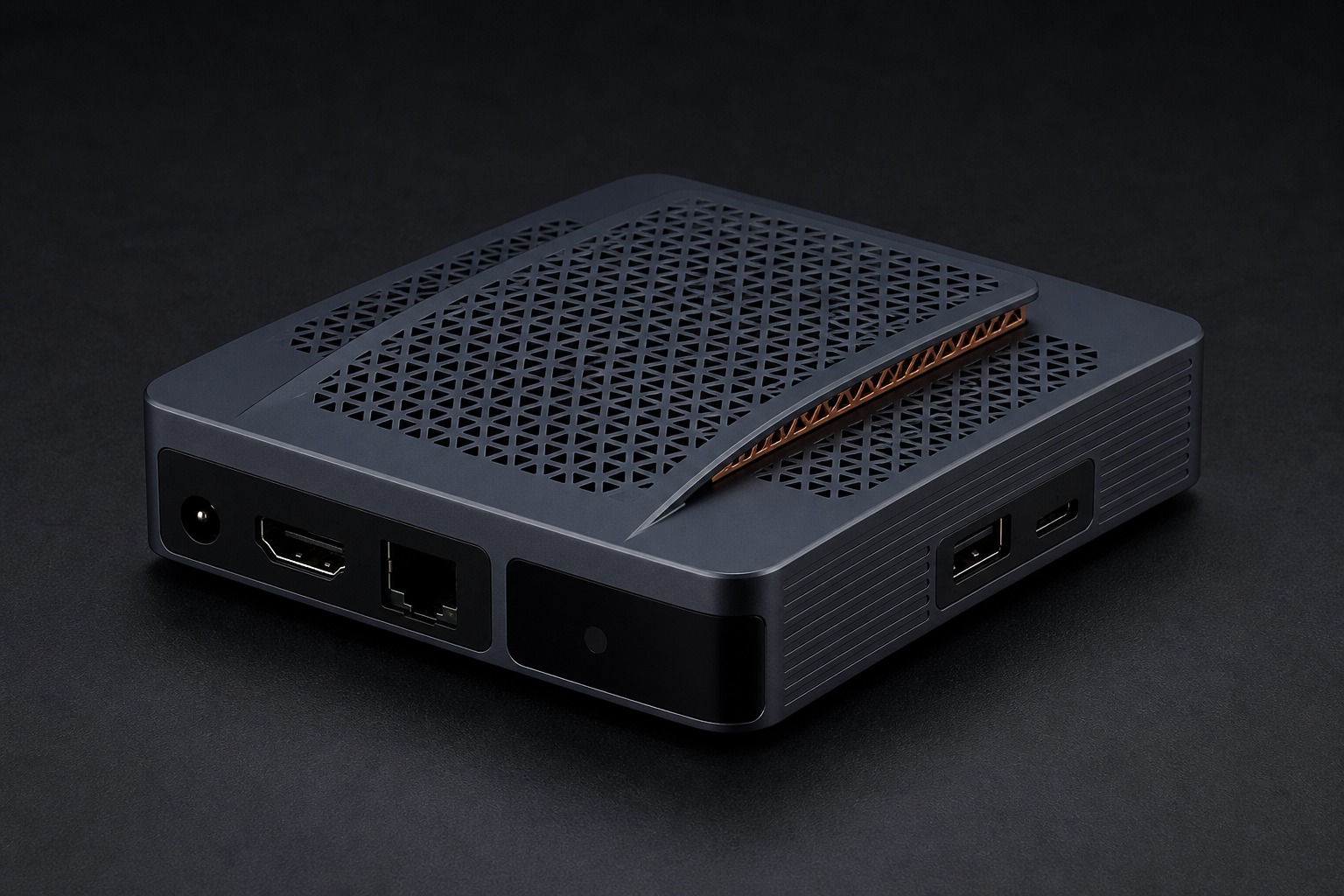
Buyers should treat each option as an operating model. A consumer streaming stick may play a video in a meeting room. A commercial Android player is designed to auto-launch, cache media, survive power cuts and report health to a dashboard. Those are different products even when both use HDMI.
Device and technology shifts worth planning around
- Compact Android players: Boxes and sticks remain the practical endpoint for multi-location networks because they are easier to standardize, stock and replace.
- Higher-resolution commercial displays: 4K is common, but brightness, orientation, duty cycle and mounting matter more than resolution on a spec sheet.
- Interactive surfaces: Touch frames and tablets support wayfinding, menus, visitor kiosks and classroom boards when the software is designed for that interaction.
- Cloud CMS and remote commands: Content teams publish from a browser. Support teams reboot, screenshot or regroup screens without site visits.
- Edge processing: Some players can keep playback running offline, monitor health locally and prepare for later AI features such as occupancy-aware scheduling.
- Managed device policy: Kiosk mode, app lockdown and firmware control stop a public screen from becoming an unmanaged Android desktop.
Match the device to the job of the screen
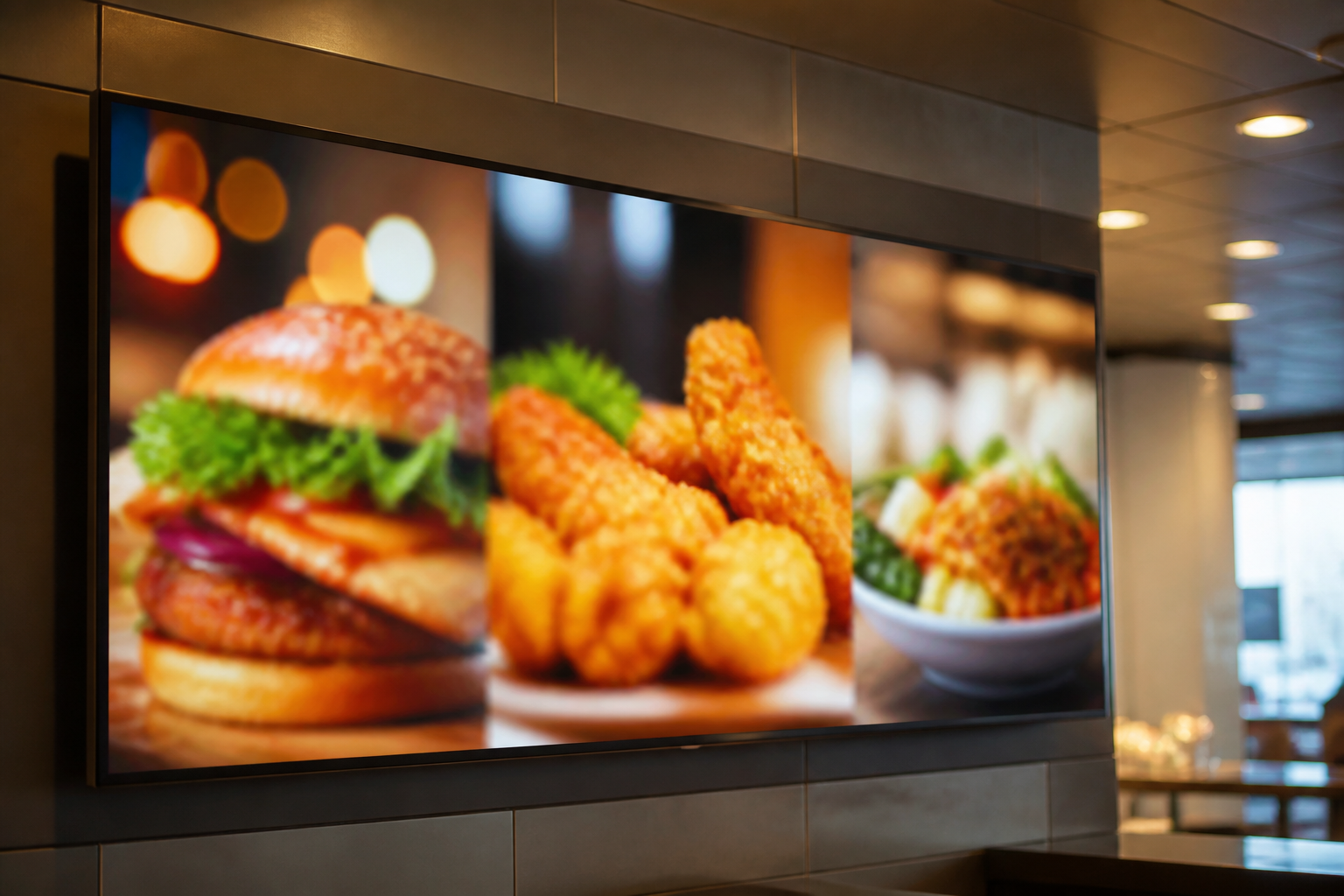
A restaurant menu board needs fast content updates, readable layouts and 24/7 playback. A retail window needs brightness and a simple promotional loop. A hospital waiting area needs calm, scheduled information and remote control for emergency messages. A school or campus board may need both announcements and occasional interactive use.
New technology helps only when it fits that job. Adding a camera or AI chip without a content workflow creates unused capability. Adding a touch overlay without kiosk lockdown creates support tickets. Adding a SoC TV without a replacement plan creates a longer outage when the built-in board fails.
How to evaluate hardware before you scale
Run a short pilot with real playlists, real network conditions and the same mounting method you will use in production. Check HDMI handshake after overnight power loss. Confirm Ethernet versus Wi-Fi behavior. Measure how long it takes to publish a change and to detect a blank screen. Confirm that the CMS player app, storage size, codecs and firmware update path are documented.
Then look at lifecycle: spare units, labeling, cable standards, who is allowed to power-cycle a device, and whether DCM or MDM is needed when the same Android estate also includes tablets or kiosks. Signage hardware succeeds when it is boring in the field: same image, same app, same recovery path.
Software still decides whether new devices pay off
A new player without screen groups, playlists, calendar scheduling, proof-of-play and role-based access is still a USB stick with extra steps. Cloud digital signage platforms exist so non-technical teams can design layouts, upload media and publish to groups of screens. Maram’s signage console at digital.maramtechnologies.in is built around that operating model: dashboard, composition studio and Android playback together.
When screens, devices and content ownership are planned as one system, new hardware becomes an upgrade path instead of a collection of one-off purchases.
Related reading and solutions
Planning new signage screens or players?
Maram Technologies can help you match displays, Android devices, touch interfaces and cloud publishing before you buy hardware at scale.
Talk to Maram