
Industrial Android Tablets for Education and Retail Fleets: Buyer Checklist
A classroom tablet that looks fine in a catalogue can fail on a bright floor, refuse a wall mount, or become unmanageable the week after enrollment. Commercial tablet programs succeed when brightness, mounting, wired network options, MDM and accessories are decided before the purchase order — not after the first hundred units arrive.
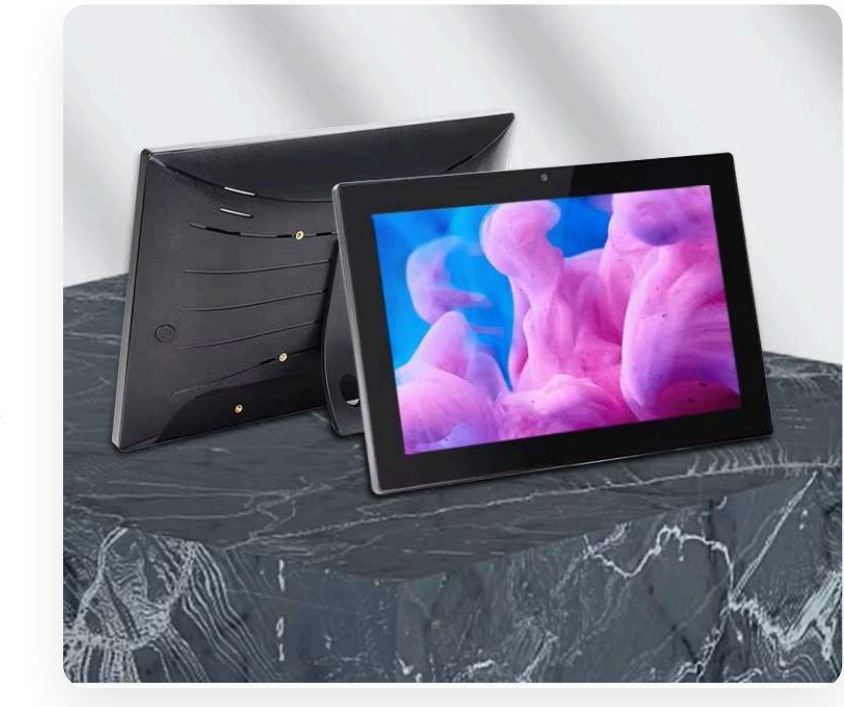
Consumer tablets vs commercial tablet profiles
Consumer devices optimise for personal accounts, battery life and app-store convenience. Education, retail associate and kiosk fleets need shared or managed identities, predictable app packages, charging or PoE rules, cases or VESA mounts, and a wipe-and-reuse process when a device moves between users.
That is why industrial or professional Android tablets exist as a category: brighter panels, commercial I/O, mounting points and OS options that IT can stage. Buying “whatever is on promotion” usually creates a second project for cases, carts and MDM after the fact.
Buyer checklist before you scale a fleet
- Display: Size, resolution and brightness (nit). Floor and window-adjacent installs often need ~500 nit class panels, not dim consumer screens.
- Processor and memory: Quad-core Cortex-A55 class SoCs with 2–8GB RAM options cover most education and retail apps; validate your heaviest app on a sample.
- OS: Android 11 or 13 with full app access is common; confirm MDM / kiosk support for the exact build.
- Power and network: PoE and Ethernet matter for fixed counters and wall mounts; Wi-Fi alone is risky for always-on stations.
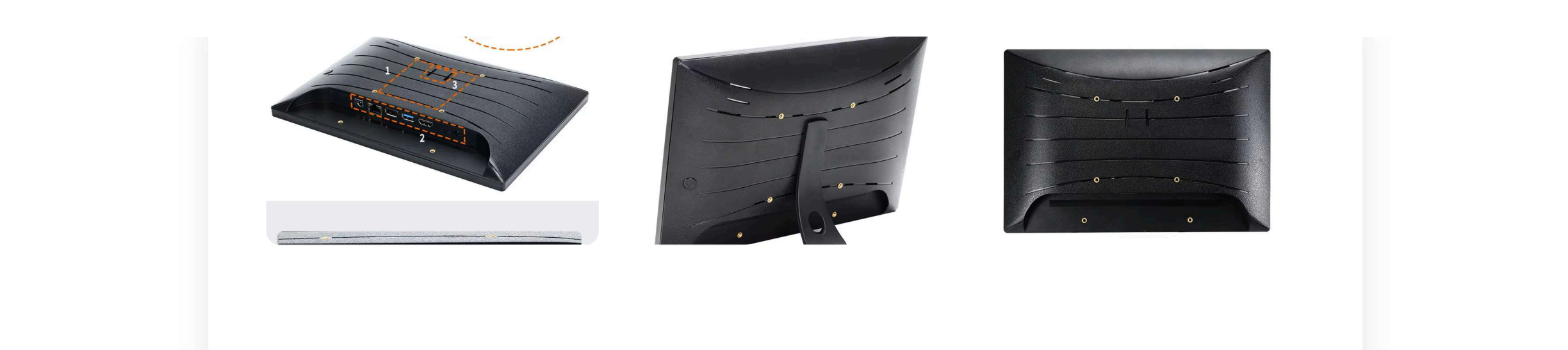
- Mounting: VESA 75×75 compatibility saves custom brackets on carts, arms and walls.
- Accessories standard: Case, charger, cart or stand rules — written once, ordered with every batch.
- Enrollment runbook: Who owns MDM, naming, policies and lost-device wipe before day-one rollout.
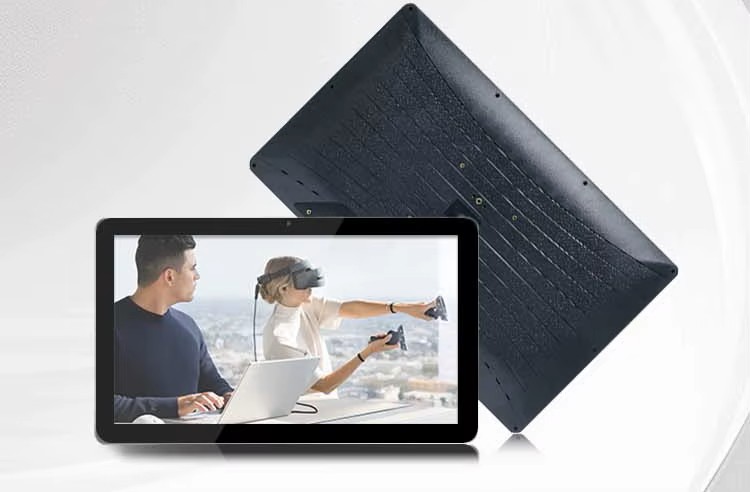
What a commercial profile like QPAD101 is built for
Models such as QPAD101 target 10.1" HD IPS at 500 nit, Rockchip RK3566/3568 options, Android 11 or 13, configurable RAM/storage, PoE & Ethernet and VESA 75×75 mounting. That profile fits classrooms, retail associate tools, mounted information panels and managed fleets where consumer tablets fall short on brightness or fixed installs.
Download the brochure for exact variants, then validate your apps, MDM package and mounting method on sample units before volume orders. See also the broader Tablet PCs program page for rollout context.
MDM is not optional for shared fleets
Without enrollment, policies and a recovery path, every tablet becomes a unique snowflake. Use DCM Console or your existing MDM to lock launchers, push apps, restrict settings and support devices remotely. Pair this with our notes on Android Enterprise for school fleets when classrooms and tablets share one support team.
Document who can wipe a device, how spares are staged, and what happens when a screen cracks. Those three decisions prevent most “the tablets are chaos” escalations six months later.
Pilot, then publish the standard
Run a ten-device pilot with real users, real apps and real charging or PoE. Measure enrollment time, brightness complaints, mount fit and support tickets. Freeze one accessories kit and one MDM profile. Only then scale. Expanding a messy pilot multiplies cost; expanding a boring standard multiplies value.
Maram Technologies helps organisations select commercial tablet profiles, pair them with MDM and plan accessories so education and retail fleets stay usable after the unboxing week.
Related reading and solutions
Planning a classroom or retail tablet fleet?
Maram can help you match industrial Android tablets, MDM and accessories before you buy at scale.
Talk to Maram