
Android Box Chipsets Compared: Amlogic vs Rockchip vs Allwinner
Two Android boxes can look identical on a desk and behave very differently on a wall. The difference usually starts with the chipset, the system-on-chip that holds the processor, graphics, video engine and much more. Three chipset makers appear again and again in Android boxes: Amlogic, Rockchip and Allwinner. This guide explains what a chipset decides, how the three families differ in general terms and how to match one to signage, IPTV, kiosk or industrial work.
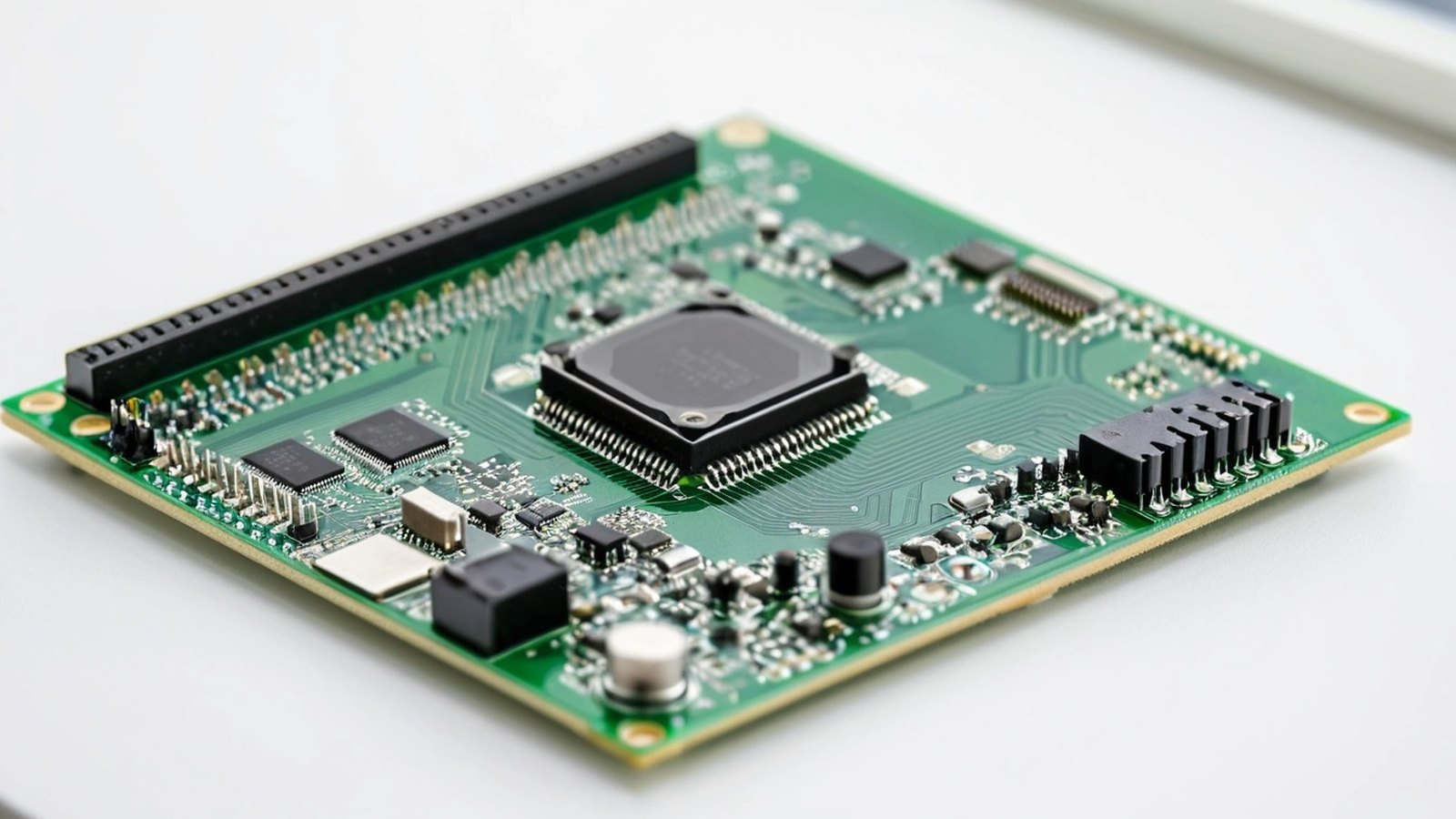
What the chipset decides
A chipset, or SoC (system-on-chip), puts most of a computer onto one piece of silicon. In an Android box it sets limits that no amount of RAM or a nicer case can change:
- Video engine: which video formats the box can decode in hardware and at what resolution. This matters most for IPTV, OTT and video-heavy signage.
- Processor and graphics: how quickly apps open, how smooth menus and animations feel and how well browser-based players run.
- Memory and storage support: the type and amount of RAM and storage the board can use.
- Display and connectivity: how many screens it can drive, its video output options and which network and USB interfaces the board can offer.
- Software support: which Android versions and security updates the chipset vendor supports, and how well Linux runs on it.
- Extras: some newer chipsets include an NPU (neural processing unit) for on-device AI.
Software is easy to overlook. The chipset vendor’s support largely decides which Android builds a board maker can offer. Our guide to Android OS types and versions explains the TV, tablet and phone builds and what changed from Android 7 to Android 16.
Amlogic: built around TV and video
Amlogic is a fabless chip company whose chipsets are widely used in Android TV and Google TV devices, including set-top boxes supplied by cable, telecom and IPTV operators. Its S905 family is a common sight in TV boxes, and newer parts such as the S905X4 add hardware AV1 decoding alongside H.265 and VP9 at 4K.
- Strengths: media playback, HDR support and a long track record in operator and certified TV devices.
- Good fit: IPTV and OTT boxes, hotel TV, video-led signage and menu boards.
- Check: the exact part number, the Android build it ships with, and whether the DRM and app certifications your service needs apply to that specific box.
Rockchip: the widest range, from entry to flagship
Rockchip makes chipsets for TV boxes, tablets, single-board computers, commercial displays and industrial boards. Its range runs from entry-level parts to the RK3588, an eight-core flagship with a built-in NPU and support for several displays. Mid-range parts such as the RK3566 and RK3568 are common in commercial displays and industrial controllers.
- Strengths: a broad performance range, multi-display options on higher-end parts, NPUs on several chips and wide Android and Linux support from board makers.
- Good fit: interactive kiosks, multi-screen signage, machine interfaces, edge AI and industrial projects.
- Check: which exact chip is inside, since a Rockchip box can be entry-level or high-end, and how the box handles heat under full load.
For long-running industrial and control-room screens, see our guide to the industrial Android box for 24/7 operation.
Allwinner: cost-focused and widely used
Allwinner is known for low-cost chipsets in budget TV boxes, tablets and small single-board computers. Its TV-box parts, such as the H313, H616 and H618, use four efficient Arm Cortex-A53 cores and can decode 4K H.265 video.
- Strengths: low cost and enough capability for simple media playback.
- Good fit: image and video loops, simple information screens and cost-sensitive pilots.
- Check: the real Android version and security patch date in the box’s settings. Some very low-cost boxes advertise a newer Android version than the chipset vendor supports.
Side-by-side, in general terms
| Chipset family | Typical strengths | Often chosen for |
|---|---|---|
| Amlogic | TV-focused media playback, HDR, wide use in operator and certified TV devices | IPTV, OTT, hotel TV, video signage, menu boards |
| Rockchip | Wide range from entry to flagship, multi-display and NPU options, strong Android and Linux board support | Kiosks, multi-screen signage, machine interfaces, edge AI, industrial |
| Allwinner | Low cost, efficient quad-core parts, 4K H.265 playback | Simple loops, information screens, budget pilots |
Each family has several generations and tiers, so these are tendencies, not rules. A recent mid-range chip from one maker can beat an old high-end chip from another. Always compare the exact part numbers.
Match the chipset to the job
- IPTV and OTT: start with the video formats, DRM and app certifications your service needs, then shortlist chipsets that support them.
- Video signage and menu boards: a media-focused chip with reliable 4K decoding is usually enough. Test your longest playlist and your largest video files.
- Interactive kiosks: touch apps and browsers benefit from more processor headroom and RAM.
- Several screens from one player: confirm the chip and the board both support the number of displays and resolutions you need.
- On-device AI: look for a chip with an NPU and a software toolkit your developers can use. Check that your AI model runs on that toolkit before you commit.
- Budget pilots: a low-cost chip can prove the idea, but plan the volume order around the hardware you will actually support for years.
The chip is only part of the box
A strong chipset in a weak box will still fail in the field. When you compare quotations, look past the processor name:
- RAM and storage: enough memory for your app and enough storage for offline content, logs and updates.
- Thermal design: a heat spreader, heatsink and vents sized for long hours behind a screen. A hot chip slows itself down to stay safe.
- Power supply: a stable adapter, since many field faults come from power, not the board.
- Network: Ethernet for critical screens and Wi-Fi bands that suit the site.
- Firmware support: who builds updates, how often and for how long.
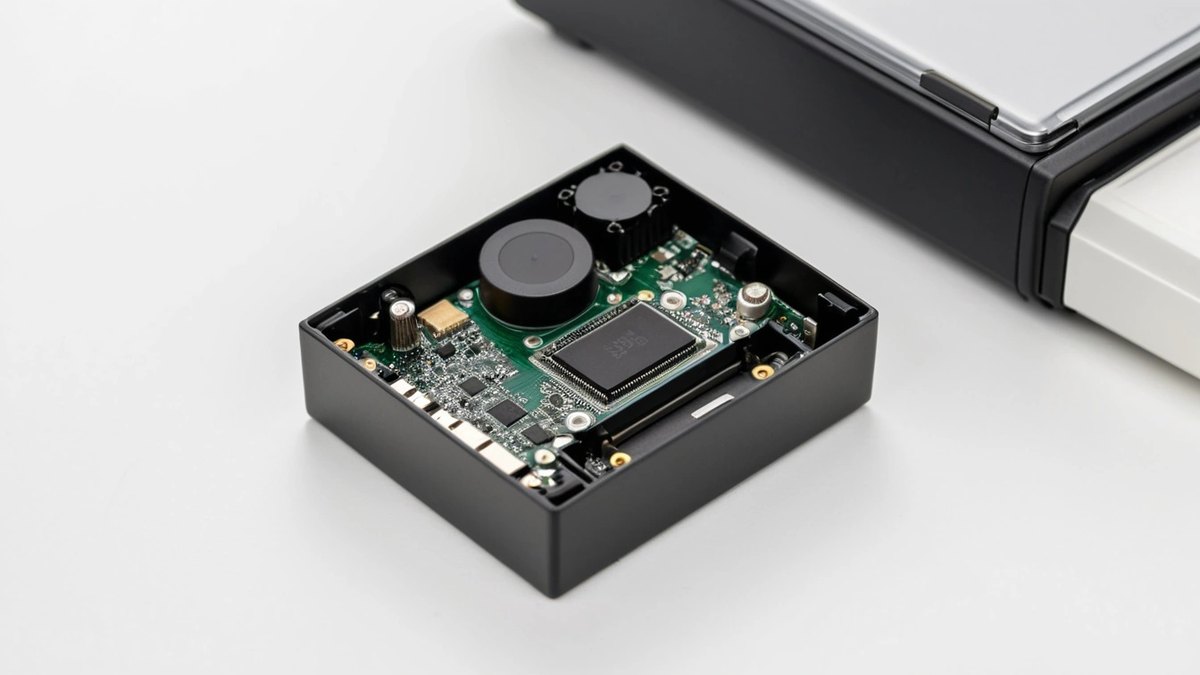
How to test a sample before you order
- Open the settings and note the exact Android version, security patch date and available storage.
- Install your own app, player or browser-based signage and run real content, including your heaviest videos.
- Leave it running for several days in a warm spot, then check for slowdowns, freezes or restarts.
- Pull the power and the network cable, then confirm the box recovers to your app without help.
- Check remote management with your MDM or signage console.
- Ask the supplier to confirm in writing that volume units will use the same chipset, RAM and storage as the sample.
How Maram can help
Maram plans every Android box and stick program around the workload: we match processor, RAM, storage, Wi-Fi, Ethernet, USB and display output to the media job and mounting constraints, and validate playback with your signage platform or app before bulk procurement. Where standard Android is not enough, custom firmware and launcher work can lock a box to one job. Boxes can be paired with our Digital Signage CMS and the DCM Console for remote management.
Frequently asked questions
Choosing a chipset for your next screen project?
Tell us the job, the apps you run, the content you play and how many screens you need. We will help you match the processor, RAM, storage and ports to the workload and plan sample validation before you order.