
Industrial-Grade Android Box for 24/7 Operation: Metal Casing, RS-232, Optional 4G LTE and Rockchip Chipsets
Some screens and machines are never switched off. A line-side display runs through every shift, a kiosk in a transport hub waits for the next passenger all night, and a retail screen restarts its loop each morning without anyone touching it. For these jobs a living-room media box is the wrong tool. Maram supplies an industrial-grade Android box with a metal casing, an RS-232 serial port and an optional 4G LTE modem, designed to run 24/7. This article explains what those features give you, where the box fits, and how to choose between the RK3566, RK3568 and RK3576 chipset options.
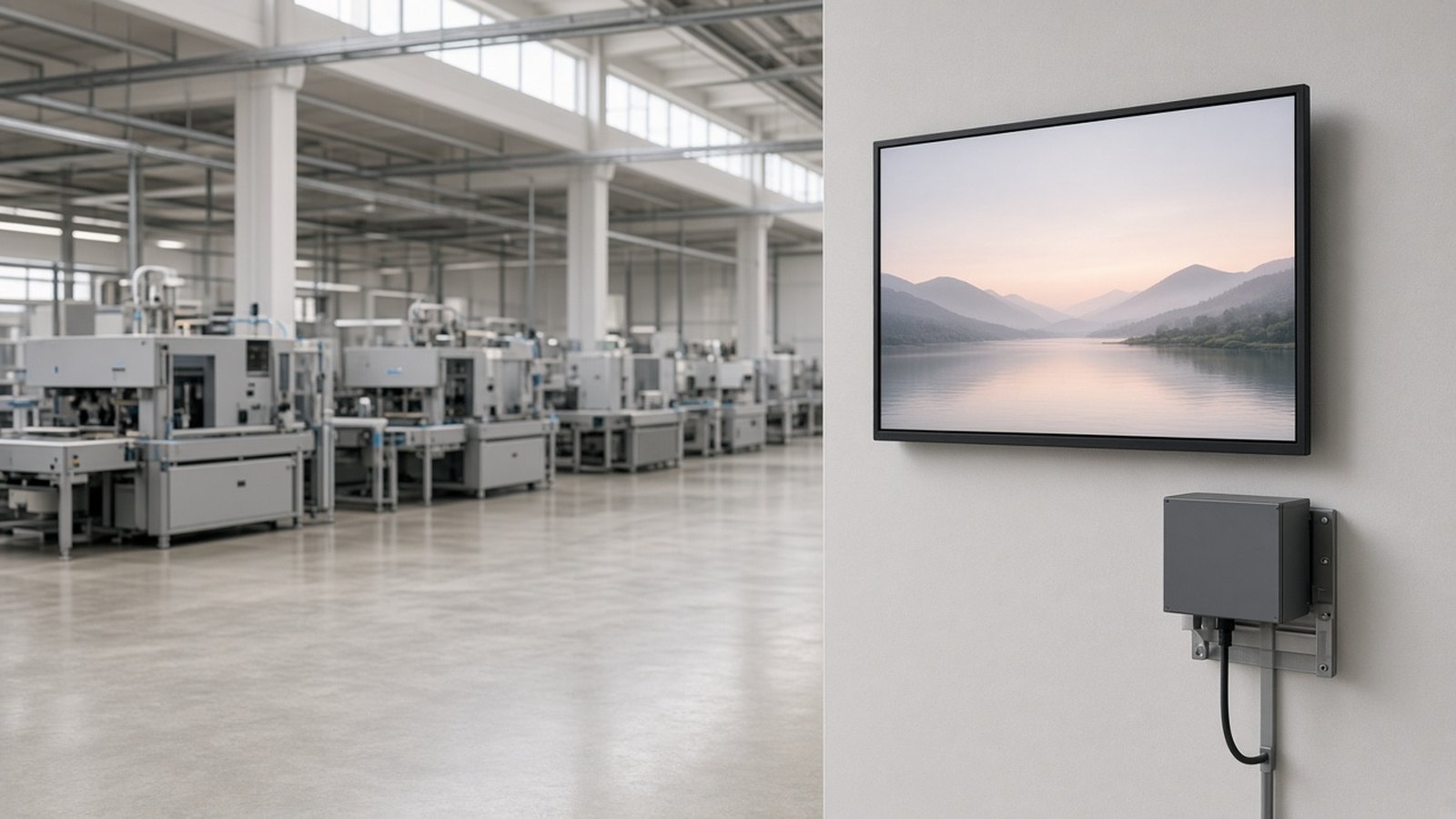
Why a consumer TV box is the wrong choice for always-on screens
Home media boxes are designed for a few hours of viewing in a living room, not a factory floor or a public concourse. When the same box is asked to run all day, every day, the weak points show up one by one:
- Plastic housings that are easily knocked or cracked and do little to carry heat away.
- No serial port, so the box cannot talk to a machine controller, scale or reader.
- Wi-Fi only, which fails the moment the site has no network or the access point drops.
- Mixed batches, so every new order behaves a little differently from the last.
An industrial Android box starts from the opposite assumption: it will be installed once, left alone and expected to keep working.
What this industrial Android box offers
Maram supplies an industrial-grade Android box built around four practical features:
- Metal casing for a sturdier body that is better suited to cabinets, panels and public sites.
- RS-232 port to connect equipment that uses serial control.
- Optional 4G LTE for sites with no broadband, or as a mobile backup.
- 24/7 operation, for screens and machines that stay on around the clock.
It is available with Rockchip RK3566, RK3568 or RK3576 chipset options, covered below. Maram confirms memory, storage, ports and Android version in the quotation, so you can compare the exact configuration against your requirement sheet.
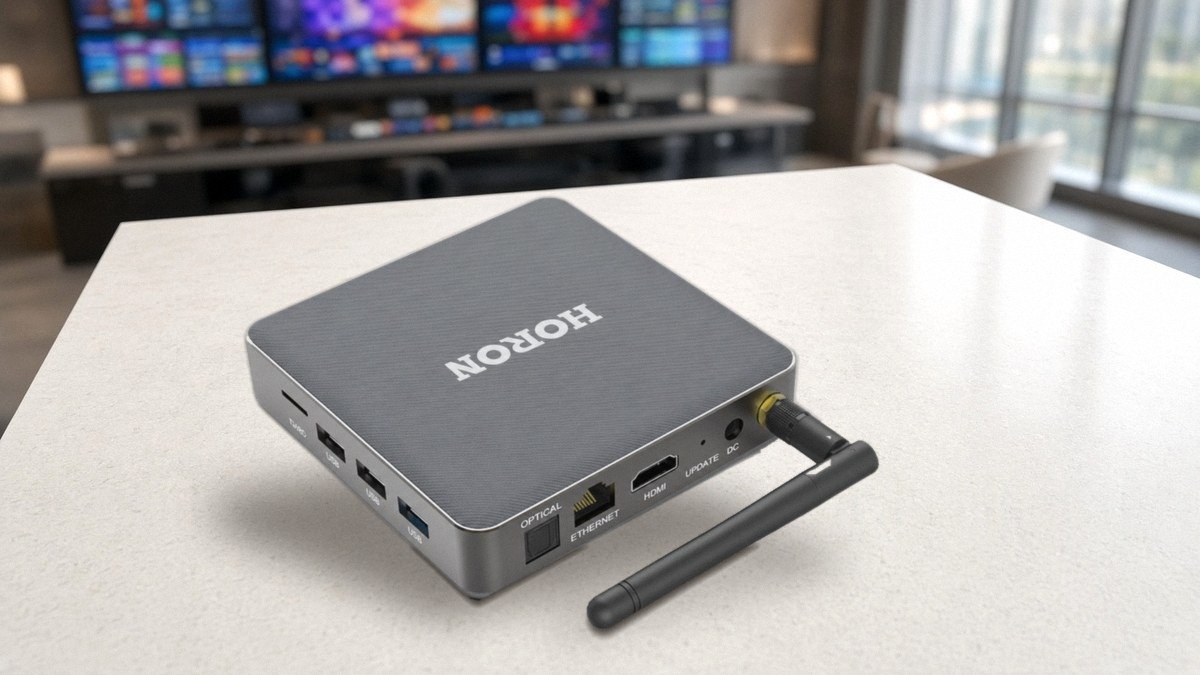
Why a metal casing matters
A metal enclosure is the first thing integrators look for in an always-on box. Metal generally takes knocks better than plastic, and it conducts heat better, which helps a processor that runs all day. It also gives a more reassuring, professional finish when the box is mounted in a visible spot such as behind a screen or inside a display bracket.
Whatever the casing, give the box room to breathe. Do not wrap it in foam or seal it in a closed cabinet with other heat sources, and test it in the real enclosure before you roll out.
RS-232: connecting Android to equipment that speaks serial
RS-232 is a long-established serial standard, and plenty of industrial and commercial equipment still uses it. A serial port lets an Android app send commands to a device and read back its replies. Typical uses include:
- Machine controllers and PLCs that expose a serial interface for status and commands.
- Weighing scales, barcode scanners and card readers at counters and checkpoints.
- LED display controllers and signs that accept serial instructions.
- Older instruments and machines that were never given a network port.
The port only carries the signal. The Android app running on the box has to speak the connected device’s protocol, with matching speed and settings. When you enquire, share the make and model of the equipment and its protocol document, so the setup can be planned before the first box ships. Also note that RS-232 is not RS-485 or CAN; tell us early if your equipment uses a different interface.
Optional 4G LTE for sites without reliable broadband
Not every site has a wired line you can rely on. A kiosk in a transport hub, a screen in a site office or a machine at the edge of a factory may only have a mobile network. With the optional 4G LTE modem, the box can use a mobile connection to download updates and report its status. It can also serve as a backup when the main network fails.
Two lessons from the field apply. First, a box inside a metal cabinet needs an external antenna, because enclosures weaken a signal that looked fine on the bench. Second, design the screen so it keeps playing from stored content when the signal drops. Our note on SIM-card Android boxes explains how to plan data use and antennas. Tell us at enquiry that you want the 4G option so the box is quoted accordingly.
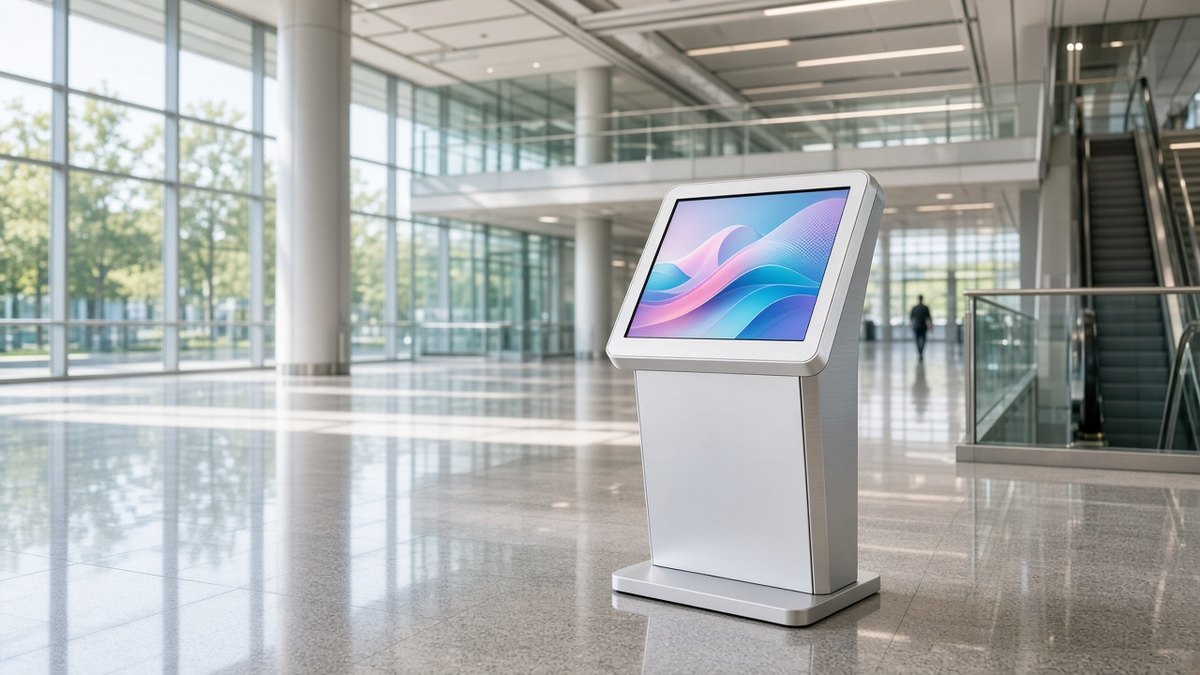
Running 24/7: what the box needs from your side
A box that is designed to run all day still depends on the setup around it. These habits keep an always-on deployment steady:
- Clean power. Use a stable supply, and add surge protection or a small backup where the site has frequent power cuts.
- Boot straight into the job. After a power cut, the box should return to the same app or playlist with no one at the keyboard. Android MDM for kiosks explains how to lock a device to one task.
- Cache the content. Play from local storage so a network or SIM drop does not blank the screen.
- Watch the fleet. Use Maram’s Android MDM, the DCM Console, to see which boxes are online, group them by site and plan updates outside working hours.
- Plan the updates. Test each update on a pilot group before it reaches the rest of the fleet.
Choosing the chipset: RK3566, RK3568 or RK3576
All three chipsets come from Rockchip, and all three are used in Android devices. The figures below are the chipset maker’s published capabilities. What a finished box exposes depends on its board design and configuration, so confirm ports and memory at quotation.
RK3566: a capable, lighter option for everyday screens
RK3566 has a quad-core Cortex-A55 processor, a Mali-G52 graphics unit and hardware decoding of 4K video at 60 frames per second (H.265, H.264 and VP9). It includes a small NPU for light AI tasks. It suits digital signage players, kiosks and information screens that play video and run an app, where heavy processing or a long list of interfaces is not the priority.
RK3568: the industrial-oriented choice
RK3568 shares the same quad-core Cortex-A55 and Mali-G52 base and the same 4K60 video decoding, with a richer set of interfaces. Rockchip lists PCIe 3.0, SATA, two Gigabit Ethernet controllers, CAN FD, ECC memory support and several display outputs on this chipset. That is why RK3568 is a common choice for industrial gateways, HMIs and controllers. Choose it when your project needs more connectivity options or an industrial-focused platform rather than a basic signage player.
RK3576: newer, with more processing, graphics and AI headroom
RK3576 is the newer generation. It combines four Cortex-A72 and four Cortex-A53 cores with a Mali-G52 MC3 graphics unit and a 6 TOPS NPU, and it adds support for 8K-capable video decoding at up to 30 frames per second (or 4K at up to 120), including AV1, with up to three displays. It suits heavier user interfaces, demanding multi-zone video layouts and on-device AI such as vision tasks, and it gives a project more room to grow as apps get heavier.
A simple way to decide: start with the job. For a standard signage or kiosk screen, RK3566 is usually enough. If you are connecting several industrial interfaces, look at RK3568. If you expect heavy graphics, multiple screens or AI on the box, look at RK3576. Always validate on a sample unit with your own app.
Where the box fits
- Digital signage operators who need players that run unattended on Maram’s digital signage CMS or another platform.
- Kiosks and self-service points in malls, stations, hospitals and public buildings.
- Factories and industrial HMI, where the box sits behind an operator display and talks to machines over serial.
- Retail, including menu boards, promotional screens and point-of-sale peripherals that use RS-232.
- Transport, from station information screens to vehicle-based displays that need a mobile connection.
- System integrators in India and overseas who want one repeatable hardware profile across many projects.
For living-room, hotel-room and operator set-top box programmes, the HORON H15 Plus is the better fit. The industrial box is for the jobs where a consumer-style box would not last.
Before you order samples
- Write down the job, the number of screens and the hours the box must run each day.
- List every device that must connect over RS-232, with its model and protocol document.
- Decide whether each site needs 4G LTE, and plan the antenna position.
- Choose a chipset option based on the job, then run your own app on a sample.
- Confirm the exact configuration, ports and Android version in the quotation.
- Plan fleet management and an update window before the first box is installed.
Frequently asked questions
Tell us what the box has to run and connect to
Share your use case, the equipment you need to connect over RS-232, whether the site needs 4G LTE, and your preferred chipset if you have one. We will reply with sample and quotation details.