
How Daypart Scheduling Works in Digital Menu Board Software
Daypart scheduling is not a checkbox on a feature sheet. It is the operating rhythm that moves a digital menu board from breakfast idli to lunch thali to evening snacks—on time, with the right prices, across every outlet that shares the same kitchen clock. This article explains that workflow inside digital menu board software.
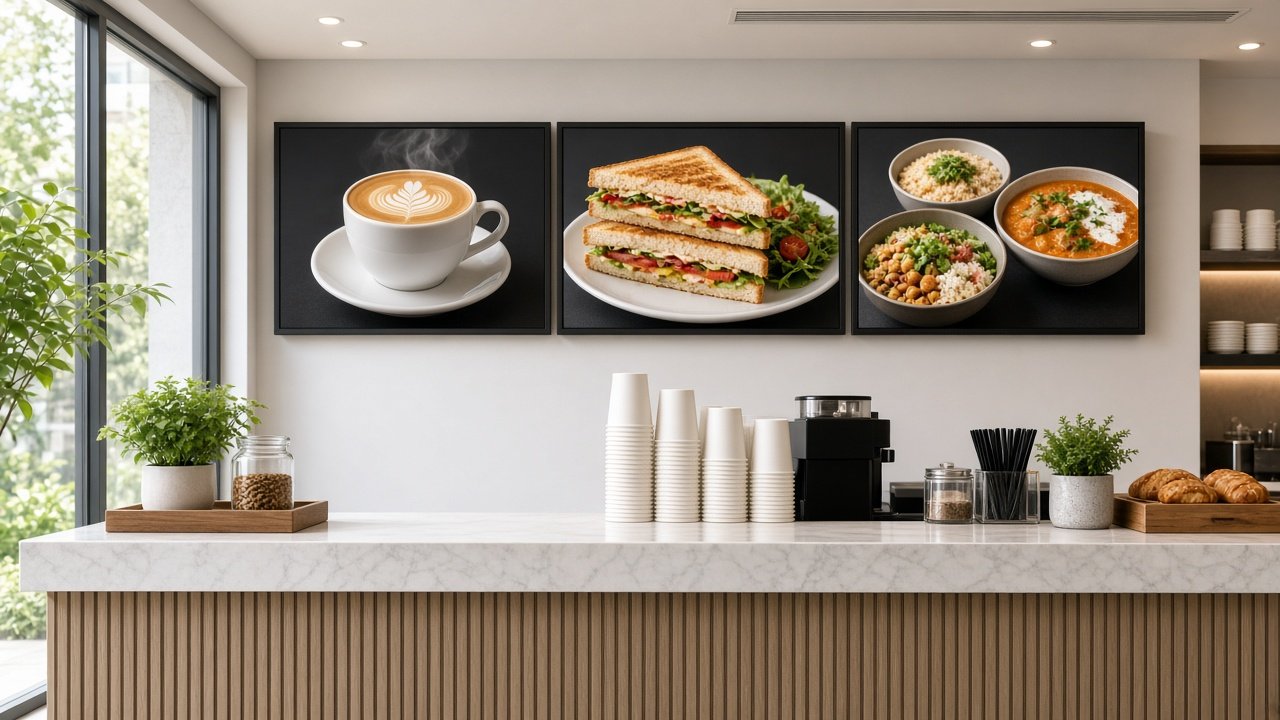
For the wider planning picture—screens, FSSAI calorie display, players and rollout—see the restaurant digital menu boards overview. This post stays on the daypart and pricing workflow only.
What a daypart actually is in the software
In digital menu board software, a daypart is a playlist plus a time rule. The playlist holds the items, photos, prices and any calorie or allergen fields you keep on the board. The time rule says when that playlist is allowed to run—for example Monday to Friday 07:00–11:30 for breakfast, 11:30–15:30 for lunch, and a different pair of windows on weekends.
Most solid systems also let you attach the rule to an outlet group. Breakfast in a highway QSR may start earlier than breakfast in a mall food court. One brand template, several schedules: that is the point of dayparts, not one endless loop that shows biryani at 8 a.m.
- Playlist: what appears (items, photos, prices, fixed zones).
- Window: when it is allowed (clock times and days).
- Target: which screens or outlet groups receive it.
- Priority: what wins if a festival overlay overlaps a normal lunch window.
Build the calendar with the kitchen, not around it
Marketing often wants the lunch board up at noon. The kitchen may finish mise en place at 12:20. Guests trust the board. If the board offers what the counter cannot serve, you create refunds and bad reviews—not upsells.
Run a thirty-minute workshop with kitchen leads and shift managers before you configure anything:
- Exact switch times for weekday and weekend, by format (cafe, tiffin, biryani, cloud kitchen front-of-house).
- Which items die at the switch (no breakfast dosas after 11:30) and which stay all day (beverages).
- Who may mark sold-out during service without breaking the daypart playlist.
- How festival and cricket-night overlays start and—more important—stop.
Write those times into the CMS as the source of truth. Paper notes on the pass will drift; the schedule should not.
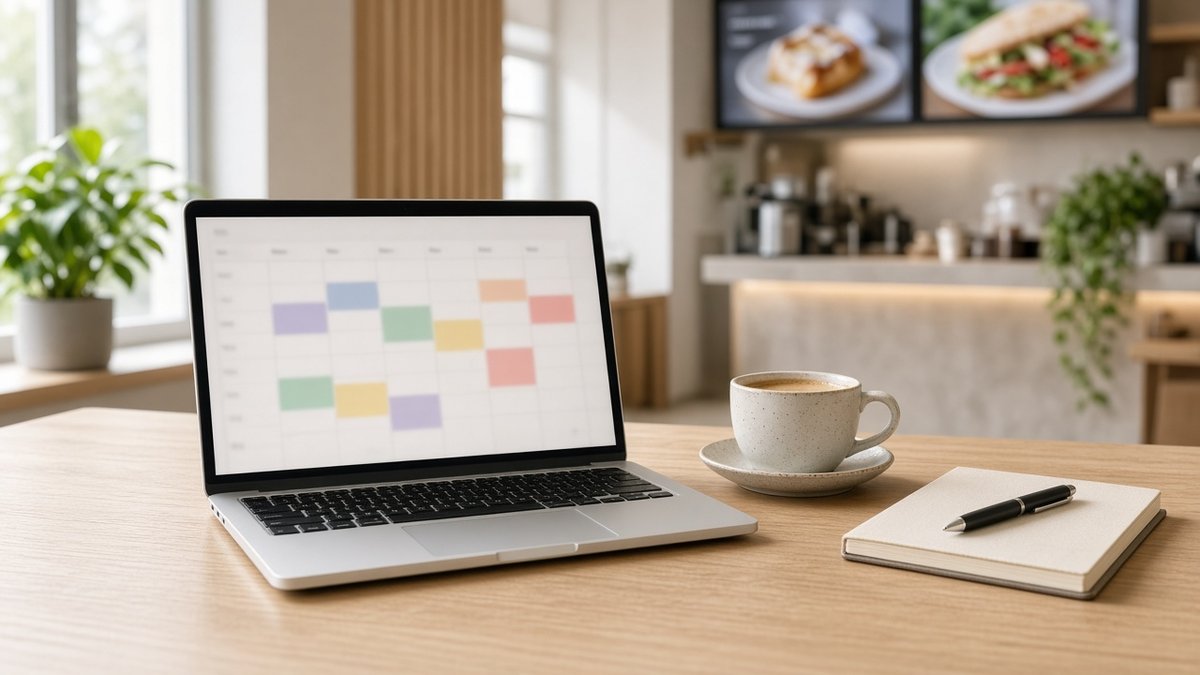
Pricing inside dayparts
A daypart change is often a price change as well as a photo change. Happy hours, late-night combos, monsoon specials and city-wise MRP differences should travel with the playlist—not as a separate WhatsApp to each outlet.
- Same layout, different price layer. Keep item slots fixed so guests are not hunting for where the rate moved.
- Outlet groups for cities and franchises. Publish once to “Bengaluru company stores” and once to “franchise tier-2” if their rates differ.
- End dates on promos. A festival surcharge that forgets to turn off is worse than no surcharge.
When a recipe or gramage changes, update photo, price and calorie value in the same publish. Split updates are how boards go out of sync with the ticket printer.
How the player executes the switch
The interesting work happens on the box behind the screen. A reliable player downloads the schedule and media ahead of time, keeps a local clock, and flips playlists at the boundary even if the store broadband is busy or down. After a night power cut, it should boot straight into the current daypart—not into an Android home screen.
- Pre-cache the next daypart before the switch so a large photo set does not start downloading at 11:29.
- NTP or CMS time sync so every counter in a city flips within a narrow window.
- Ethernet where possible; Wi-Fi shared with billing is a common cause of late syncs.
Maram’s digital signage platform supports playlist and calendar scheduling with Android players that store content locally—the pattern this workflow depends on. Compact units such as the HORON H15 Plus are typical pilots for HDMI menu rows.
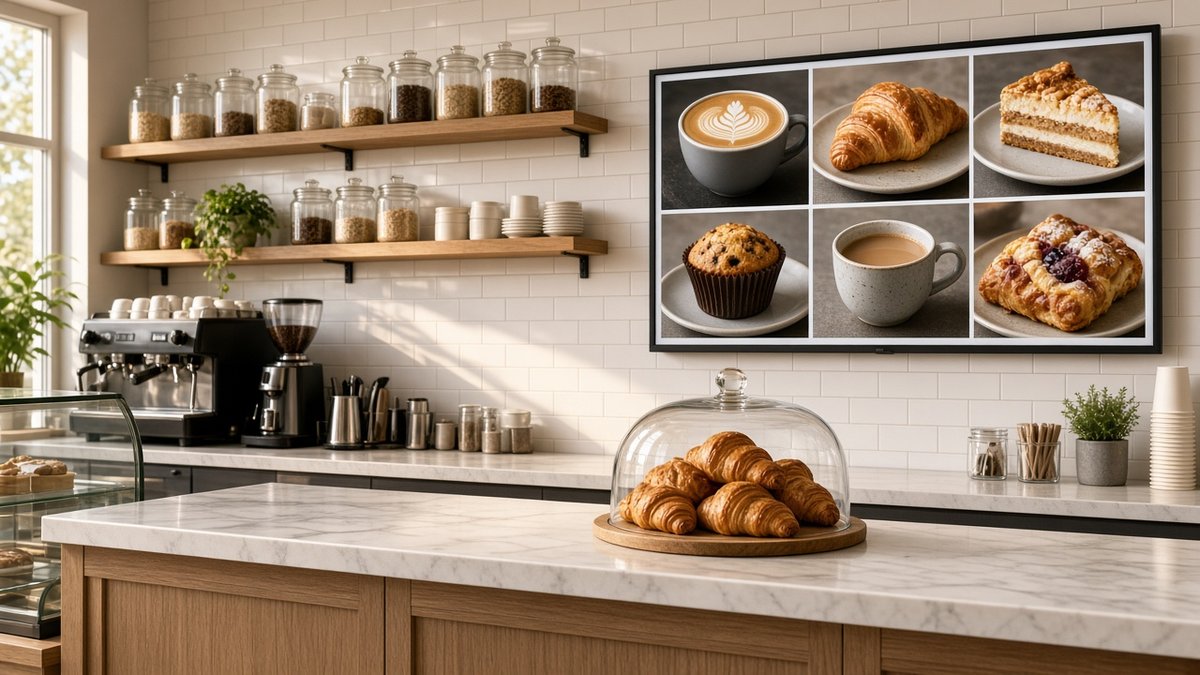
Mid-day overrides without breaking the daypart
Service is messy. An item sells out. A delivery delay kills one gravy. You need a controlled override that does not delete tomorrow’s lunch playlist.
- Sold-out state on a single item, reversible by outlet staff with limited rights.
- Emergency playlist (for example “limited menu”) that a regional manager can push for one store for two hours.
- Clear return to the scheduled daypart when the override expires—no orphan screens left on the emergency set overnight.
Role design matters here. Head office owns the daypart calendar. Outlet managers own availability toggles. That split keeps brand boards intact when a busy shift improvises.
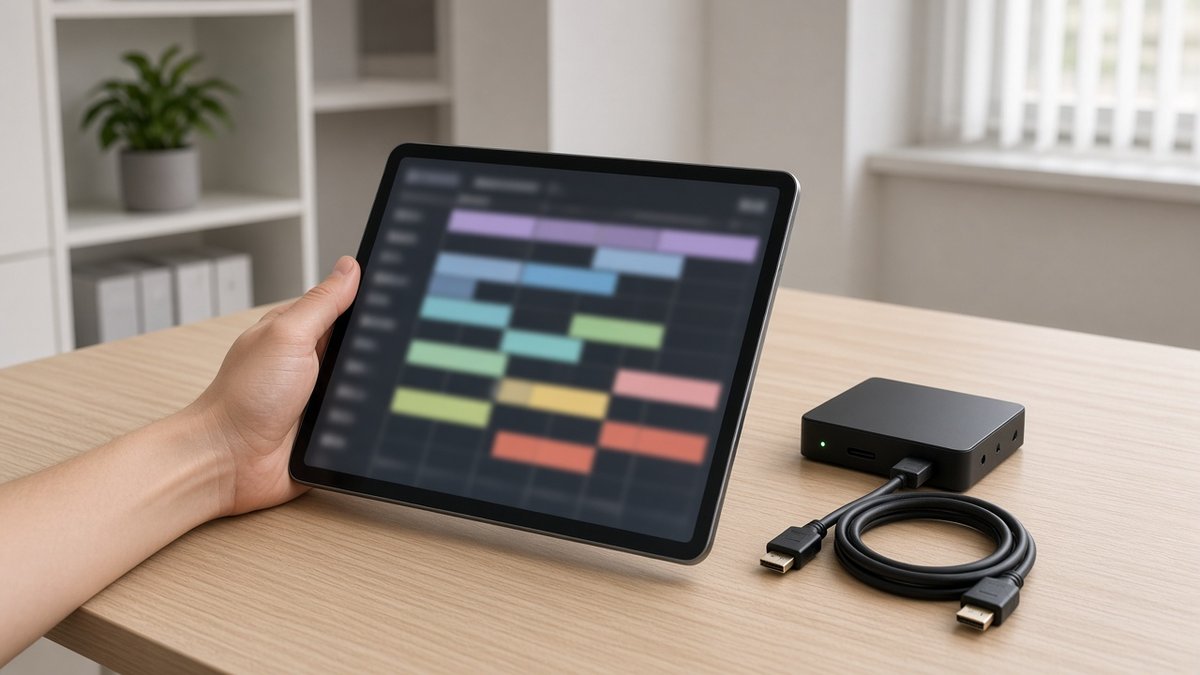
Weekend, festival and multi-brand calendars
Weekends often need different windows: brunch that runs longer, dinner that starts earlier, late-night snacks that weekdays skip. Festivals need overlays that sit above the normal dayparts for three days and then vanish. Multi-brand food courts may share players but not menus—keep brand groups separate so a coffee daypart never lands on a biryani counter.
Document precedence once: evergreen daypart at the bottom, weekly specials above it, festival takeover at the top. Ambiguity here creates “why is the board wrong?” tickets every Friday.
Prove the switch before you roll out
On one live counter, for one full week, verify:
- Every daypart flips at the kitchen-agreed minute on every screen in the row.
- Weekend windows differ correctly from weekday windows.
- A price edit in the lunch playlist appears before service, not mid-rush after a failed sync.
- Power off at closing; the correct morning daypart appears on boot.
- Network unplugged across a switch time; the local schedule still changes the board.
- A sold-out toggle reverses cleanly without corrupting the next daypart.
Only then copy the same schedule structure to the next outlets. Hardware sizing and cost bands sit in the signage cost guide; device health across many counters is easier when players are visible in DCM Console.
Daypart workflow checklist
- Dayparts defined as playlist + window + outlet group + priority
- Switch times signed off by kitchen and counter leads
- Prices and photos versioned together per daypart
- Players cache ahead and switch on a local clock
- Sold-out and emergency overrides with automatic return
- Weekend and festival precedence written down
- One-week single-counter proof before chain publish
When dayparts run as an operations habit, the board stops being a poster and starts behaving like the shift plan guests already feel when they walk in.
Frequently asked questions
Prove dayparts on one counter first
Tell us your daypart times, how often prices change, and how many outlets share a menu. We reply with a menu-board daypart pilot plan within one business day.