
Digital Menu Boards for Restaurants: What to Plan Before the Screens Go Up
A printed menu board is out of date the day a price changes. A digital one can be current every morning, switch from idli to biryani at noon without a ladder, and push a monsoon combo to every outlet in one publish. That is the promise. The restaurants that get it plan the content workflow, the player behind each screen and the rules on the board itself before the screens go up.
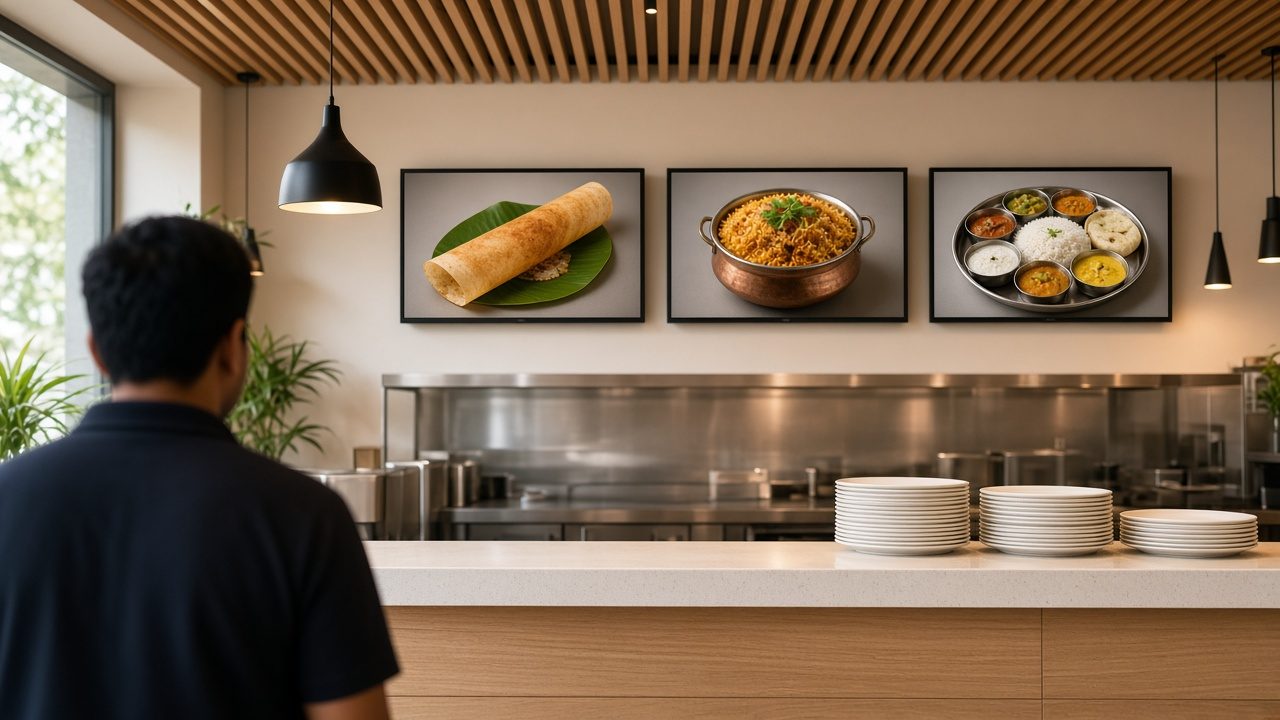
Why restaurants switch to digital menu boards
The reasons are practical, and they are mostly about change. Prices move with ingredient costs. Items sell out. A new combo launches on Friday. A printed board turns each of those into a reprint, a delivery and a staff member on a stool. A digital menu board for restaurants turns them into an edit and a publish.
- Price changes without reprints. Edit once, publish to the outlets that need it.
- Dayparts. Breakfast, lunch, snacks and dinner can each have their own board, switching on a schedule.
- Promotions with an end date. A festival offer starts on the right morning and, just as important, stops on the right night.
- Consistency across outlets. A chain’s fifth outlet shows the same layout as the first, not a local printer’s interpretation.
None of this needs expensive screens to begin. It needs a menu that is maintained as content, not as a picture file someone emails to each outlet.
Plan the board before you buy screens
Stand where your customer stands, at the queue line, and look up. How far away are they? How long do they have to decide? That distance and that time decide the layout, and the layout decides how many screens you need.
- One screen per category works well for counters: one for mains, one for combos and snacks, one for drinks and desserts. Customers scan, they do not read paragraphs.
- Portrait or landscape depends on the wall. Portrait suits narrow columns beside a counter. Landscape suits a long row above it. Mixing both in one row usually looks accidental.
- Food photos sell, text informs. Use real photographs of your own dishes. Keep item names and prices large and fixed in place; animate the photo area, not the price list.
- A promotion screen or zone can loop offers and new items, so the core menu stays still and readable.
- Drive-through and outdoor boards need high-brightness displays and weather-rated enclosures. Indoor TVs placed in a window will wash out by afternoon.
Daypart scheduling: the feature that pays for itself
Most Indian restaurants already run dayparts, even if the board does not. South Indian tiffin centres move from idli, vada and filter coffee in the morning to meals at lunch. Cafes push snacks in the evening. Biryani outlets add a late-night combo. A printed board shows all of it, all day, and the customer reads past half the menu.
With daypart menu scheduling, each time slot has its own playlist. The breakfast board runs until 11:30, the lunch board takes over automatically, and the weekend board can differ from Monday’s. Maram’s digital signage software supports playlist and calendar scheduling, screen groups and zone-based layouts, which is how this is set up: one layout, several menus, each with a start and end time.
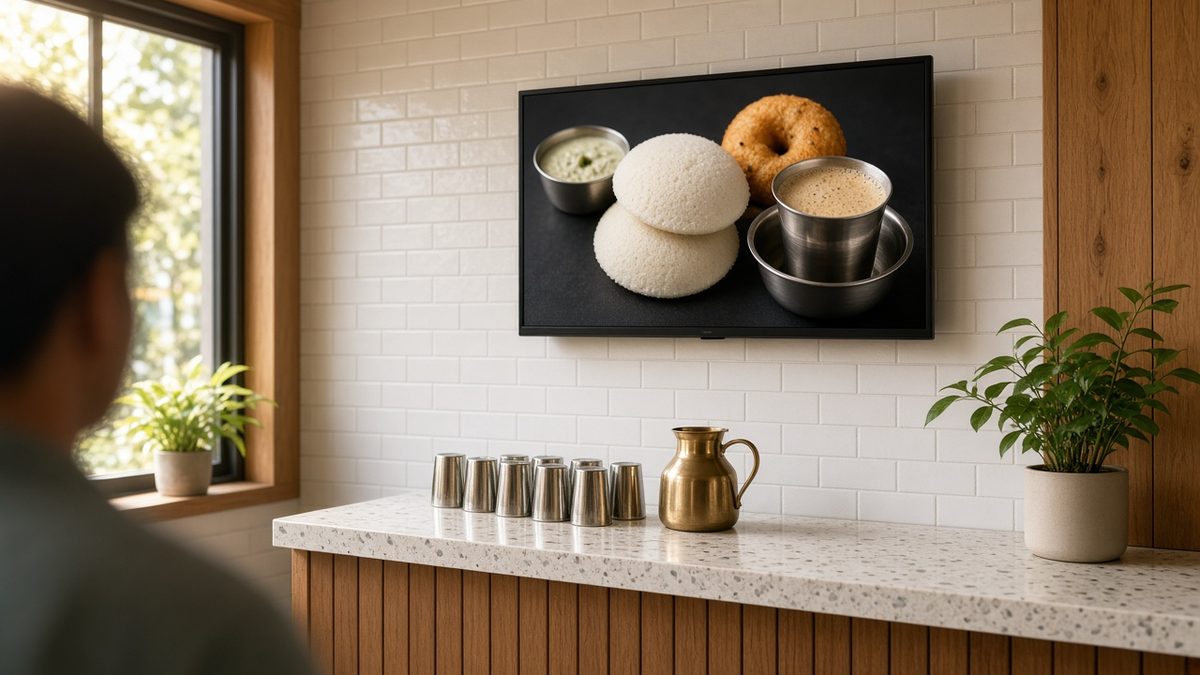
Set the switch times with the kitchen, not only with marketing. If the board shows lunch at 12:00 but the kitchen is ready at 12:30, customers order what the counter cannot serve yet.
FSSAI calorie, allergen and veg/non-veg information
Menu boards in India also carry regulatory information. Under the FSSAI Food Safety and Standards (Labelling and Display) Regulations, 2020, food service establishments with a Central licence or outlets at 10 or more locations must mention the calorific value, in kcal per serving and serving size, against food items on menu cards, boards or booklets. They must also show the reference line that an average active adult requires 2,000 kcal energy per day, allergen information and the veg or non-veg logo. FSSAI’s FAQ on display of information also notes that franchise outlets of a brand with more than 10 establishments are covered.
A digital board makes this easier to keep right, because the information is part of the template, not a sticker added later. Build it in from the first design:
- A fixed place for kcal and serving size next to each item, sized so it is readable but does not compete with the price.
- Clear veg and non-veg marks on every item, in the same position on every screen.
- Allergen symbols with a small legend, as the regulation allows symbols that are easy to understand.
- The 2,000 kcal reference line in a permanent zone, so it never scrolls away.
When a recipe changes, update the calorie value in the same publish as the photo and the price. This article is a practical guide, not legal advice; confirm with your compliance advisor which requirements apply to your outlets.
The player behind each screen
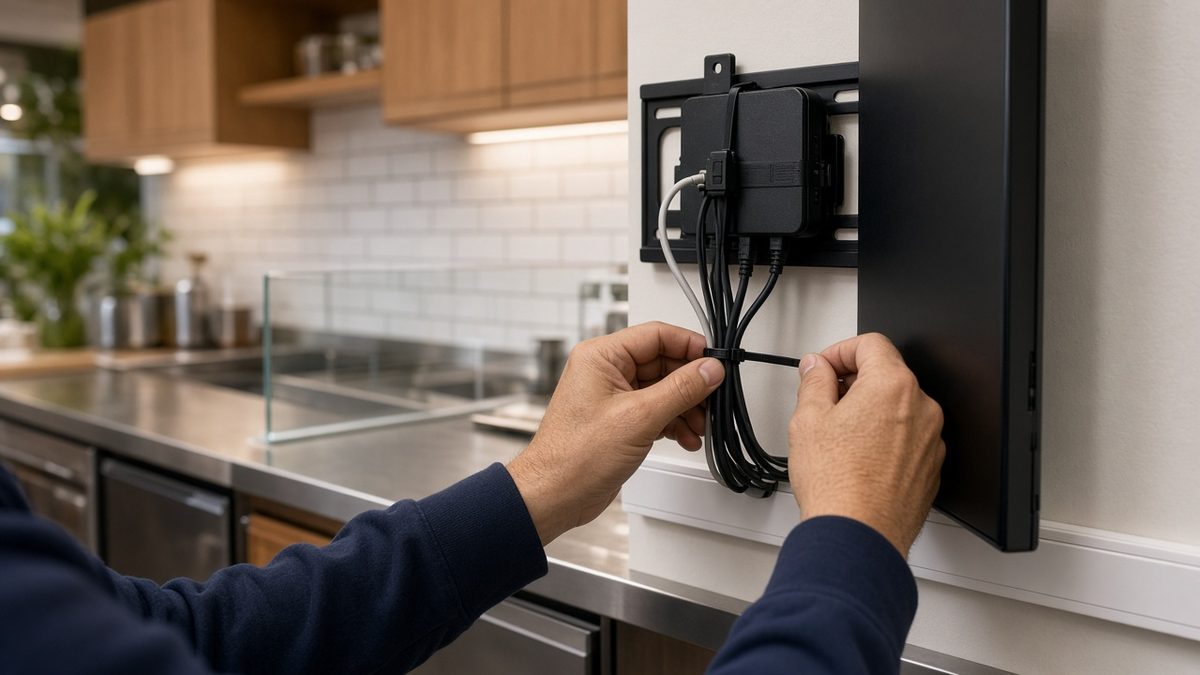
Every screen needs a player: the small computer that stores the menu and drives the display. In a restaurant it lives in heat, grease and steam, and it loses power whenever the main switch is turned off at closing. It has to treat that as normal.
- Boot straight into the menu. When power returns in the morning, the board should appear on its own, with no home screen and no remote needed.
- Play from local storage. The current menu should be saved on the player, so a broadband outage at lunch does not blank the counter.
- Use Ethernet where you can. A cable to each player, or to a small switch behind the boards, is more reliable than Wi-Fi shared with the billing system and customers’ phones.
- Keep it out of reach and out of heat. Mount the box behind the screen or in a ventilated bracket, away from fryers and steam.
An Android box is the usual choice for HDMI menu screens because it is compact, affordable to keep as a spare and simple to replace. The HORON H15 Plus is one to pilot: 4K output, Android 15, dual-band Wi-Fi, Fast Ethernet and a twelve-month warranty from Maram. Validate it on your actual screens and your menu playlist before you order for every outlet. The comparison in Android TV versus Windows signage explains why most menu boards do not need a PC behind them.
Who updates the menu, and how
The hardware is the easy part. The question that decides whether boards stay current is who changes them. For a single outlet, it may be the owner on a laptop. For a chain, it is usually a central team that owns the core menu, with outlets allowed to change only specific items such as sold-out marks or a local special.
Set that up as roles and groups in the CMS. Head office publishes the core menu to every outlet. A regional manager adjusts prices for one city’s group. An outlet manager can toggle a sold-out item and nothing else. That structure is what stops a well-meaning local edit from breaking the brand layout, or from removing the calorie line.
Keep every outlet’s screens visible from one desk
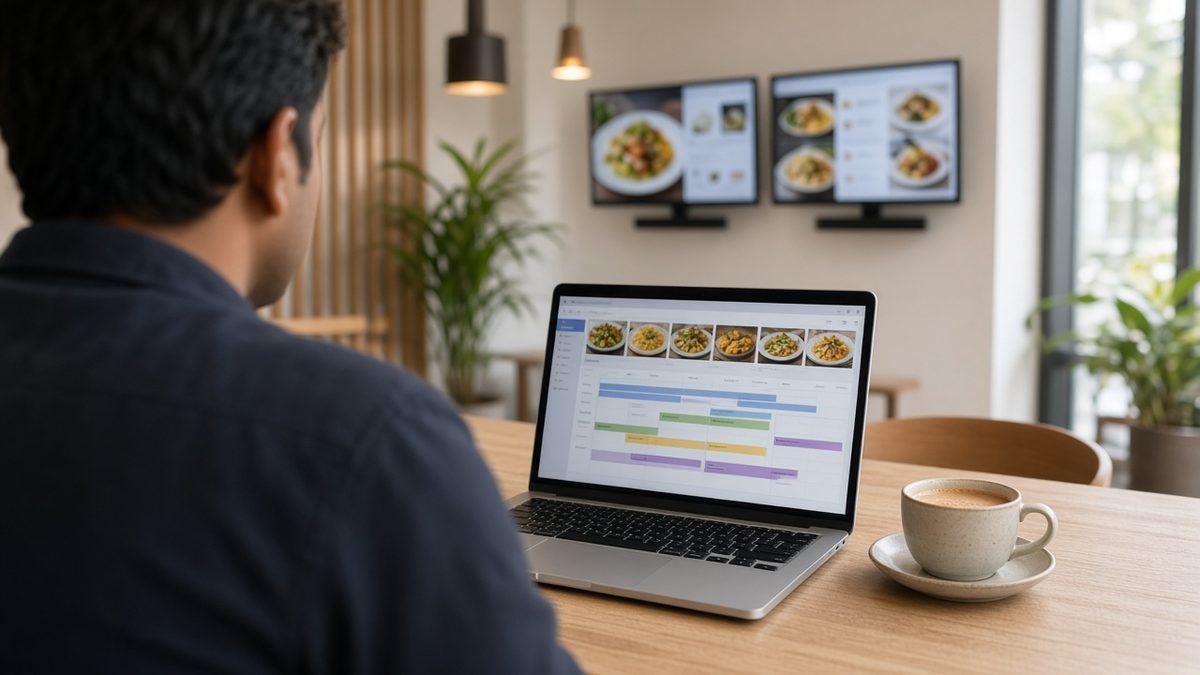
Twelve outlets with three boards each is thirty-six players. Nobody should find out a board is blank because a customer posted a photo. Device management gives the central team a list: which player is online, which has the latest menu, which went quiet overnight.
DCM Console is where Maram handles that layer. Lock each player to the menu app, push updates outside service hours and see a unit that stopped reporting before the lunch rush. If you add order kiosks or kitchen tablets later, the kiosk MDM guide covers what those devices need. Name players by outlet and position, such as “Kondapur counter left”, so the desk can find the right screen when someone calls.
Start with one outlet
Run one outlet for two weeks before rolling out to the chain. Check these on the real counter:
- A daypart switch at the agreed time, on every screen in the row.
- A price change published from head office, visible at the counter within the window you expect.
- Main power switched off at closing and back on in the morning. The menu should return on its own.
- Broadband unplugged during service. The board should keep playing the last published menu.
- Calorie, allergen and veg/non-veg information readable from the queue line.
Fix what fails on that outlet, then copy the same layout, player and naming to the next. Typical ranges for screens, players and software are covered in the digital signage cost guide.
Frequently asked questions
Treat the menu as content, not a poster
Plan the board from the queue line. Schedule dayparts with the kitchen. Build calorie, allergen and veg/non-veg information into the template. Put a player behind each screen that boots straight into the menu and plays offline, and give one team the view of every outlet. Prove it at one counter, then repeat it.
Plan a menu board pilot
Tell us how many outlets and screens per counter, how often prices change, and who will publish menus. We reply with a clear pilot proposal within one business day.