
School ERP Online Fee Collection: UPI Payments, Digital Receipts and Dues Reminders Parents Trust
Most parents now pay for almost everything with UPI, and they expect school fees to work the same way: a few taps, a confirmation, and a receipt they can find again in March. The school office wants something different but related — every payment matched to the right student and fee head, no evening spent ticking bank entries against a register, and reminders that reach only the families who still owe. This guide walks through how to plan online fee collection in a school ERP so both sides get what they need.
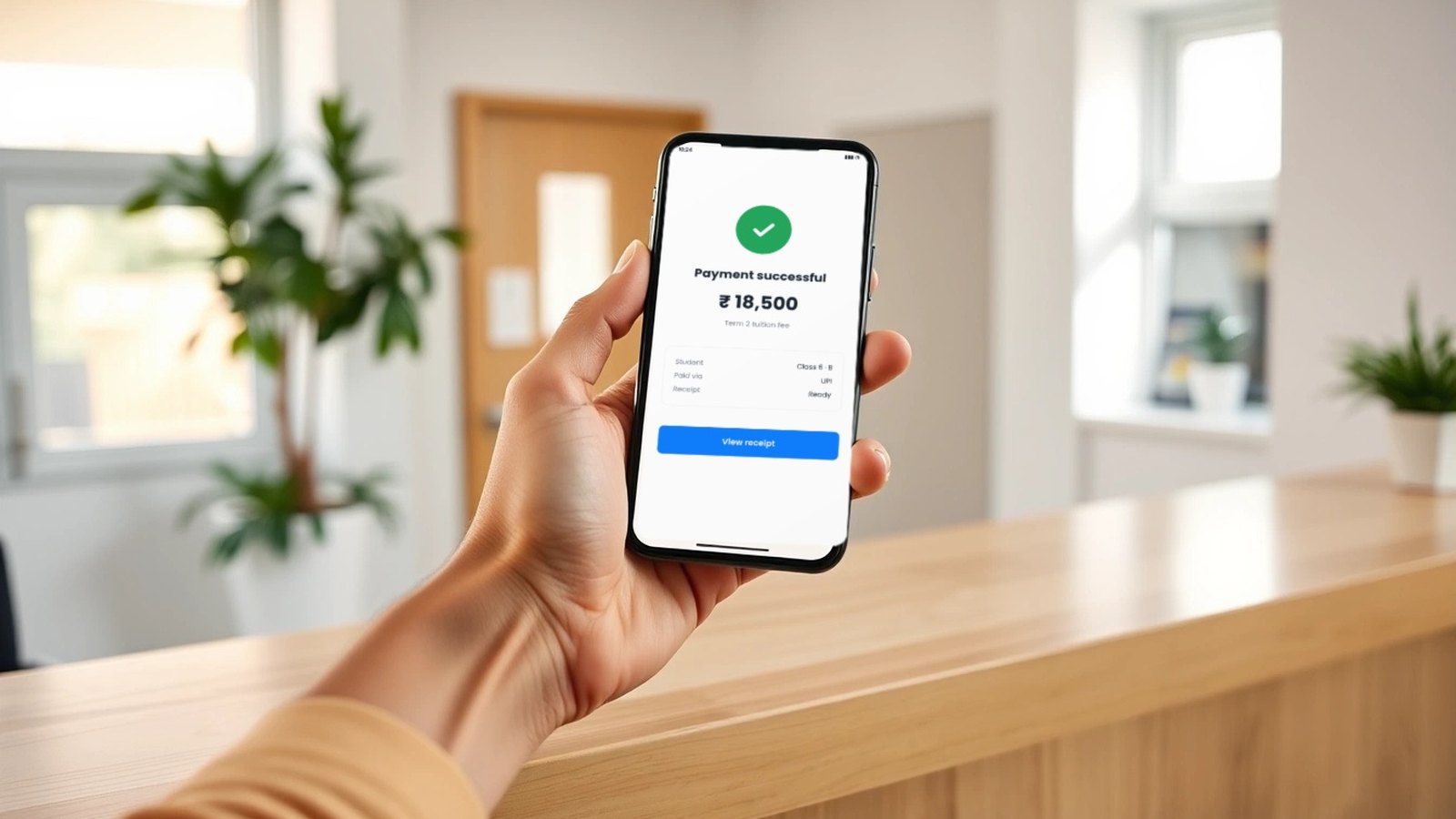
Why fee collection is the first thing parents notice
Families experience a school ERP in very few places, and fees are one of them. Attendance and timetables mostly matter inside the school. Fees reach every household several times a year, often with a deadline attached. If paying means a counter queue, a handwritten receipt or a cheque that clears days later, parents notice. If the school then sends a reminder to a family that has already paid, they notice that even more.
The office sees the other side. Cash and cheques must be counted and banked, transfers must be traced to a student, concessions and late fees must be applied by hand, and leadership asks for a dues list that someone has to rebuild every time. Online collection can remove most of that work, but only if it is planned as one flow: fee structure, payment, matching, receipt, reminder and report. Buying a payment method on its own simply moves the manual step somewhere else.
If you are still choosing a platform, our School ERP buyer guide covers the wider evaluation — records, roles, reporting and rollout. This article goes deeper on one part of it: getting fee money in, recorded and acknowledged.
Start with a fee structure the system can understand
Online payment cannot be cleaner than the fee structure behind it. Before anyone talks about UPI, write down how fees actually work at your school:
- Fee heads: tuition, admission, transport, activities, exams, books and anything else billed separately.
- Periods and instalments: annual, term-wise, quarterly or monthly, and which heads follow which schedule.
- Concessions: sibling, staff, merit or need-based, and who is allowed to approve them.
- Late fees and part-payments: whether they apply, how they are calculated, and whether a parent can pay one head now and the rest later.
- Exceptions: mid-year admissions, transfers, refunds and route changes for transport.
When this lives in structured student records rather than in a spreadsheet beside the ERP, every later step becomes simpler. The system knows what each student owes for each period, so it can show the right amount to the parent, match the payment to the right line and leave the right balance. That is the foundation Maram’s School ERP is built on: fee management organised against structured student, class and academic-year records, with status review and office follow-up in the same place.
UPI and online payments: what to look for
UPI is the payment method most parents will reach for first, and it is easy to accept money by UPI. Accepting it in a way that keeps your fee records right takes a little more planning. Whatever route your school uses — a payment gateway that offers UPI alongside cards and net banking, a payment link sent with the fee notice, or a QR code at the counter — check these points:
- The payment knows which student and fee it is for. A parent should start from the student’s dues, not type an amount and a note into a banking app. The payment request should carry the student and the fee lines with it.
- The result comes back on its own. Success, failure and pending should update the fee record without someone copying them in from a statement.
- Pending is a real status. Some payments take time to confirm. The parent and the office should both see “awaiting confirmation,” not a balance that looks unpaid.
- Partial and multi-child payments are handled. Decide whether a parent with two children pays once or twice, and whether one fee head can be paid separately.
- Refunds and reversals leave a trail. A refunded or reversed payment should reopen the due on the record, with a note of who did it and why.
- Settlement can be reconciled. The amount that reaches the school’s bank account should be traceable back to the individual payments, including any charges the gateway deducts.
On Maram’s side, it is worth being precise. Our School ERP product page describes fee management — collection visibility, status review and office follow-up — and lists payment gateways among the custom education integrations we build through development services when a school needs that deeper connection. So the gateway link is scoped for your school, around the gateway and bank process you choose, rather than assumed to be a single built-in option. Ask us early, while you are deciding on a gateway, so the integration and the fee structure are planned together.
Matching payments to students without the evening tally
The real saving in online collection is not that parents can pay from home. It is that nobody has to work out afterwards who paid what. When the payment carries the student and the fee lines, and the result flows back into the record, the matching happens as the money arrives. The office then works from exceptions — a pending payment, a failed attempt, an amount that does not match an open due — instead of from the whole bank statement.
Keep cash and cheques in the same system. Few schools go fully online overnight, and some families will keep paying at the counter. If counter payments go into one record and online payments into another, the dues list is wrong in two different ways. One fee record, several ways to pay, is the model to aim for.

Digital receipts parents can find again
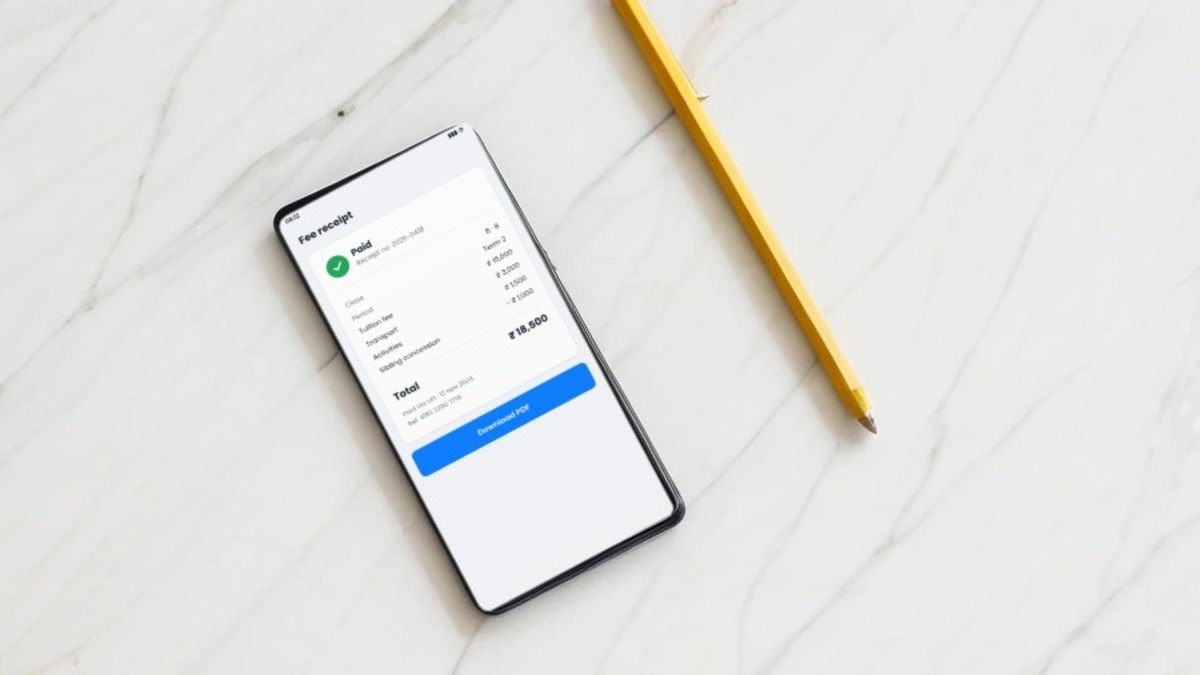
A receipt is the parent’s proof, and often the first thing they look for when there is a disagreement. A digital receipt should be issued automatically as soon as a payment is confirmed, and should include:
- The school’s name and a unique, sequential receipt number
- The date and time of payment
- The student’s name, class and admission number
- The fee heads and the period or instalment covered
- The amount, the payment method and the transaction reference
- Any concession or late fee applied, shown as its own line
Think about where the parent will find it later, not only how it is sent. A receipt that exists only as a message is easy to lose. One the parent can open again from the school’s records, and that the office can reissue as the same receipt rather than a new one, prevents most “I paid, but…” calls. Agree the receipt format with your accounts team or auditor before you go live, so the digital version carries everything the paper one did.
Dues reminders that stay polite and accurate
Reminders are where online fee collection can win or lose parents’ goodwill. The rules that matter most are simple:
- Only to families who owe. Reminders should be built from the live dues list, never from a list exported last week.
- Stop on payment. As soon as a payment is recorded, including a pending one, that family should drop out of the next reminder.
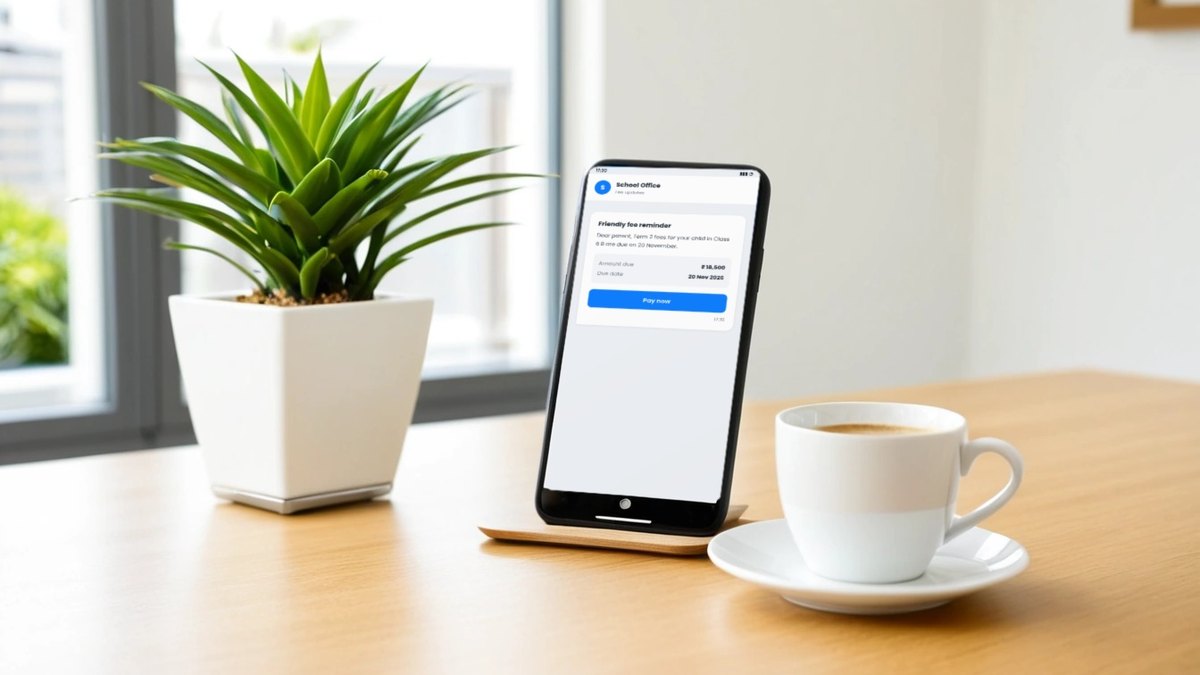
- Be specific. Name the student, the fee and period, the amount and the due date, and include the way to pay.
- Keep a predictable rhythm. A notice before the due date, one on or just after it, then a personal follow-up from the office. More messages rarely mean more payments.
- Respect the hour and the tone. Send at reasonable times, keep the language courteous, and give a contact for families who need to discuss a plan.
- Log what was sent. When a parent says they never received a notice, the office should be able to check.
Maram’s School ERP includes communication tools for parent, staff and student messages tied to real school records, and fee follow-up as part of fee management. How reminders are sent — which channel, which schedule, and whether they are automated — is something to define for your school during configuration, so ask us to walk through it against your own fee calendar rather than assuming a fixed pattern.
Roles, approvals and a record of changes
Money needs clear permissions. Decide who can create or change a fee structure, who can approve a concession or waive a late fee, who can record a counter payment, and who can reverse or refund one. The answer should rarely be “everyone in the office.” Role-based access in the ERP lets you keep those powers with the right people. Ask, too, how changes to fees, concessions and payments are recorded, so that when a figure is questioned the office can see who changed what and when.
Leadership needs a different view: what has been collected this term, what is overdue and by how long, which classes or routes carry the most dues, and how many payments are sitting in an exception state. Those are decision reports, and they should come straight from the same records the office uses every day, not from a spreadsheet assembled at month end.
Pilot one fee cycle before you switch everything
The safest way to go online is to run one real fee cycle with a contained group — one class, one campus, or one fee head such as transport — while the rest continues as before. Test the parts that cause real trouble: a pending payment, a failed payment retried, a part-payment, a family with two children, a concession, a refund and a reminder sent after payment. Then compare the system’s collected total with the bank settlement.
When that cycle closes cleanly, write down the fee structure rules, the receipt format and the reminder rhythm, and widen the rollout at the next due date. If classroom tablets or campus displays are part of the same school programme, plan them alongside — our guides to MDM for student tablets and smart classroom touch frames cover those devices — but keep fee collection as its own, carefully tested workflow.
Frequently asked questions
Planning online fee collection for your school?
Tell us how your fee structure works, how parents pay today and where the office spends time reconciling. We will show how Maram’s School ERP organises fees and follow-up, and scope any payment-gateway connection you need.