
Digital Signage Display Types: Which Screen Fits Cabs, Buses, Lobbies and Airports
A 10-inch tablet on the back of a taxi seat and a wall-sized screen in an airport hall are both called digital signage. They are not the same job. Viewing distance, brightness, mounting, power and the shape of the content all change with the place. This guide walks through five common display types — cab tablets, bus screens, floor stands, large airport displays and flexible pillar wraps — and how Maram’s Digital Signage CMS and Android players can drive them from one publishing workflow.
The screen has to fit the place
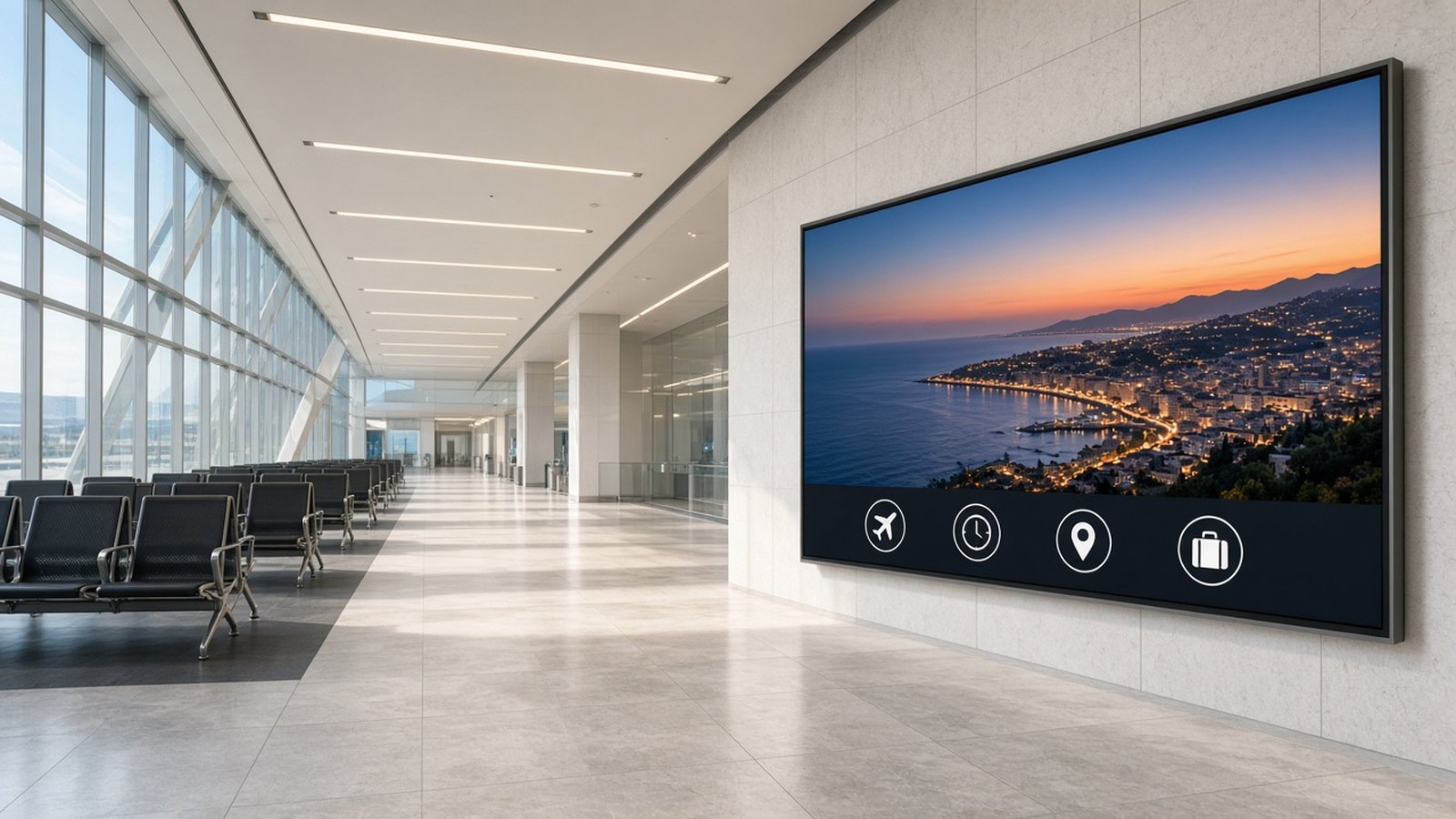
Buyers often start with a catalogue: a panel size, a brightness figure, a mount. Start instead with the place and the job. Who is looking, from how far, for how long, and in what light? A rear-seat tablet is read from a few inches away, in a moving cabin. A departure-hall wall is read from many metres, under bright glass. If you reuse one layout on both, one of them will fail.
The publishing layer can stay the same. Maram’s Digital Signage CMS is built to compose layouts, schedule playlists and manage Android players across a mixed network. The display, mount, power plan and content format still have to be chosen for each environment. For a wider view of device classes, see digital signage and new devices.
10-inch tablet displays for cabs and taxis
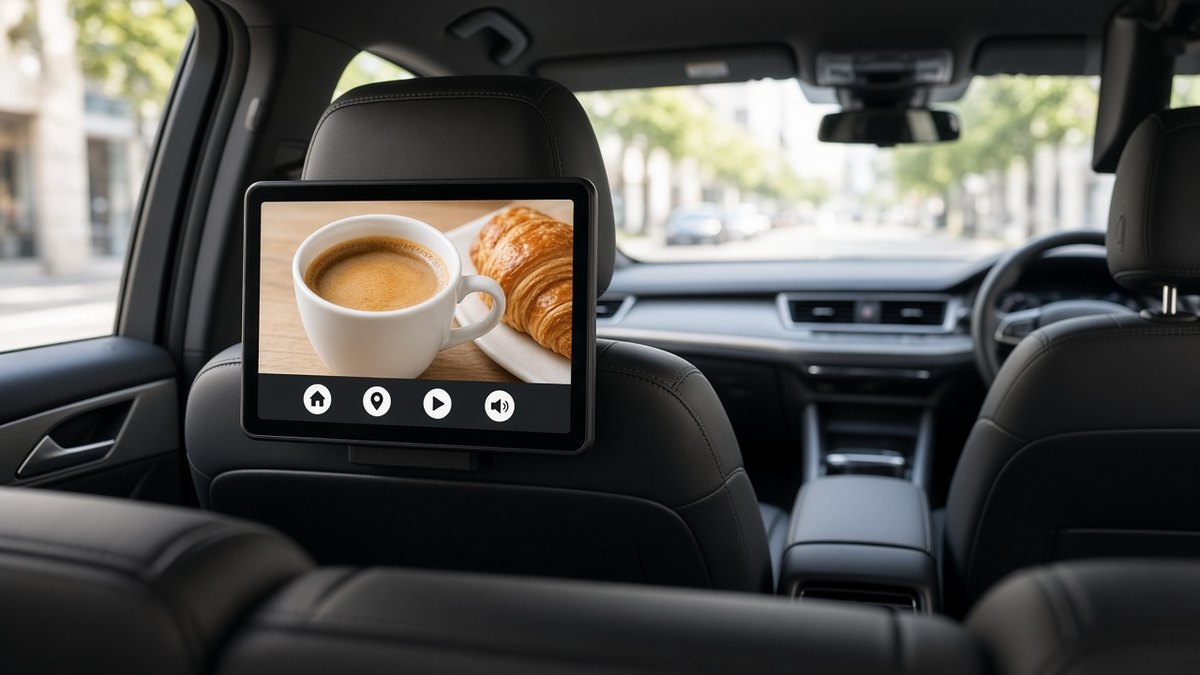
In a cab, the display is a small tablet, often around 10 inches, mounted on the back of a headrest or seatback. The passenger sits close to it. Typical jobs are short advertising loops, city or service information, and occasionally trip-related messages — a ride, not a wait in a hall.
- Size and placement: about 10 inches at headrest height, in portrait or landscape as mounted. Check driver sightlines, passenger movement and cleaning.
- Brightness: cabin light swings from low sun to shade. The screen must stay readable without glaring the driver.
- Mounting: a secure, vibration-tolerant seatback or headrest mount, with tidy cables and a sensible anti-theft arrangement.
- Power: from the vehicle, with an ignition plan so the tablet does not drain the battery when the cab is parked.
- Connectivity: there is no venue Wi-Fi. Plan for mobile data, depot updates and offline playback on the road.
- Content format: short loops and large type, built for a small tablet. A lobby layout will look crowded here.
In the CMS, treat cabs as their own screen group so playlists and proof-of-play can be reviewed for the vehicle fleet without mixing them with lobby screens.
21 to 32 inch screens for buses
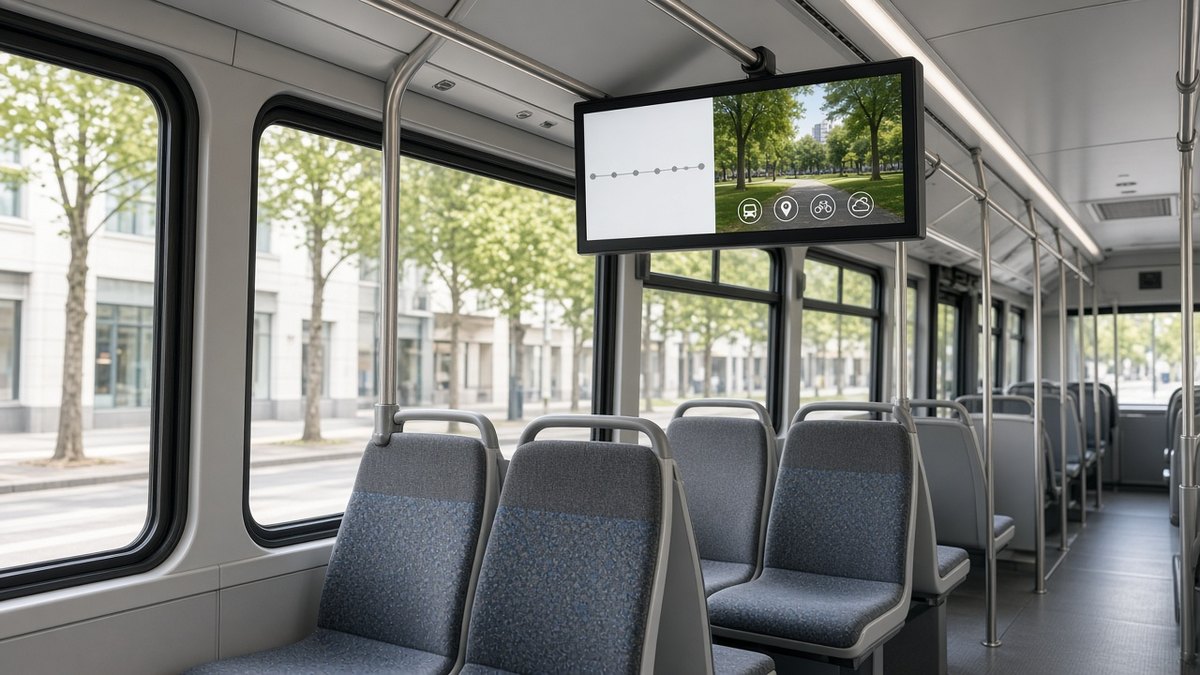
Bus cabin screens are typically 21 to 32 inches, mounted behind the driver, above the aisle or along a bulkhead, and read from several seats away. They usually mix route or next-stop information with advertising between stops. The software questions — route data, offline playback and watching the fleet from a desk — are covered in our guide to bus passenger screens.
- Size and placement: 21 to 32 inches is a common cabin range: readable from an aisle seat without dominating the vehicle. Confirm it on a real bus.
- Brightness: large side windows will wash out a domestic panel. Specify a commercial display and check it at the mounting height.
- Mounting: fixed to the vehicle structure, able to tolerate vibration, and serviceable at a depot.
- Power: from the bus electrical system, with a plan for engine-off periods and a clean, fused run to the player and the screen.
- Connectivity: coverage on the road is uneven. Design for offline-first playback and depot sync, not a constant live stream.
- Content format: usually landscape, with a clear information area and a promotion area that can change independently. Graphics must work from the aisle.
Android players, screen groups and remote player status let operations see a dead unit without standing in the depot. Proof-of-play matters when advertising time is sold; see proof-of-play and screen health.
Floor-standing displays
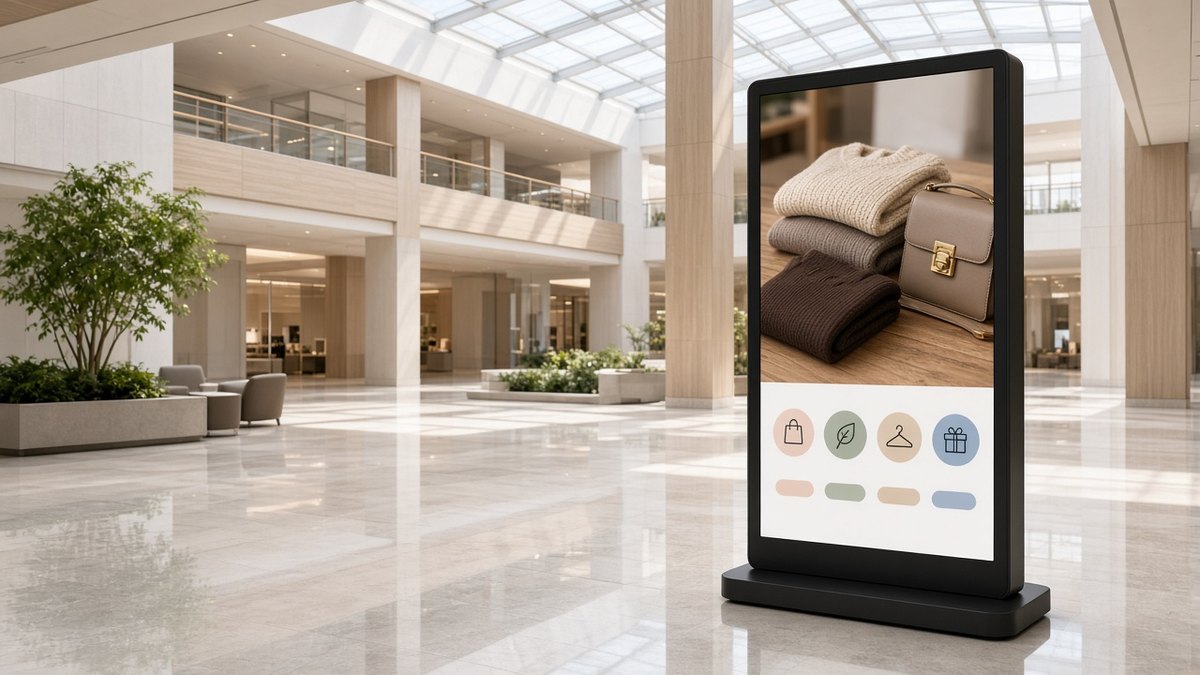
Floor stands, or totems, sit in malls, hotel lobbies, receptions and showrooms. They often run in portrait, at or above eye level, with wayfinding, promotions, directories or brand films. Because they stand in a walkway, stability, cable management and circulation matter as much as the panel.
- Size and placement: portrait totems are common, with the active area at eye level. Place them where people pause, not in a door swing, queue or fire path.
- Brightness: indoor light is usually kinder than a bus window, but a stand near a shopfront or atrium needs more output than one in a corridor.
- Mounting: a weighted or bolted base, an enclosure that cannot be easily tipped, and service access that does not block the aisle.
- Power: mains power, with floor boxes or a tidy riser. Label the circuit so a cleaner does not switch the stand off overnight.
- Connectivity: a venue network is typical, but mall risers are not always reliable. Keep offline playback and remote status in the plan.
- Content format: portrait layouts, often zoned — a campaign above, a directory or offer below. The composition studio in Maram’s CMS is built for this.
Large-format displays at airports
Airport and terminal halls use large-format displays for brand campaigns, wayfinding-style information and waiting-area content. Maram’s Digital Signage CMS is a fit for this kind of passenger-facing and informational screen. Specialised operational boards that show live flight or airline systems are a separate class of project and should be scoped on their own terms.
- Size and placement: walls, soffits or hanging positions, sized for a long viewing distance under a high ceiling. Check the real viewing points before you lock the diagonal.
- Brightness: terminals are bright, often with large glass. A panel that looks vivid in a meeting room can look dull on the concourse. Watch reflections from floors and glazing.
- Mounting: a structural, professionally installed wall or ceiling mount, with safe access for service.
- Power and connectivity: structured cabling is more common than in a vehicle, but you still need a clear circuit, a reachable player, and a plan if the network blips.
- Content format: simple layouts that read from ten or twenty metres — large photography, short messages, generous margins. Do not enlarge a 10-inch tablet layout.
Screen groups, calendar scheduling and role-based publishing help when one team owns brand campaigns and another owns local messages. Proof-of-play and health signals give the accountability you would expect when a hall carries paid campaigns.
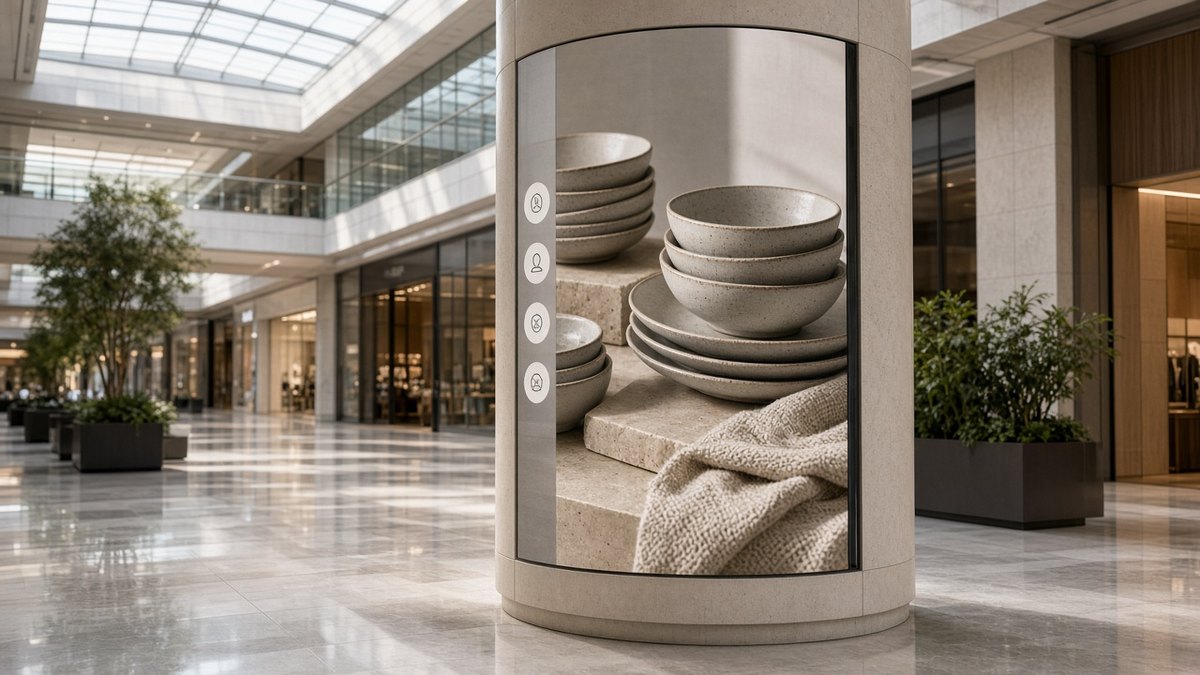
Flexible displays that wrap around pillars
Structural columns in malls, airports and concourses are often dead space. A flexible or modular display that follows the pillar turns that column into a 360-degree, or part-wrap, canvas. It is unforgiving if the content is treated as an afterthought.
- Size and placement: the display follows the column, sometimes all the way around, sometimes only on the faces people approach. Measure the pillar and the walk-past angles.
- Brightness and viewing: people see the wrap from many directions, often while walking. Check contrast from those angles, not only from a head-on photograph.
- Mounting: a fabricated install around a structure, with seams, service access and heat in a tight space. Leave a way to reach the player and the power.
- Power and connectivity: each pillar needs a planned feed and network path, not an assumption that it is “just another screen.”
- Content format: a tall, curved canvas. Design for the seams and the wrap. A flat landscape video stretched around a column will break at the edges.
In the CMS, a pillar should have its own layout set, not a reused lobby playlist. Test the file on a similar curved or tall surface before the first live install.
One CMS and Android players across all five
The displays differ. The operating model can stay consistent. Maram’s Digital Signage CMS gives teams a web dashboard for screens, users, media and schedules, and a composition studio for zone-based layouts of video, images, text and reusable branded regions. Playlists, calendar scheduling and screen grouping make it practical to run a taxi fleet, a bus fleet and a venue network from one publishing workflow, with different layouts where the screen shape demands them.
Playback runs on Android players, on commercial displays, Android boxes or TV sticks. Players sync from the cloud, continue with sensible offline behaviour when connectivity dips, and recover toward a known state after restarts. Remote screen management and proof-of-play let support and campaign owners see status and playback evidence without a site visit. Role-based publishing keeps brand, operations and local teams inside their own boundaries.
Where a player or tablet must stay locked to the signage app, pair the CMS with the DCM Console. Hardware planning is covered in Android boxes and sticks and in our hardware deployment planning guide. For store and mall networks, see the retail rollout guide and in-store retail media.
How to choose before you buy
Work through the place first, then the panel, then the player and the CMS:
- Who is looking, from how far, and for how long?
- Is the screen in a vehicle, on a walkway, on a wall, or wrapped around a structure?
- What light will it sit in at the worst time of day, and where does power come from when the vehicle or circuit is off?
- How will the player sync, and what should it show if the network drops?
- Is the content portrait, landscape, or a curved wrap — and do you already have layouts for that shape?
- Which screen group, roles and reports will this display belong to on day one?
A short pilot in the real environment — one cab, one bus, one stand — will answer more than a showroom demo.
Frequently asked questions
Planning screens for more than one kind of place?
Tell us where the displays will sit, what they need to show and how you want to publish. We will map display types, Android players and Maram’s Digital Signage CMS to the network you actually run.
Related reading and solutions
- Digital Signage CMS
- Bus passenger screens: the software behind the display
- Digital signage and new devices
- Proof-of-play and screen health
- Retail digital signage rollout guide
- In-store retail media
- Hardware deployment planning
- Android boxes and sticks
- Android MDM (DCM Console)
- Contact Maram Technologies