
Proof-of-Play and Screen Health: Why Signage CMS Reporting Matters for Franchises
A franchise can plan a perfect campaign at head office and still not know whether it ran in store 37 on Saturday evening. Screens go blank, players drop off the network and old promotions linger long after they expire. Proof-of-play and screen health reporting close that gap. This guide explains what each one means, why franchises feel the need first, what a good report should answer and what to ask any signage CMS vendor before you sign.

Proof-of-play and screen health, in plain terms
These two terms are often used together, but they answer different questions.
- Proof-of-play answers “did it run?” It is a record, kept by the signage system, that a specific content item played on a specific screen at a specific time.
- Screen health answers “is it working right now?” It shows whether each player is online, has synced its latest content and is running as expected.
Proof-of-play looks back at what happened. Screen health looks at the present so problems are fixed before they cost a day of playback. A network that has one without the other still has a blind spot.
Why franchises feel the gap first
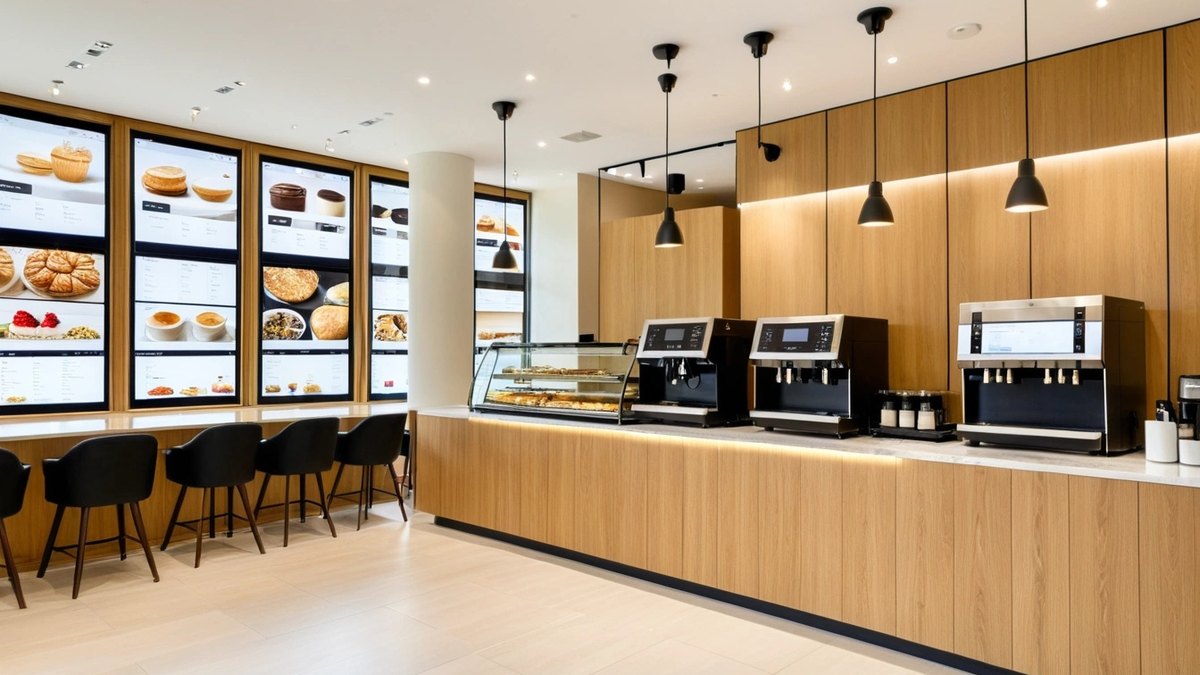
A single store owner can walk past the menu board and see that it works. A franchise cannot. Head office plans campaigns, franchisees run the stores, and the screens sit in between. That creates questions that are hard to answer without data:
- Did the national promotion start in every store on launch day, or only in some?
- Did the expired offer come down when it should have, or is a store still showing last month’s price?
- When a supplier or co-op marketing fund pays for screen time, can you show where and when its content ran?
- When a franchisee says “the screen was off all week”, is that a player problem, a network problem or a display that was switched off?
- Are local offers running alongside brand content, as agreed, or replacing it?
Without reports, these questions are settled by phone calls, photos from store staff and occasional site visits. That is slow, expensive and hard to trust across a large estate.
What a useful proof-of-play report should answer
Most signage platforms say they offer reporting. The useful question is whether the report answers the questions your teams actually ask. Look for these:
- What played, where and when: content item, screen or store, and time, filterable by campaign, region or store group.
- Planned against actual: a simple way to compare what was scheduled with what played, so gaps stand out.
- Campaign view: one summary for a promotion across all stores, not a separate log for every screen.
- Export: a format that marketing, finance or a sponsor can open without logging in to the CMS.
- Sensible retention: enough history to settle questions after a campaign has ended.
- Clear limits: proof-of-play shows that content ran on a screen. It does not show who watched it, so treat any audience figures as a separate topic.
Screen health: find the blank screen before the customer does
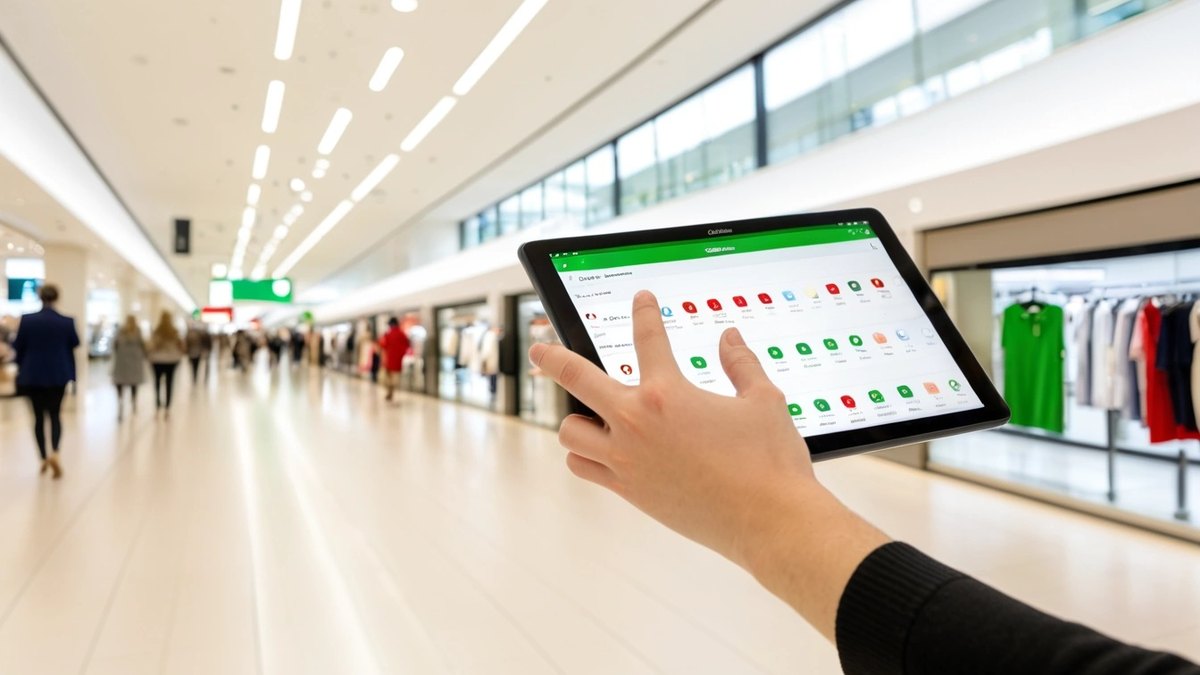
A blank or frozen screen in a store is worse than no screen. It looks neglected and hides the offer you paid to promote. Screen health reporting exists to make those failures visible from head office. When you compare platforms, look for:
- An online or offline status for every player, with the time it was last seen.
- Whether the player has synced the current schedule or is still showing older content.
- Grouping by store, city or region, so a local network outage is easy to tell apart from a single faulty player.
- A list view that support staff can work through each morning, not just a map or a single number.
- Remote recovery steps that reduce the need for a technician visit just to confirm what a screen is showing.
- Offline behaviour: what the player shows when the internet drops, and how quickly it catches up when the connection returns.
Turn reports into a routine
Reporting only helps when someone reads it and knows what to do next. Agree the routine before rollout, not after the first dispute.
- Daily: support checks screen health and works through offline or out-of-date players.
- Weekly: marketing reviews proof-of-play for live campaigns and flags stores that missed content.
- After each campaign: share a summary with franchisees and, where relevant, sponsors.
- Clear ownership: decide whether the franchisee, the central support team or a field technician handles each kind of fault, and how quickly.
- Feedback loop: look for repeat problems by store or device type, and fix the cause, whether that is network, power or the player itself.
For franchise networks, role-based access matters here too. Franchisees should see their own stores, regional managers their region and head office the whole estate.
How Maram’s Digital Signage CMS supports this
Maram’s Digital Signage CMS is built for multi-location screen networks. It includes proof-of-play and health signals, so teams can review playback evidence and screen health after publishing instead of relying on store visits or screenshots. Remote screen management gives support teams visibility of player status, and scheduling history helps answer whether content ran as planned across stores, branches or properties.
Screen grouping lets you organise players by store, region or brand zone, so a national campaign and regional variants can run side by side. Role-based publishing separates administrator, brand and local operator responsibilities, which suits franchise managers who need to update their own screens without touching others. Playback runs on Android players, with offline behaviour and recovery designed for always-on screens.
Where a fleet also needs device policy, inventory and support coordination, the CMS can be paired with the DCM Console for Android device management, and with Android boxes and sticks as players. During rollout, proof-of-play is tested in the validation stage alongside sync, offline behaviour and daypart schedules, so the reports are trusted before the network grows.

Questions to ask any signage CMS vendor
- Can you show a sample proof-of-play report for one campaign across many stores?
- How do you compare what was scheduled with what actually played?
- How is player status shown, and how quickly does an offline player appear?
- What does a player show when the network drops, and does it record playback while offline?
- Can franchisees, regional managers and head office each see only what they should?
- Can reports be exported for marketing, finance or sponsors?
- How long is playback history kept?
- Can we test reporting in a pilot of a few stores before a full rollout?
For the wider selection process, see our digital signage CMS buyer checklist, and for menu boards, our guide to daypart scheduling.
Frequently asked questions
Want playback evidence across every store?
Tell us how many locations and screens you run, who publishes content and what head office needs to see each week. We will show you how Maram’s Digital Signage CMS handles scheduling, proof-of-play and player status for your network.