
Industrial vs Consumer Android Tablets: Which One Your Business Actually Needs
On a spec sheet, an industrial tablet and a consumer tablet can look surprisingly alike: a 10-inch screen, an octa-core processor, Android, a few gigabytes of memory. In use they are very different products. One is built to survive a dusty loading bay, a cold store and a drop onto concrete; the other is built to be light, slim and pleasant on a desk or a sofa. Choosing the wrong one costs money either way — rugged hardware where it is not needed, or a stream of cracked screens where it is. This guide compares the two by use case, using real models from our range.
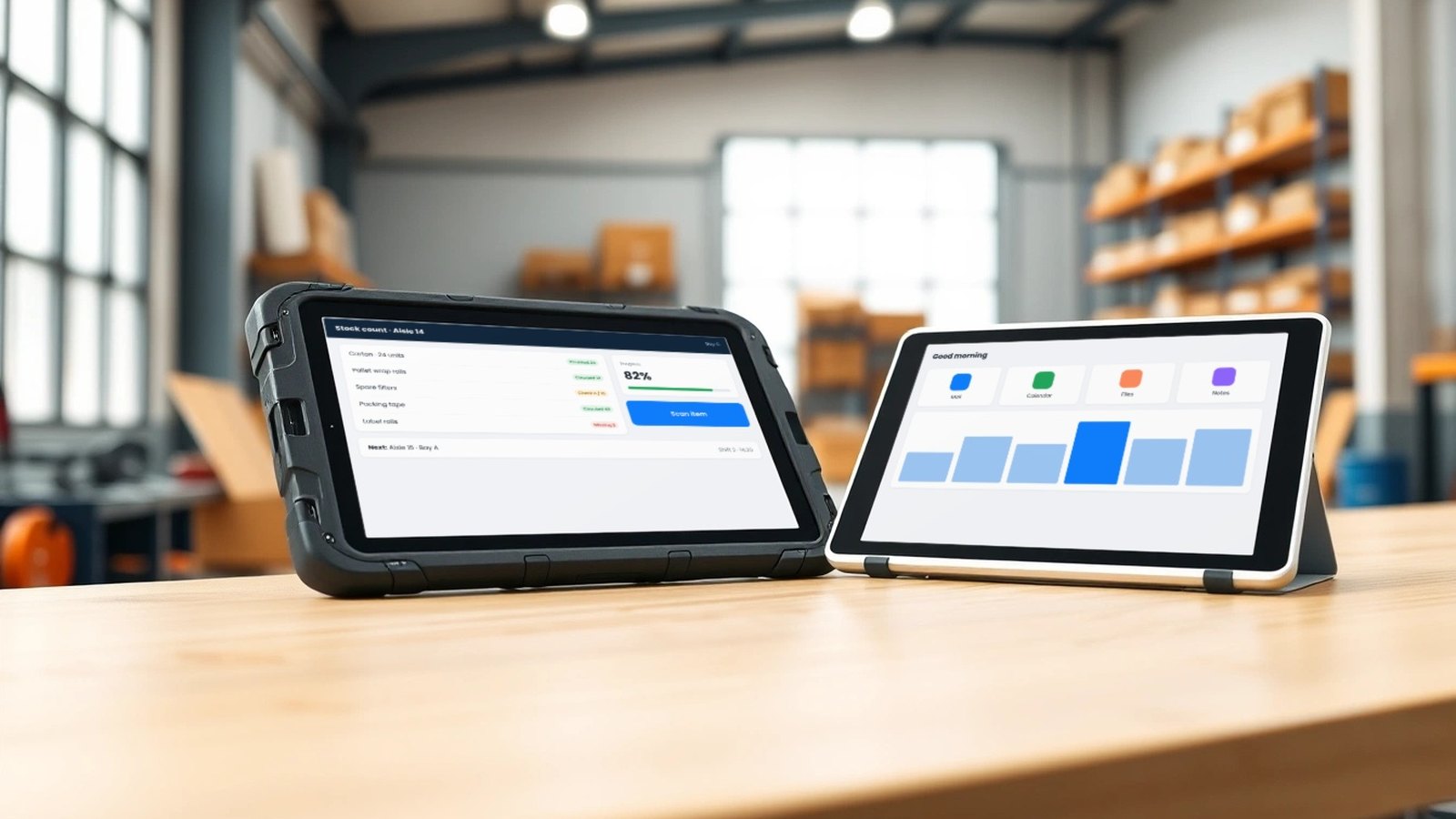
Same Android, different jobs
Both kinds of tablet run Android, and both can run the same business app. That is why the choice is often made on price alone: if the app works on the cheaper device, why pay more? The answer depends entirely on where the tablet will spend its day and who will be holding it. A device that lives on a classroom desk faces very different risks from one that rides in a delivery van, gets wiped down in a food plant or is used with gloves in a cold store.
A useful way to frame the decision is to ask what will end the tablet’s working life first. Indoors, on a desk, it is usually age, battery wear or an accidental crack. In the field, it is water, dust, a drop or a screen nobody can read in sunlight. The first set of risks is manageable with a good case and a sensible charging routine. The second calls for hardware built and rated for it.
This article is about that choice of device. Once you have made it, our industrial tablet fleet checklist covers brightness, mounting, enrollment and the ten-unit pilot, and the Tablet PCs page explains how we plan complete tablet programmes.
What we mean by industrial and consumer tablets
Industrial tablets are designed for harsh or demanding work. In our range, that means models such as:
- QT86: an industrial rugged tablet for field work — IP67 water and dust proof and drop resistant, a 10.1-inch FHD 1920×1200 display with glove touch, Android 15 on an MTK8786 octa-core 2.0 GHz processor, 8 GB RAM (+24 GB expanded) and 128 GB storage, 4G LTE, GPS and an 8000 mAh battery.
- 1002: an industrial three-proof tablet — IP67, rated for 1.5 m drops and operation from −20 to 50 °C, a 10.1-inch 1920×1200 display at 700 nits with G+G touch, Android 13 on an MT8788 octa-core 2.0 GHz processor, 6 GB RAM and 128 GB storage (TF card up to 128 GB), 4G, dual-band GPS, NFC, Bluetooth 5.2, a 10000 mAh battery with 18 W fast charging, and options including a 1D/QR scanner, fingerprint reader, UHF RFID and PSAM.
Consumer or everyday tablets are designed for comfort, media and value in normal indoor conditions. Our everyday range includes 10- to 11-inch Android tablets, most with 5000 to 7000 mAh batteries, Wi-Fi or 4G LTE options, slim and light builds — down to 500 g or less on our slim metal 10.95-inch model — and features such as stylus support, quad speakers or a GMS-certified 2K display, depending on the model.
Between the two sits a third type worth knowing about: the commercial fixed-install tablet. QPAD101, for example, pairs a 500-nit 10.1-inch display with PoE, Ethernet and VESA 75×75 mounting for counters, walls and kiosks. It is built around mounting and wired power rather than rugged handheld use — a job consumer tablets rarely do well.
Durability: sealing, drops and temperature
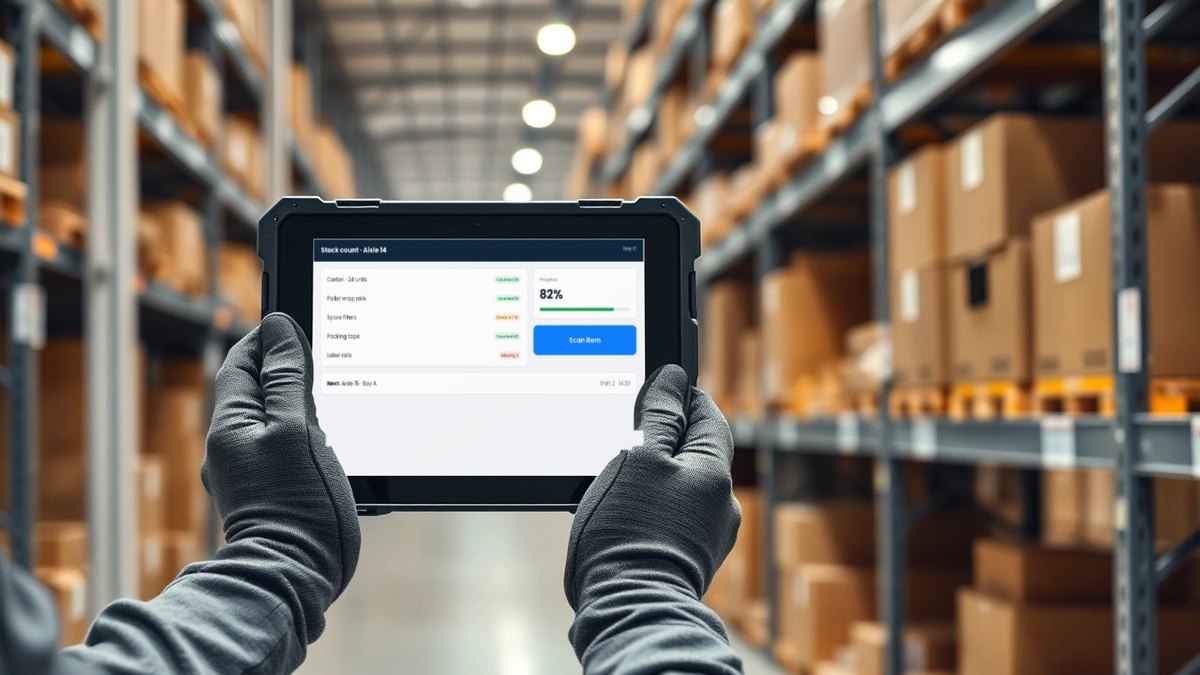
This is the clearest difference. An IP67 rating means the enclosure is dust-tight and protected against temporary immersion in water under test conditions. A drop rating, such as the 1.5 m on 1002, tells you the tablet has been tested falling from roughly hand or waist height. An operating range such as −20 to 50 °C tells you it is meant for cold rooms, outdoor work and hot vehicles. Consumer tablets are generally not specified for any of these, which does not mean they fail at once, but it does mean the risk sits with you.
If your users work in warehouses, factories, construction, utilities, agriculture, logistics yards or anywhere outdoors, those ratings are not a luxury. If they work at desks, counters and in classrooms, a well-fitted protective case on an everyday tablet usually covers the realistic risk.
Display and touch in real conditions
Brightness and touch matter more than resolution once a tablet leaves the office. A 700-nit panel such as the one on 1002 is designed to stay readable in bright light, and the glove touch on QT86 lets staff use it without removing work gloves. Everyday tablets are specified around different strengths: sharp FHD or 2K panels, slim bezels, stylus support and good speakers for learning and media. For a classroom, a meeting room or a sales presentation, those are the qualities that matter.
Battery and weight
Industrial tablets carry larger batteries because a field shift does not stop for a charger: 8000 mAh on QT86 and 10000 mAh on 1002, with 18 W fast charging on 1002. Most everyday tablets in our range carry 5000 to 7000 mAh batteries, which suits a school day or an office routine with a charging point nearby.
The trade-off is weight. The 1002 weighs about 1150 g with its battery, while our slim metal everyday tablet is 500 g or less. Someone carrying a device all day on foot will feel that difference, so choose rugged hardware for the people who need it, not for everyone by default.
Data capture and connectivity
Industrial tablets often replace a separate handheld scanner or reader. The 1002 includes NFC and offers a 1D/QR scanner, fingerprint reader, UHF RFID and PSAM as options, which is why it suits inventory, asset tracking, ticketing and identity checks. Both QT86 and 1002 include 4G and GPS for staff who work away from Wi-Fi.
Everyday tablets vary more. Some in our range have 4G LTE, including a dual-SIM 11-inch model; others are Wi-Fi only, which is fine for a campus or office with good coverage. Match the connectivity to where the work happens rather than paying for cellular on devices that will never leave the building.
Mounting and fixed installations
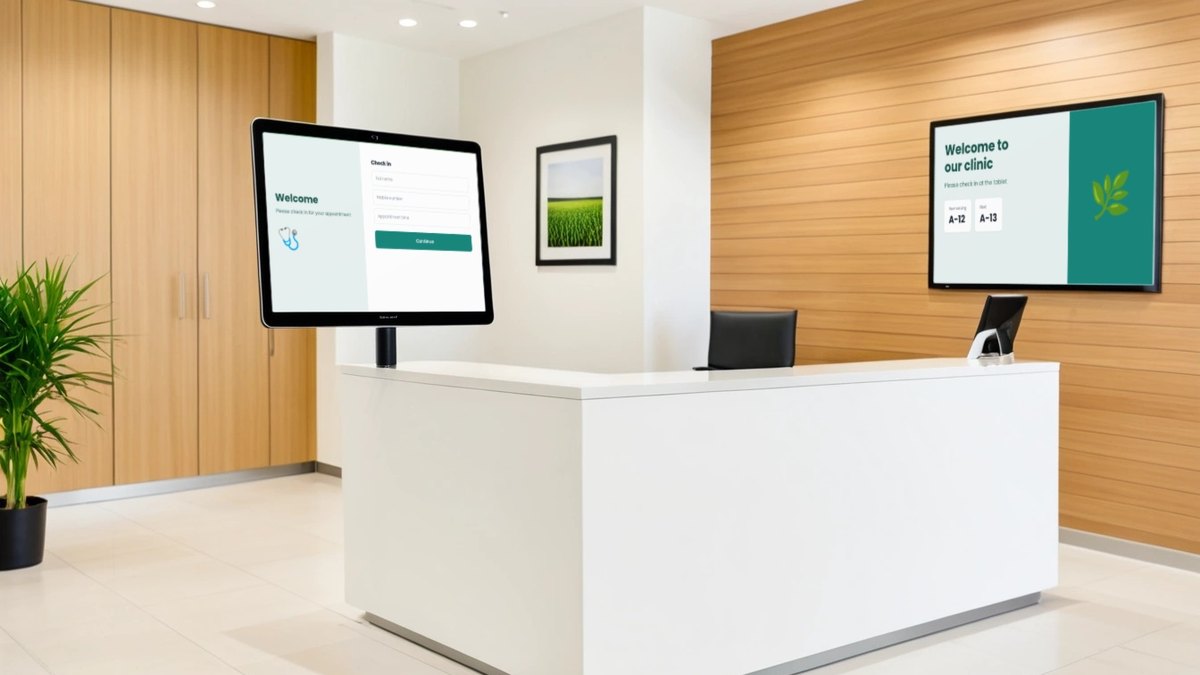
Not every business tablet is handheld. Reception check-in, meeting-room booking, retail product information and kiosk screens usually sit on a stand, a wall or a counter arm, often with power and network delivered to that spot. For these jobs, mounting options and a wired connection matter more than sealing or battery size. A commercial tablet built for fixed installs, such as QPAD101 with VESA 75×75, PoE and Ethernet, is often a better fit than either a rugged handheld or a consumer tablet in a third-party holder.
If a consumer tablet is used in a fixed spot, plan the enclosure, the cable route and the charging behaviour carefully, and test it over several days of continuous use before you roll it out.
Fleet management works for both
Device management is not what separates the two categories. Industrial and everyday Android tablets in our range can be managed from our DCM Console, so a business with both — rugged units in the warehouse and everyday tablets at the front desk — can enrol them in one console, put them in separate groups with their own app sets and policies, and support them from one place. For locked, single-purpose screens, our guide to Android MDM for kiosks goes further, and schools issuing devices to students can start with MDM for student tablets. Where stock Android is not enough, custom firmware and launchers can lock the experience further.
Cost: compare the job, not the unit price
A rugged tablet usually costs more per unit than an everyday tablet. That figure alone is a poor guide. Over the time you expect to keep the devices, add the cost of replacement units and repairs, protective cases, separate scanners or readers that an industrial model might replace, spare devices kept for swaps, and the hours lost when a device is out of service. In a demanding environment, the cheaper unit can become the more expensive fleet. In a calm one, rugged hardware is money that could have gone into more devices, better accessories or training.
Side-by-side, by use case
| Use case | Usually fits | Why |
|---|---|---|
| Warehouse, inventory and dispatch | Industrial (1002 or QT86) | Drops, dust, long shifts; NFC and optional scanning on 1002 |
| Field service, utilities and outdoor inspection | Industrial (QT86 or 1002) | IP67, glove touch or 700-nit display, 4G and GPS, larger batteries |
| Cold rooms and wide temperature ranges | Industrial (1002) | Rated for operation from −20 to 50 °C |
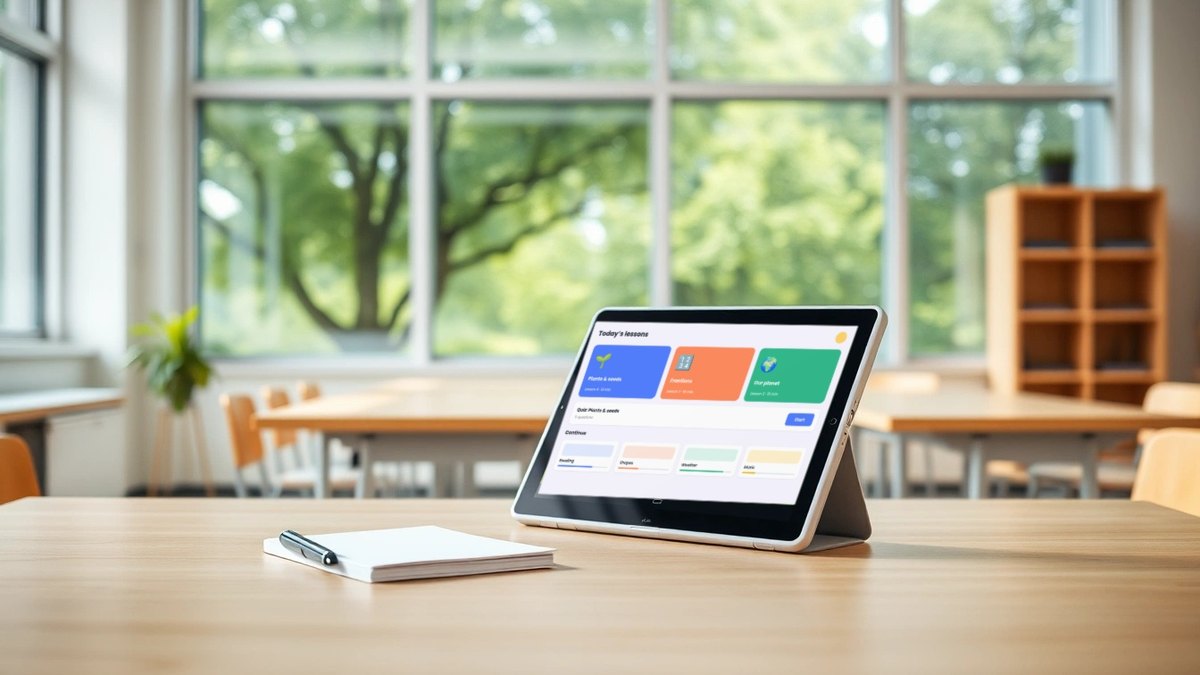
| Classrooms and learning programmes | Everyday tablets | Light, good displays, value pricing; managed with a case and MDM |
| Front desk, meeting rooms and sales presentations | Everyday tablets | Indoor use, careful handling, media and presentation quality |
| Counters, kiosks and wall-mounted check-in | Commercial fixed-install (QPAD101) | VESA mounting, PoE and Ethernet, 500-nit display |
Questions to answer before you buy
- Where will the tablet be used most of the day — indoors, outdoors, in a vehicle, in a cold room?
- Will it be carried, mounted, or left on a desk or cart?
- How often is it likely to be dropped, wet or handled with gloves?
- How long is a working shift, and where is the nearest charger?
- Does the job need scanning, NFC, RFID or fingerprint reading?
- Will it work on Wi-Fi, or does it need 4G and GPS?
- Who enrols, supports and replaces the devices, and how many spares will you keep?
Most businesses end up with more than one type: rugged units for the people on the floor or in the field, everyday tablets for office and customer-facing roles, and perhaps a few fixed-install units at counters. Choosing each by its job, then managing them together, gives you durability where it pays and value where it does not. Maram can help you test a few units of each in your real environment before you order the fleet.
Frequently asked questions
Choosing tablets for your team?
Tell us where the tablets will be used, who will carry them, which apps they run and how many you need. We will suggest industrial, commercial or everyday models, accessories and a management plan that fit that job.