
Android Kernel, Driver Integration and OS Upgrades for Existing Devices
A branded launcher can lock a device to your product. Some requirements sit lower than that. A Wi-Fi module the stock image does not recognise, a portrait signage screen whose touch map is still in landscape, a hardware clock so a player keeps time without a network, or a fleet already in the field that needs a newer Android version — those are kernel, board-support and upgrade problems. This article explains that work, and when an OS upgrade of existing devices is realistic. Launchers, branding, kiosk lockdown, app preload and the update channel for a new image are covered in the companion article on Android OS customization for TV, tablet and mobile.
Kernel, BSP and driver integration
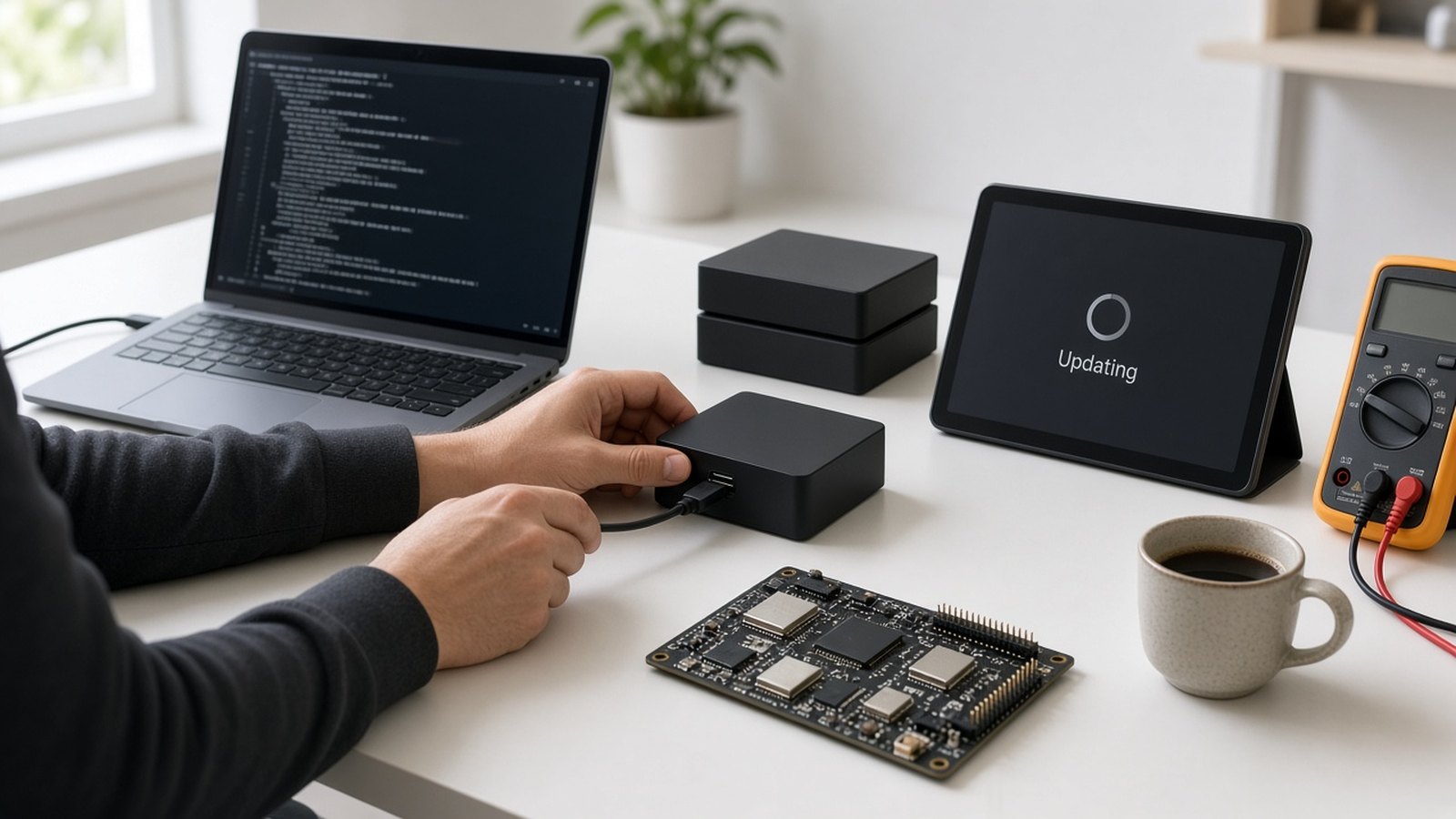
A custom launcher changes what people see. Some requirements only work if the operating system can actually talk to the hardware. That is kernel and board-support work: configuring the kernel, describing the board, and integrating drivers so a Wi-Fi module, a display, a clock chip or a remote is present and stable after every boot. It is the same discipline we use in embedded systems and firmware programmes, and it often sits alongside the product-level customization described in our custom hardware and firmware service. The outcome we aim for is practical — a device that boots with the parts you specified working — not a dump of source changes.
Kernel configuration and the board description. The kernel is the layer that talks to the processor and to the modules on the board. The board description — a device tree, or the equivalent for your platform — tells Android what is actually fitted: which display, which radios, whether a hardware clock is present, and how those parts are wired. Getting this right is what makes a custom image repeatable across a batch of the same board, and what makes a module swap possible at all. If the description or the driver does not match the hardware, a radio simply never appears, a panel comes up in the wrong orientation, or the clock resets every time power is removed.
Wi-Fi and Bluetooth module integration
Commercial boxes and tablets sometimes need a different radio from the one the stock image expects. Typical reasons are a module change for a region or an antenna layout, a replacement when a part is no longer available, or adding wireless to a board that shipped with Ethernet only. We integrate the driver and confirm that the radio appears, associates with a network, and survives sleep and reboot. Feasibility depends on the module, the antenna design and the board support package. It is scoped after we see the hardware; we do not assume every module will drop in.
Display rotation and touch alignment
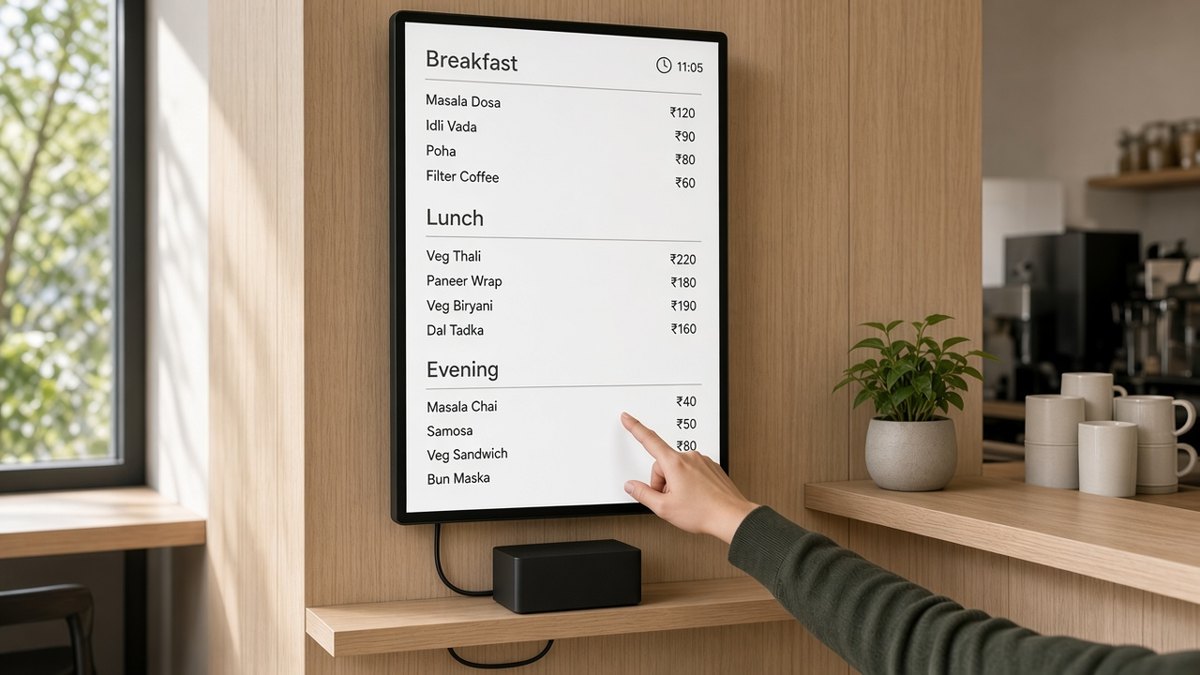
Signage and kiosk screens are often mounted in portrait, or must stay locked in one orientation. Customization can set the default orientation, lock landscape or portrait, and align the touch layer so a tap lands on the same point as the picture. That matters for menu boards, wayfinding, classroom panels and any fixed install where the panel does not sit the way a handheld does. A rotation that looks right but whose touch map is still in the old orientation is a failed install, so both are tested together.
RTC integration
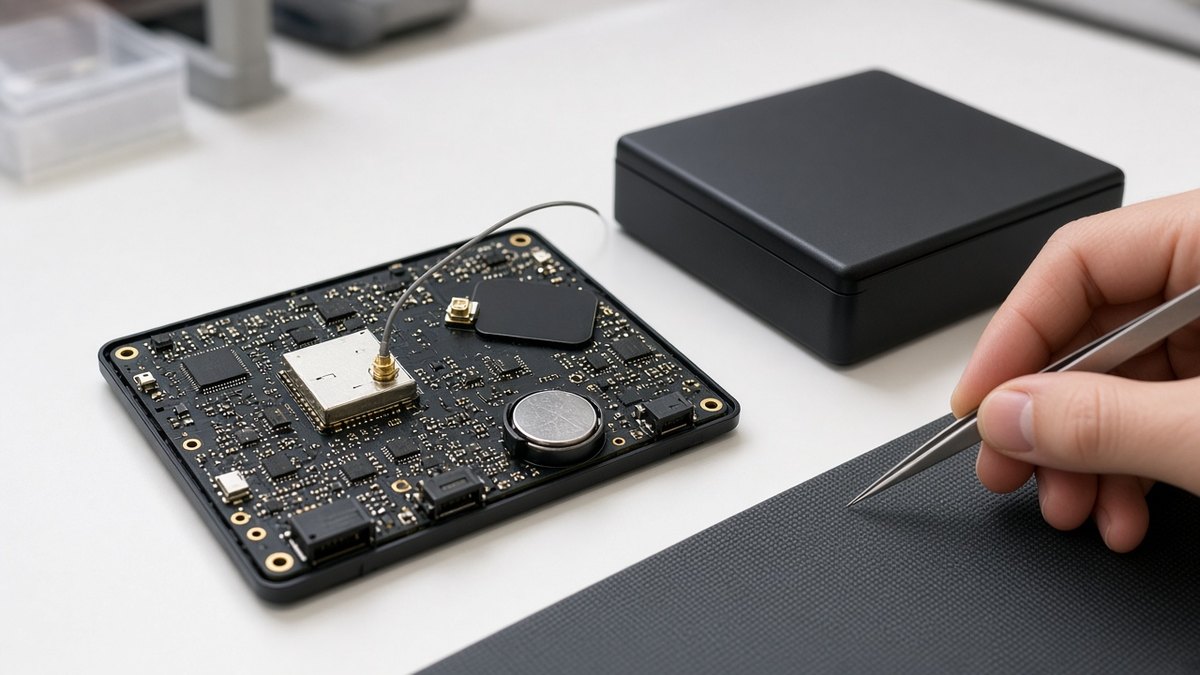
Many consumer boards only keep time while they have power and a network. A hardware real-time clock, with battery backup where the board supports it, lets a player or kiosk keep the correct time after a power cut, even when it is offline. Scheduled power on and off, playlist timing and opening-hours screens all depend on that. Firmware has to initialise the clock chip, use it at boot, and keep system time in step with it. Not every commercial box includes an RTC — it is an option on some industrial and signage players — and the image has to match the hardware you actually have. This is a common need on always-on players; see our note on industrial Android boxes for 24/7 operation, and the scheduling side in digital signage CMS.
Other peripherals
The same board-support discipline applies to Ethernet, USB accessories, GPIO or serial ports used on the factory floor, and infrared remotes. If the port or the accessory is part of the product, it should be in the image and in the test plan, not left as a surprise on site.
Upgrading Android on devices you already have
Customization is not only for a new product launch. Many programmes come to us with a fleet already in the field, running an older Android version, and ask whether those units can be upgraded rather than replaced. Sometimes they can. Sometimes the honest answer is to stay on the current version, keep applying security patches, or plan a hardware refresh. We will not promise that every device can move to a newer Android release.
What decides feasibility. A major version upgrade needs board support for the newer Android on that processor and memory layout. If the platform never received a usable package for the version you want, or if one cannot reasonably be brought up, the upgrade stops there. The device also needs enough storage and RAM for the newer system and your apps. The partition layout matters: some upgrades fit an over-the-air package; others need a different layout and cannot be delivered as a simple OTA. The Android OS types and versions guide is a useful starting point for which release you are aiming at, and why a jump of several versions is a project rather than a switch.
Apps and settings. Your player, operator app or line-of-business app has to be tested on the new version. Permissions, background behaviour and storage rules change between Android releases. We plan what happens to settings, enrolments and locally stored content so you know what will carry across and what will need to be set again. A successful upgrade is one your operations team can live with, not only one that boots to a new version number.
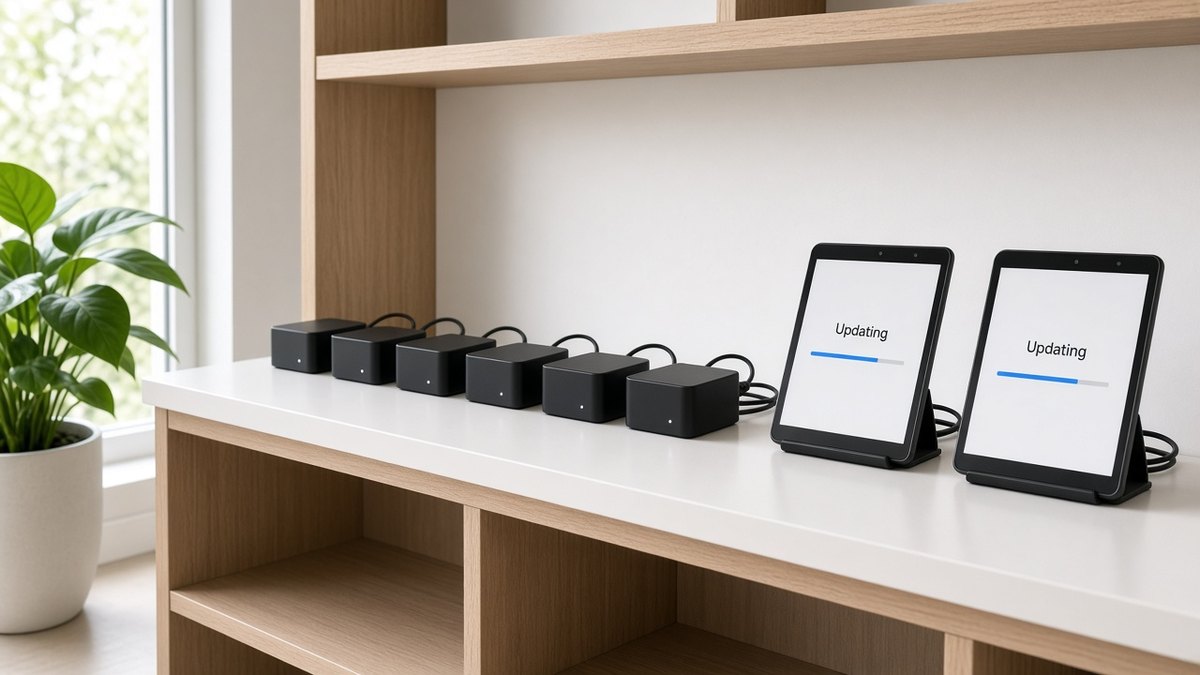
OTA or field flashing. If the layout and the existing recovery path allow it, a tested image can be offered over the air, in waves, with a way to pause the rollout. If they do not, units may need to be flashed on a bench or during a site visit. That is slower, and it should be designed into the operations plan rather than discovered mid-upgrade.
Rollback and safety. A fleet upgrade should be trialled on a small sample, then expanded. We look for a rollback path — a previous image you can return to if the new one fails — and for a failure mode that does not leave a unit unusable in a remote site. Power loss during an update is one of the cases we test before a wider wave.
When a major upgrade is not possible. Security patches and app updates on the current version are still worth doing, and they are often the safer path. Our article on Android security updates for device fleets covers who owns that stream. A planned refresh of the hardware, with a current Android baseline, is the other honest option when the existing board cannot move forward.
How this work is usually scoped
The steps are similar to a customization programme, but discovery starts with the board and with what is already in the field.
- Discover. We look at the device, the current Android version, the board support that is available, and the job: a module change, rotation, RTC, another peripheral, an OS upgrade, or a patch path on the version you have.
- Assess feasibility. For an upgrade, that means processor and memory headroom, partition layout, and whether an over-the-air package is realistic. For a driver change, it means whether the module or clock is actually on the board and whether the package can support it. We say so if the honest answer is no.
- Build a sample. A first image on representative hardware, so you can see the radio, the orientation, the clock or the new version before anything reaches a site.
- Validate. Peripherals, sleep and reboot, power loss, touch alignment where it matters, and — for an upgrade — apps, settings and a rollback path are tested, not only a bench boot.
- Package and roll out. Images are labelled, the OTA or flashing method is documented, and a wider wave only follows a successful sample. If the engagement includes it, later patches follow the same discipline.
To start, share the device type, the current Android version, what you need the hardware to do, and whether this is a new batch or a fleet already deployed. If your brief is mainly a branded launcher or kiosk lockdown, the OS customization article is the better starting point.
Who this service is for
Kernel, driver and upgrade work is a fit when the board itself has to change behaviour, or when devices you already have need a newer Android:
- Signage and kiosk operators who need a portrait or locked orientation, with touch aligned, or a player that keeps time when the network is down.
- Teams swapping a Wi-Fi or Bluetooth module, adding wireless to an Ethernet-only board, or replacing a radio that is no longer available.
- Industrial and field programmes that depend on Ethernet, USB, GPIO, serial or an infrared remote as part of the product.
- Operators and OEMs with a fleet already deployed who want to know whether an Android upgrade is realistic, or whether patches and a later hardware refresh are the honest path.
Launcher branding, kiosk lockdown, app preload and the everyday customization brief remain in Android OS customization for TV, tablet and mobile.
Frequently asked questions
Planning driver work or an OS upgrade?
Tell us the device, the current Android version, and whether you need a radio, rotation or RTC change, an upgrade of units already in the field, or patches on the version you have. We will say what is feasible and outline a sample plan. Call +91 8125 703 703 or write to info@maramtechnologies.in.
Related reading and solutions
- Android OS customization for TV, tablet and mobile
- Custom hardware, firmware and AOSP integration
- Embedded systems and firmware development
- Android OS types and versions
- Android security updates for device fleets
- Industrial Android box for 24/7 operation
- Digital Signage CMS
- Contact Maram Technologies