
Android OS Customization for TV Boxes, Tablets and Mobile Devices
Stock Android is built for a consumer home screen. Businesses that ship TV boxes, tablets or handhelds often need the device to boot as their product: their launcher, their apps, their branding, a controlled path into settings, and a way to update units already in the field. That work is Android OS customization — a custom firmware or ROM, usually based on the Android Open Source Project (AOSP), or a lighter custom launcher when that is enough. This guide explains what the service covers on each form factor, how it differs from MDM alone, and how Maram Technologies approaches it from Hyderabad for programmes in India and abroad.
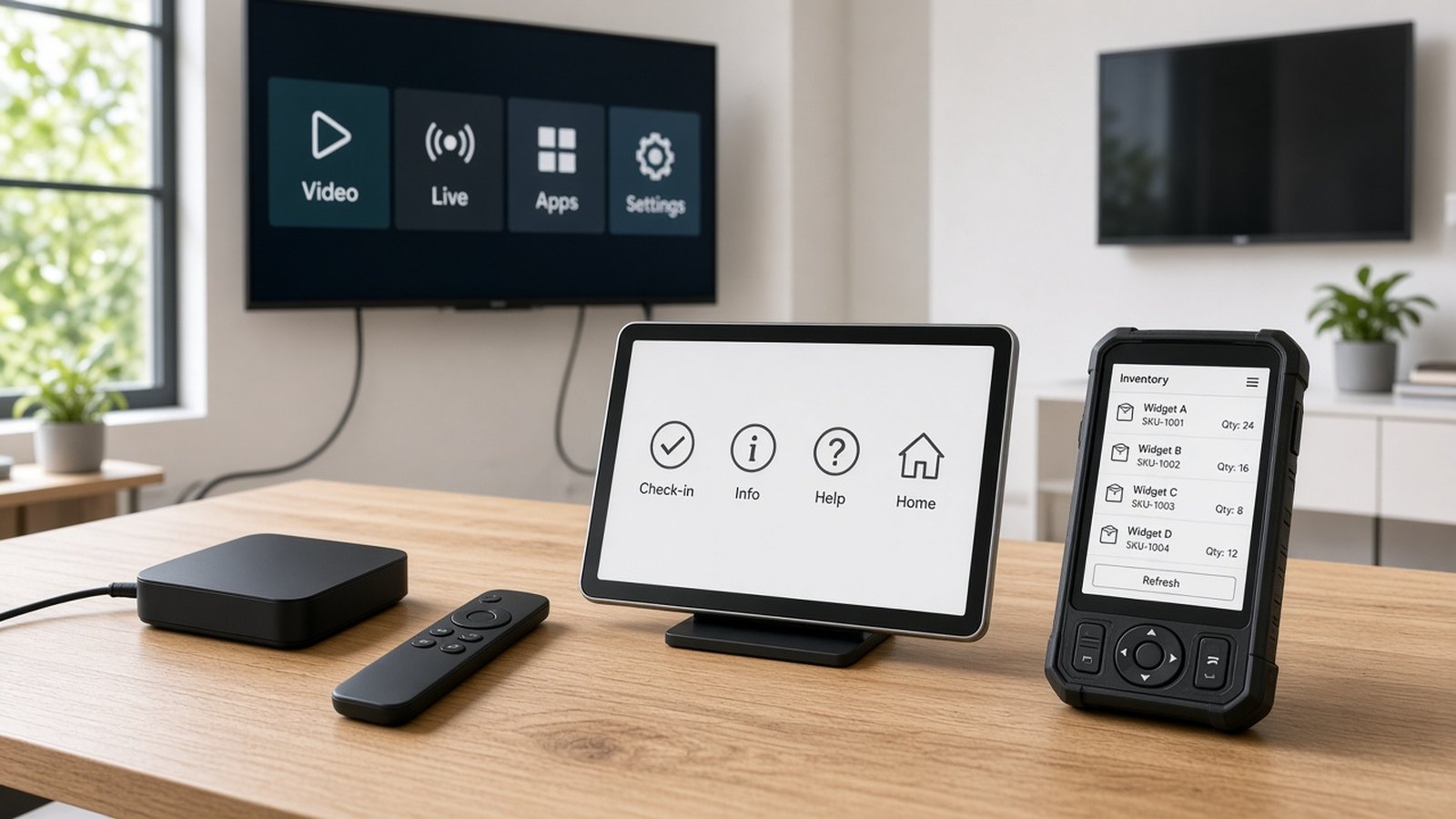
What Android OS customization actually means
Android OS customization is not a hobby ROM and it is not a one-line change to a wallpaper. For a business, it is the work of preparing a maintainable device image so every unit starts in a known state. Operators, schools, factories and kiosk owners care about the first screen a user sees, which apps are already installed, whether settings are reachable, what happens after a power cut, and how a fix reaches devices that have already shipped.
The depth of that work varies. Some programmes only need a custom launcher or kiosk shell: a branded home screen, boot-to-app behaviour and limits on what a user can open. Others need a deeper AOSP-style firmware build, where system apps, boot branding, permissions, drivers and the update channel are part of the image itself. The right choice is the lightest one that still meets the operational bar. Our custom hardware and firmware service is the landing point for that work, and our embedded systems page covers the same discipline when the project is also about the board, boot behaviour and validation before scale.
Two related decisions are easy to mix up with customization, and they are covered elsewhere on purpose. First, you still have to choose whether the device should run a TV build, a tablet-style build or a phone-style build — that choice of Android OS type is explained in Android OS types and versions. Second, once devices are in the field, Android MDM (DCM Console) is usually the right way to apply policy, lock a kiosk and support the fleet. Customization shapes what the device is at first boot. MDM governs it afterwards. Many programmes use both. If a well-chosen commercial device plus MDM can do the job, start there; deeper firmware work is the right investment when the product experience itself depends on device behaviour.
Custom Android firmware for TV boxes
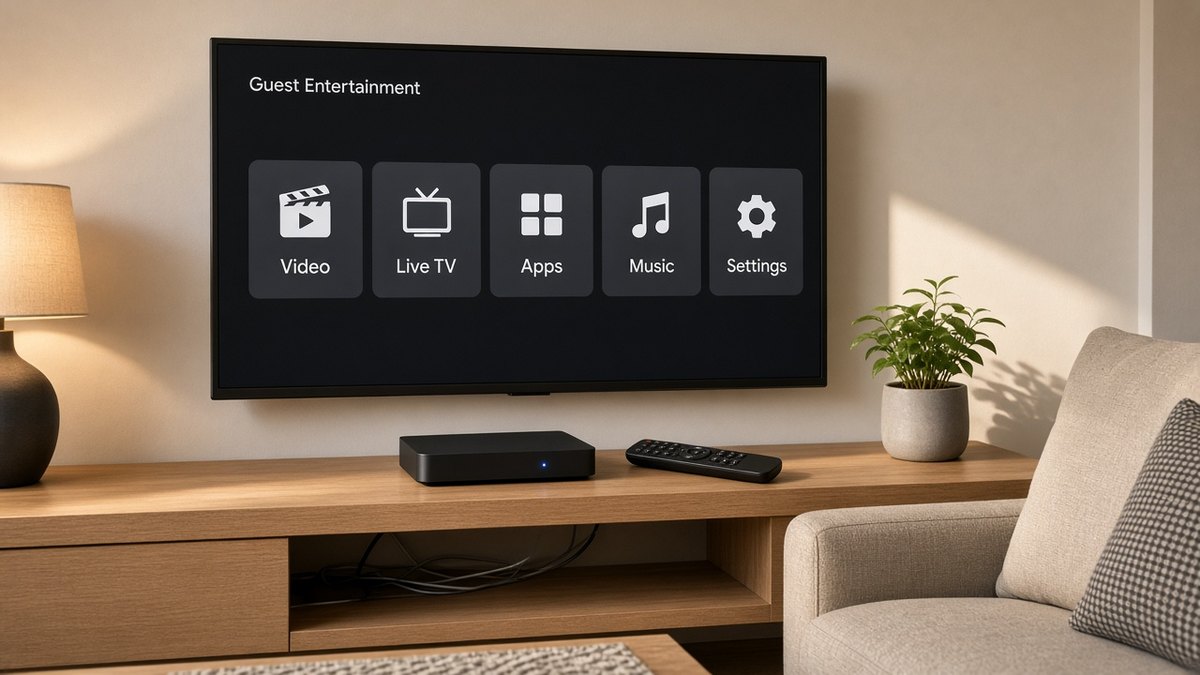
On a TV box, the user is usually across the room, holding a remote. The firmware has to feel like a television product, not a phone mirrored on a large display. That is why ISPs, IPTV and OTT operators, hotels and signage networks ask for a custom Android TV box firmware rather than a retail image. Our Android boxes and sticks programmes often include this layer, and the operating context for operators is set out in Android TV boxes for ISPs and IPTV operators.
Typical TV-box customization includes:
- A custom launcher. A home screen built for a directional pad, with your service, your apps and only the settings a user should reach. Signage players can instead boot straight into the player app and skip a consumer-style menu altogether. That pairing is a natural fit with digital signage CMS.
- Boot logo and boot animation. The first thing on screen can be your mark, not a generic vendor graphic, so the box feels like your product from the moment it is powered on.
- Preinstalled apps. Your IPTV or OTT app, a signage player, a hotel or operator application — already present, already set as the default where needed, with storefronts and demo tools left out if they do not belong.
- Remote key mapping. Buttons on the remote can open the right app or function, including colour keys and app shortcut keys, so guests and subscribers are not hunting through menus.
- An OTA update path. A tested image can be offered to boxes already in the field, with version labels your support team can recognise, rather than a one-off build that cannot be maintained.
Video output, network behaviour after a power cut, and recovery if the main app fails are part of the same conversation. The aim is a box that returns to the intended service without a visit.
Android tablet OS customization
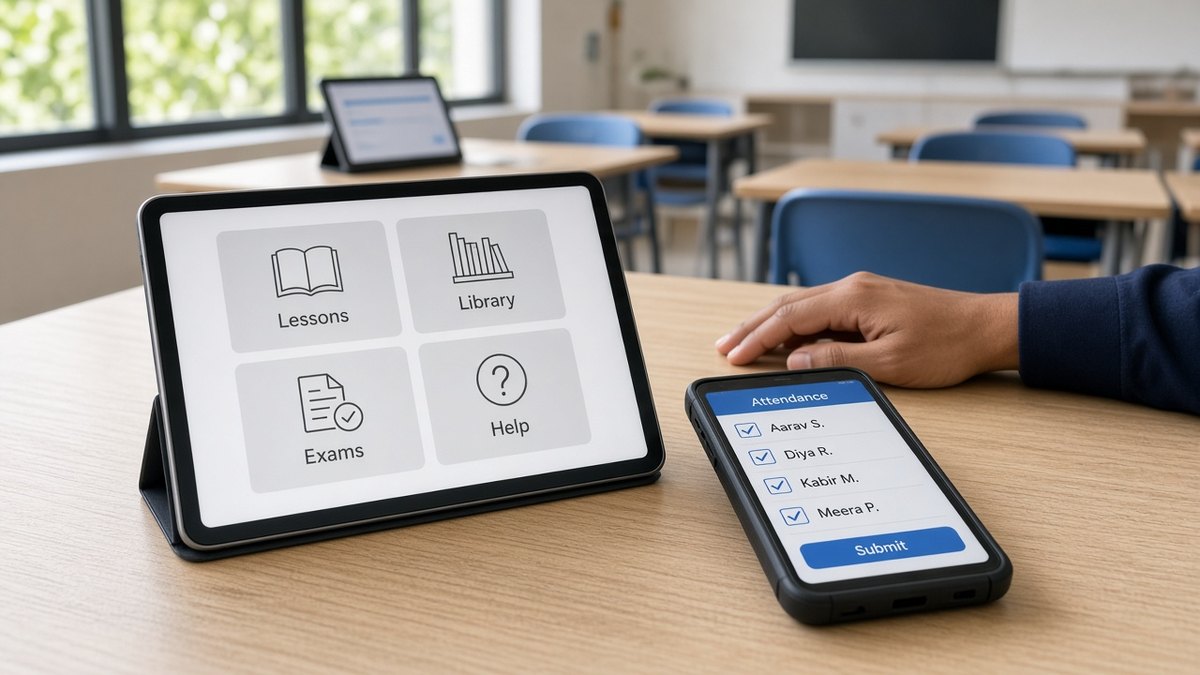
Tablets are touched, shared and often left unsupervised: classrooms, check-in desks, factory panels, retail information points and locked kiosks. The consumer home screen — with its store, widgets and open settings — is usually the wrong starting point. Android tablet OS customization gives you a first-boot experience that already matches the job.
That often means a kiosk or education launcher that shows only approved apps, hides or limits settings, and recovers to the same screen if someone tries to leave it. Schools issuing shared or one-to-one devices can combine an image prepared this way with the enrolment and session controls described in Android MDM for student tablets. Public or single-purpose screens sit closer to Android MDM for kiosks and the decision framework in MDM versus Device Owner and kiosk mode. Industrial and everyday tablets can share the same management console once the image and the policy each do their part; our industrial versus consumer tablet guide and Tablet PCs page cover the hardware choice itself.
Two extras come up on almost every tablet programme. The first is branding: your colours, your home screen and, where useful, a boot mark, so a fleet of devices looks like one product. The second is MDM preload — shipping units that are ready to enrol in DCM Console, or another management console you already run, so the first boot does not start with a scavenger hunt for the agent and the enrolment QR code. Image-level lockdown and MDM are complementary: the image sets the baseline, and MDM keeps that baseline under control as apps, users and sites change.
Mobile and handheld devices
Handhelds and rugged mobile devices spend their day in a pocket, a vehicle or a warehouse aisle. The person holding one usually has a single job: scan, count, ticket, inspect, collect a signature. A custom Android image for that job puts the work app forward, keeps unused consumer features out of the way, and makes it hard to add a personal account on a shared device.
App preload matters here as much as it does on a TV box. So do default permissions. Camera, location, storage and network access should match the actual task — granted where the workflow needs them, limited where they do not — so field teams are not clicking through prompts, and so shared devices do not collect more than the programme intends. Privacy on a handheld is mostly about that discipline: a work profile or a locked-down image, no leftover storefronts, and a clear rule for what happens if the device is reset.
When the unit is industrial or used around the clock, the firmware conversation also includes recovery after a crash, a predictable path back to the work app, and the same update channel you would give a tablet fleet. The hardware may differ; the need for a supportable image does not.
What is common across TV, tablet and mobile builds
Whatever the form factor, a serious customization programme has the same backbone.
- An AOSP baseline and a chosen Android version. You pick a version your apps, your hardware and your update plan can live with, then keep that choice consistent across a batch. The version landscape is summarised in our OS types and versions article.
- Board support and driver work where it is needed. Deeper builds depend on the board support package for the platform you have chosen. If a display, touch panel, radio, camera or industrial interface is not already supported, that work has to be scoped honestly before anyone promises a date. The companion article on kernel, drivers and OS upgrades covers Wi-Fi and Bluetooth modules, display rotation, RTC integration and upgrades of existing devices in more detail.
- Security patches as a planned stream. A custom image that is never patched becomes a risk. Who publishes updates, how they are tested, and how long a given version will be maintained should be agreed up front. Android security updates for device fleets explains why that ownership matters.
- An OTA server or update channel. Field units need a way to receive a tested image, with version numbers your operations team can quote on a support call. The mechanism can be yours, ours, or tied to the management console — what matters is that it exists and is practised before scale.
- A careful view of Google certification. If a product needs Google Mobile Services, the Play Store or a certified Android experience, that is a separate process with Google. It depends on the device, the Android build and the commercial arrangements in place. Maram can help prepare a build and the supporting materials for that path. We do not sell or grant Google licences, and a customized image is not certified just because it was customized. Some business devices do not need that path at all, because apps are installed directly and managed, or because the experience is a locked player rather than a storefront.
Need kernel work or an OS upgrade?
Some programmes also need work below the launcher: a different Wi-Fi or Bluetooth module, a display locked in portrait with the touch map aligned, a hardware real-time clock so a player keeps time without a network, or an Android upgrade on units already in the field. That kernel, board-support and upgrade work is covered in a companion article: Android kernel, driver integration and OS upgrades. If all you need is a branded image, a locked home screen and an update channel, this article is the brief. If the hardware itself has to change behaviour, or an existing fleet has to move to a newer Android version, start there.
How a customization project usually runs
The steps are straightforward. The time they take depends on depth, platform access and how many device types you need to support.
- Discover. We map the device and form factor, the Android version if you already have one, the apps that must be present, the lockdown and branding you want, and how updates should reach the field.
- Choose the depth. Launcher-only, policy-assisted, or a deeper AOSP-style image. This is the decision that most affects cost and timeline, so it is made explicitly.
- Build a sample. A first image or configuration you can hold, power on and compare with the brief.
- Validate. Apps, launcher, branding, permissions, remote or touch use, behaviour after a power cut, and the update path are tested on representative units — not only on a bench that never leaves the lab.
- Package. Images are labelled, install notes are written, and the OTA or handover route is documented so operations can repeat the result.
- Maintain. If the engagement includes it, later security patches, app updates and small image revisions follow the same test-and-release discipline rather than arriving as an informal rebuild.
To start, it is enough to share the device type, the job it must do, the apps you rely on, the restrictions you need, and whether you already have a preferred Android version or management console. If you also need a radio, rotation or RTC change, or an upgrade of a fleet already in the field, include that.
Who this service is for
Android OS customization is a fit when the device experience is part of what you sell or operate:
- ISPs, IPTV and OTT operators, and hotels that need a branded, remote-driven TV box.
- Digital signage and kiosk operators who need a player or a single app to own the screen after every reboot.
- Schools and training teams issuing shared or student tablets that must stay on approved apps.
- OEM and solution partners packaging hardware and software as their own product, including private-label programmes.
- Industrial, warehouse and field teams whose handhelds or tablets should open into a work app, not a consumer home screen.
If you are still choosing a manufacturing or supply partner for the box itself, start with sourcing an Android TV box manufacturer in India and treat firmware as part of that same conversation, not an afterthought. Teams whose brief is a module change, a hardware clock, or an Android upgrade of devices already deployed should begin with kernel, drivers and OS upgrades.
Frequently asked questions
Planning a custom Android image?
Tell us the form factor — TV box, tablet or handheld — the apps you need, the branding and lockdown you want, and how you expect to update devices in the field. We will recommend a launcher-only or deeper firmware path and a sample plan. Call +91 8125 703 703 or write to info@maramtechnologies.in.
Related reading and solutions
- Android kernel, driver integration and OS upgrades
- Custom hardware, firmware and AOSP integration
- Embedded systems and firmware development
- Android boxes and sticks
- Commercial Tablet PCs
- Android MDM (DCM Console)
- Digital Signage CMS
- Android OS types and versions
- Android MDM vs Device Owner and kiosk mode
- Android security updates for device fleets
- Android TV boxes for ISPs and IPTV operators
- Contact Maram Technologies