
Cloud vs On-Premise Digital Signage CMS: A Buyer’s Guide for India
Choosing a digital signage CMS also means choosing where it runs. A cloud CMS is hosted by the provider and reached over the internet. An on-premise CMS runs on servers your own team looks after. For screen networks in India, where broadband quality varies from city to city and site to site, the right answer depends on your connectivity, data rules, growth plans, budget model and IT capacity. This guide works through each of these, explains why offline playback matters in both models, and lists the questions to settle before you sign.
What the choice is really about
Every signage network has the same moving parts: a place where content is uploaded and scheduled, players at each site, and screens. The cloud versus on-premise question is only about the first part, meaning where the CMS software, media library, schedules, user accounts and logs live, and who keeps them running.
- Cloud CMS. The provider hosts the dashboard and the content service. Your team signs in from a browser, and players at each site connect over the internet to fetch schedules and media and to report health.
- On-premise CMS. The software runs on servers in your own office, data centre or private cloud. Your IT team installs, secures, backs up and upgrades it, and each site's players need a network path to that server.
Some vendors also offer mixed arrangements. Whichever you are offered, the decision comes down to six practical questions: connectivity, data control, multi-location rollout, cost model, maintenance and offline playback.
1. Connectivity at your sites
Start with the network you actually have, not the one in the proposal. Branches in metros may have stable broadband. Stores in smaller towns, highway outlets, campuses and hospitals often have links that slow down or drop during the day.
With a cloud CMS, each player needs an internet connection to receive new content and send status. It does not need a perfect one, provided the player downloads content ahead of time and plays from local storage. With an on-premise CMS, each player needs a route to your server: over the office LAN at head office, and usually over a VPN, MPLS or another private link from branches. If your branches already have that private network for billing or ERP, on-premise is easier. If they only have ordinary broadband, cloud is usually simpler.
For sites with weak fixed lines, a player with mobile data can be a practical backup. Our article on SIM-enabled Android boxes covers when that makes sense.
2. Data control and security
A signage CMS holds less sensitive data than most business systems, but it is not nothing. It stores your media and campaigns before launch, user accounts and roles, schedules, and playback and health logs. In hospitals, banks and government offices, internal policy may decide where that data can sit.
Ask these questions whichever model you choose:
- Where is the CMS hosted, and in which country is the data stored?
- How are users authenticated, and can access be limited by role, site and screen group?
- Is there a record of who published what, and when?
- How do players connect, and is that traffic encrypted?
- If we leave, can we export our media, layouts and schedules?
Cloud does not automatically mean less secure, and on-premise does not automatically mean more secure. A well-run cloud service may be better patched than a server nobody owns inside an office. An on-premise server can meet a strict data-residency rule that a cloud service cannot. The answer depends on who runs it and how well.
3. Multi-location rollout
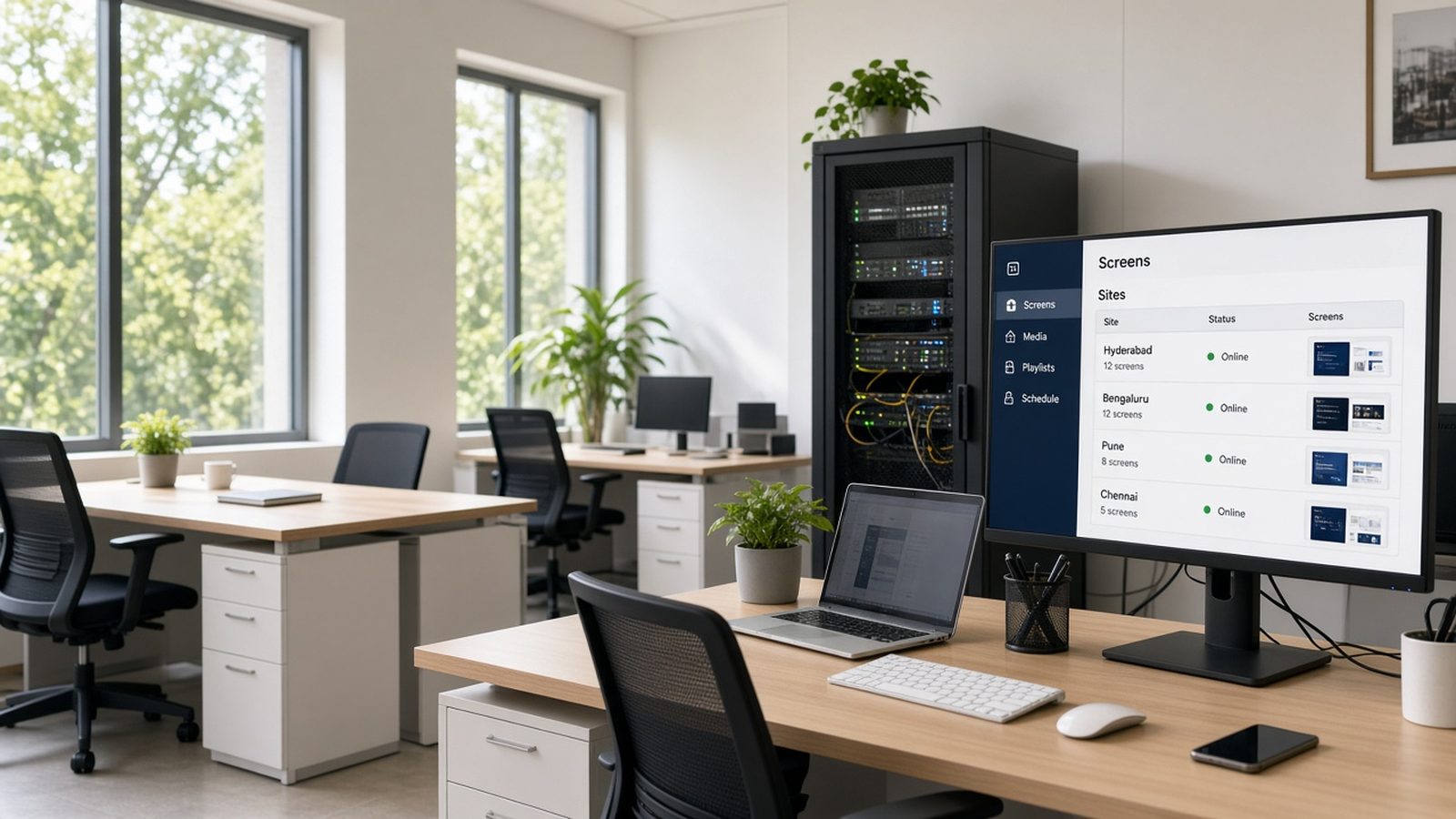
Signage networks grow one site at a time, and that is where the hosting model shows. With a cloud CMS, adding a branch usually means installing the screen and player, connecting it to the internet, enrolling it and assigning it to a screen group. The new site can start playing the same day. With an on-premise CMS, every new site also needs a network path to your server, firewall rules and possibly VPN setup, which involves your network team for each location.
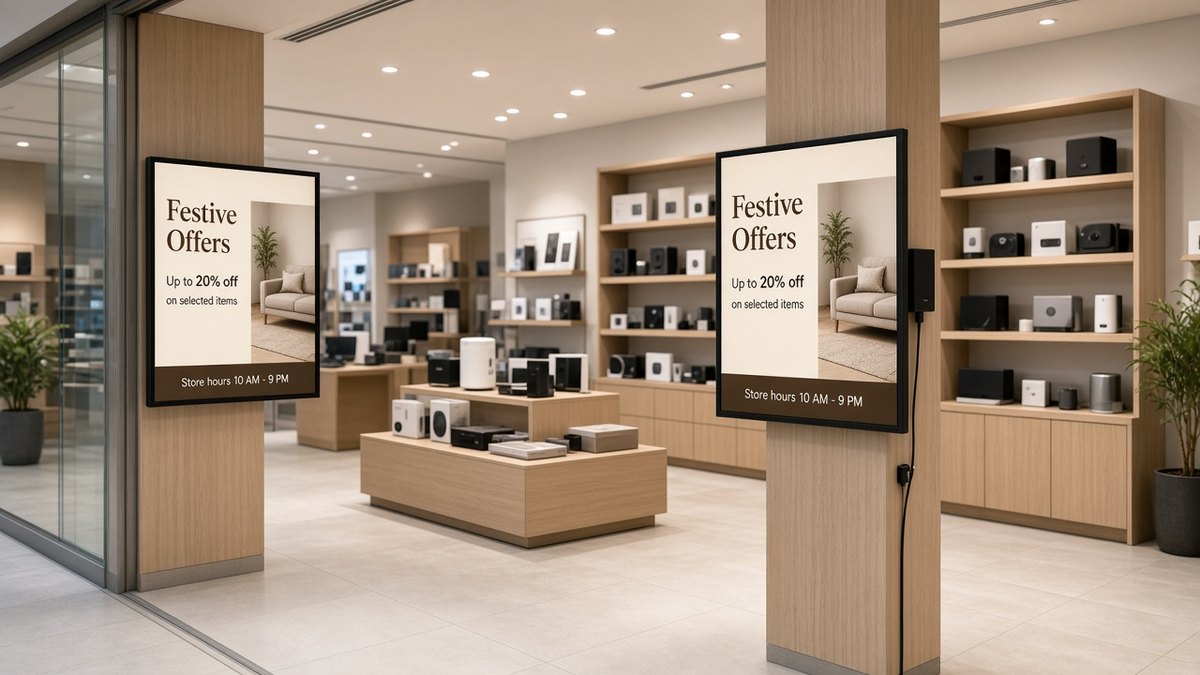
Screen groups matter in both models. Organise screens by region, store format or department so a national campaign and a local offer can run side by side. For franchise networks, also check how access is separated between head office, regional managers and individual outlets. Our retail signage rollout guide walks through a phased rollout in more detail.
4. Cost model
The two models put costs in different places. Compare the total over the years you expect to run the network, not the first invoice.
| Cost area | Cloud CMS | On-premise CMS |
|---|---|---|
| Software | Cloud: recurring subscription, often per screen or per site | On-premise: licence, sometimes with an annual support fee |
| Servers and hosting | Cloud: included in the subscription | On-premise: your hardware or private cloud, power, space and backups |
| Upgrades and patches | Cloud: handled by the provider | On-premise: planned and applied by your IT team |
| Network | Cloud: internet at each site | On-premise: a private route from each site to your server |
| People | Cloud: content and screen operations | On-premise: content and screen operations, plus server administration |
Players, screens, mounting, installation and content creation cost roughly the same in either model. For a fuller breakdown of a signage budget, see our guide to digital signage cost.
5. Maintenance and upgrades
Someone has to keep the CMS healthy: apply security patches, upgrade the software, back up content and settings, watch disk space and certificates, and restore service when something fails. In a cloud model, that is the provider's job, so ask how often they update, how they announce changes and how they handle outages. In an on-premise model, it is your team's job, so be honest about whether that team has the time.
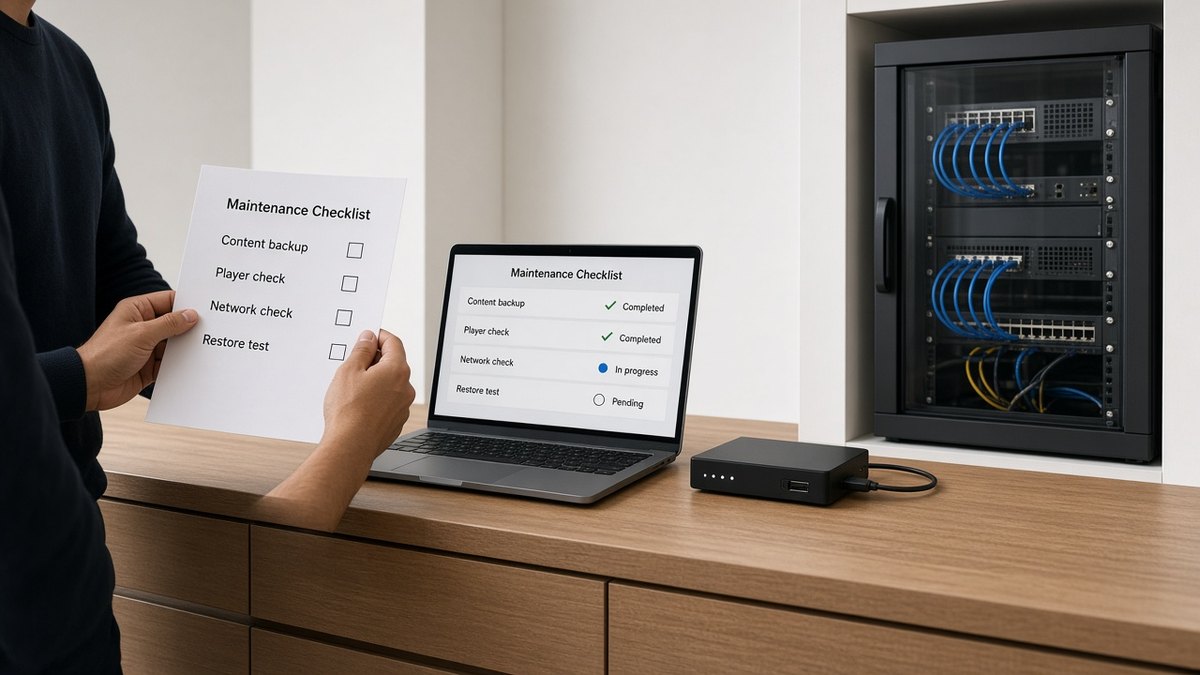
Players need maintenance in both models. The player app, Android security updates and device settings all have to be kept current across the fleet. Android MDM (DCM Console) helps with inventory, policies and remote support for the devices themselves, and our article on Android security updates for device fleets covers the update side.
6. Offline playback
This is the question that matters most to the people standing in front of the screen. A screen that goes blank when the internet drops looks broken to customers and patients, whatever the hosting model.
In practice, offline behaviour depends far more on the player than on where the CMS is hosted. A well-designed player downloads scheduled content in advance, keeps playing from local storage when the connection drops, sends playback and health data once it reconnects, and recovers to a known state after a restart. Maram's Android players are designed to sync content from the cloud, continue with sensible offline behaviour when connectivity dips and recover after restarts. When we plan Android boxes and sticks for a network, storage for offline media and an Ethernet preference for critical screens are part of the selection.
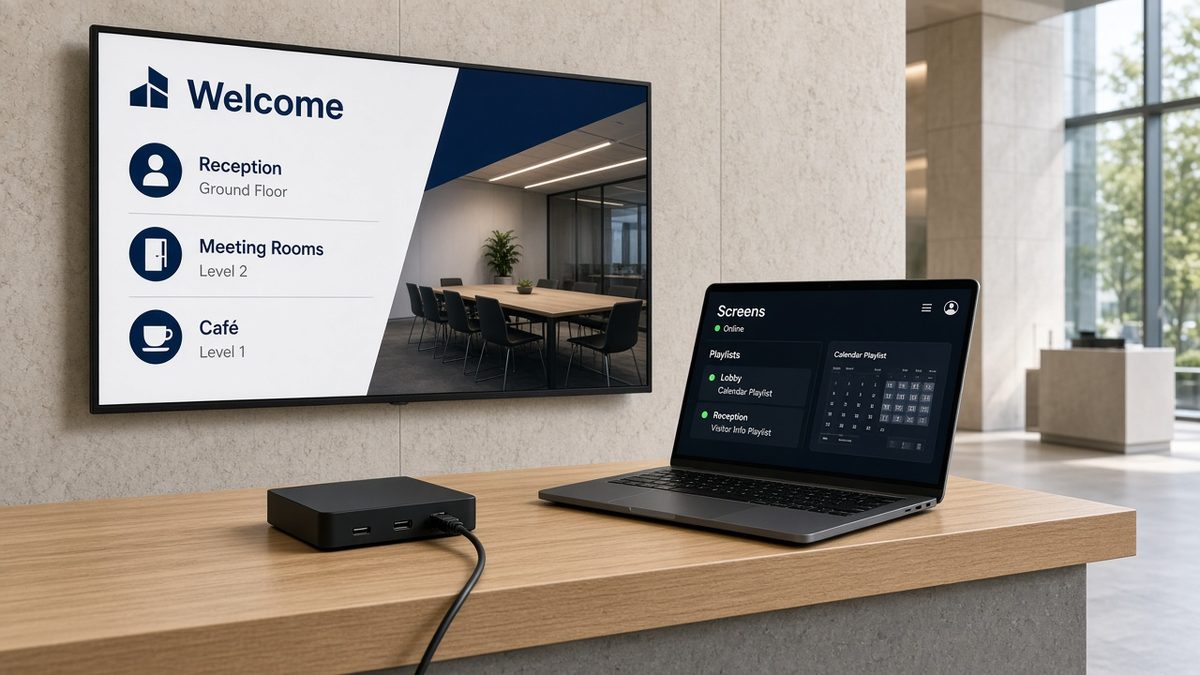
Test it rather than trusting a datasheet. During the pilot, unplug the network from a player mid-schedule, leave it for a few hours, and confirm that it plays the right content at the right times and reports correctly when it comes back. If any content depends on a live feed, such as a token number or a price list, ask what the screen shows while that feed is unavailable. If a screen depends on the correct time, also ask whether the player keeps time without a network. A hardware clock is an option on some units, not every model.
A simple way to decide
Cloud is usually the better fit when:
- Your sites have ordinary internet and no shared private network.
- You expect to add locations regularly and want new sites live quickly.
- You would rather pay a predictable subscription than run servers.
- Your IT team is small, or busy with systems that matter more than signage.
On-premise deserves a serious look when:
- A written policy requires signage data to stay inside your own network.
- Some screens sit on networks with no internet access at all.
- Your branches already share a private network and your IT team runs its own servers.
If you are unsure, start with a cloud pilot. It takes the least setup, and it will show what your content, network and teams actually need. Whichever model you lean towards, take the questions above and our digital signage CMS buyer checklist into every demo. If you are weighing a ready platform against building your own, custom software vs SaaS covers that decision.
Where Maram fits
Maram's Digital Signage CMS is a cloud CMS designed in Hyderabad for multi-location networks in India and abroad. It brings together a web dashboard, composition studio, media library, playlists and calendar scheduling, screen groups, role-based publishing, proof-of-play and screen health, with playback on Android screens, boxes and sticks. We help plan the network assumptions, sync windows and offline expectations before screens go out. If your organisation has a specific hosting or data requirement, tell us at the start so we can discuss what fits your deployment.
Frequently asked questions
Deciding where your signage CMS should run?
Tell us how many sites and screens you plan, what the network looks like at each site, and any data or hosting rules you must follow. We will help you plan players, sync and offline behaviour, and a two-site pilot. Call +91 8125 703 703 or write to info@maramtechnologies.in.
Related reading and solutions
- Digital Signage CMS
- Android boxes and sticks
- Android MDM (DCM Console)
- Hospital and clinic queue and token displays
- Digital signage CMS buyer checklist
- Digital signage cost
- Retail digital signage rollout
- Proof-of-play and screen health
- SIM-enabled Android boxes
- Android security updates for device fleets
- Contact Maram Technologies